Asset Identification
Quality Control
Quality Control
Quality Control
Quality Control
Quality Control
Asset Identification
Asset Identification
Asset Identification
Asset Identification
Industrial Safety
Asset Identification
Asset Identification
Asset Identification
Asset Identification

Asset Identification
Asset Identification
Industrial Safety
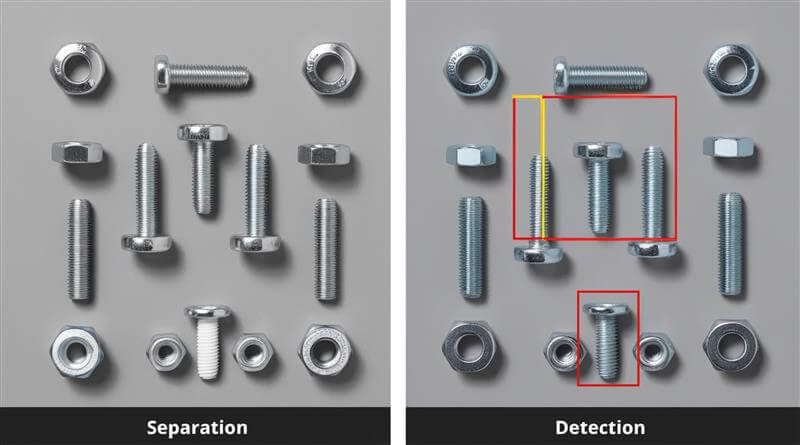
Quality Control
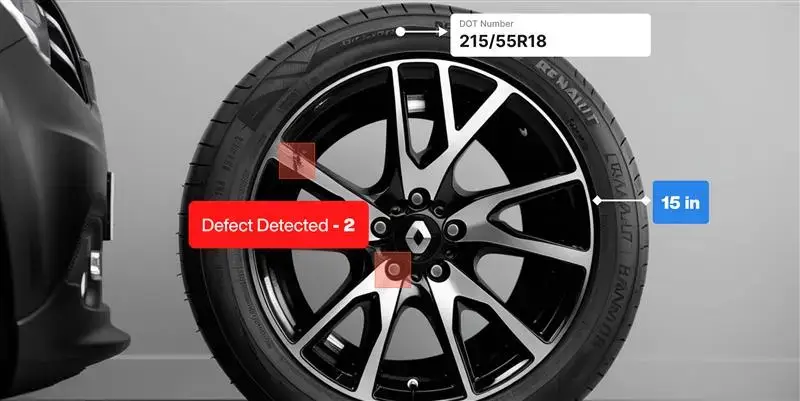
Quality Control
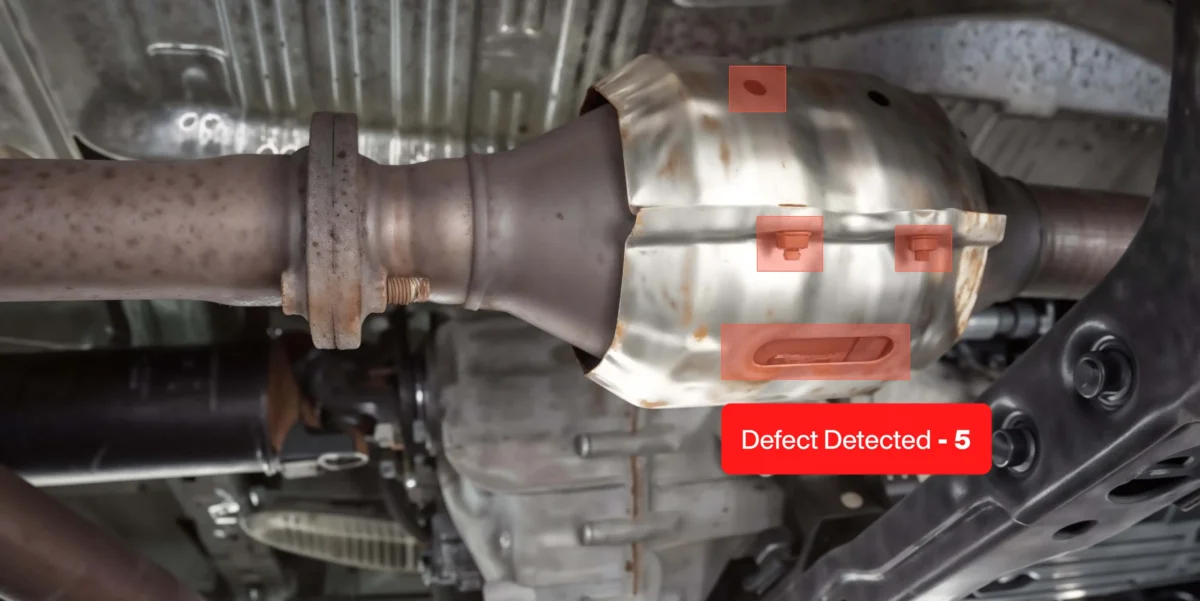
Quality Control
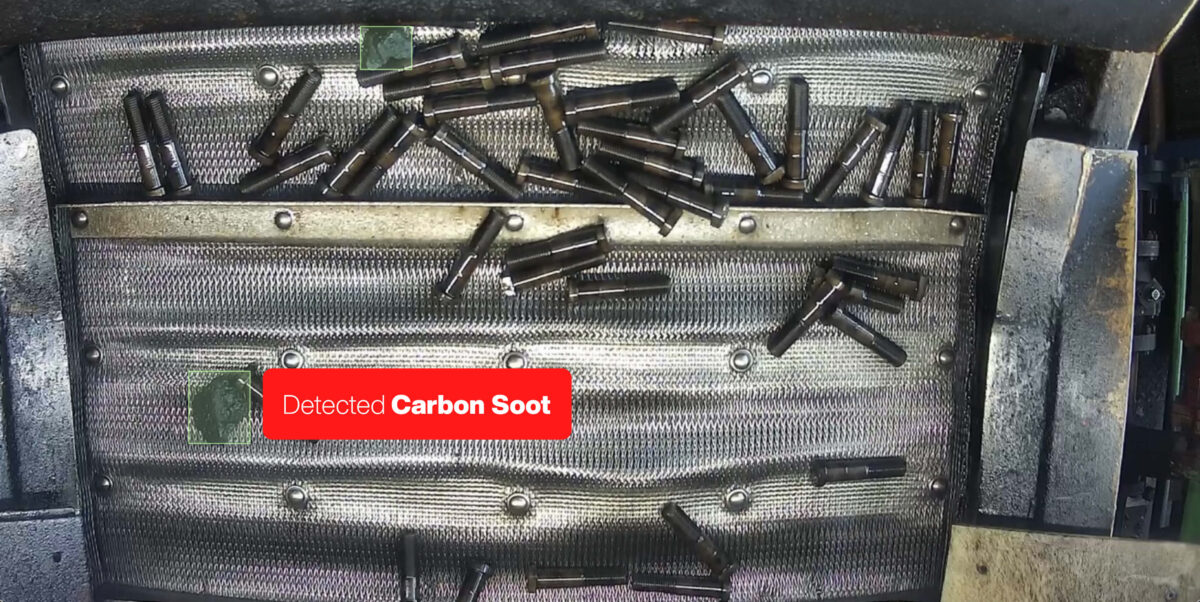
Quality Control
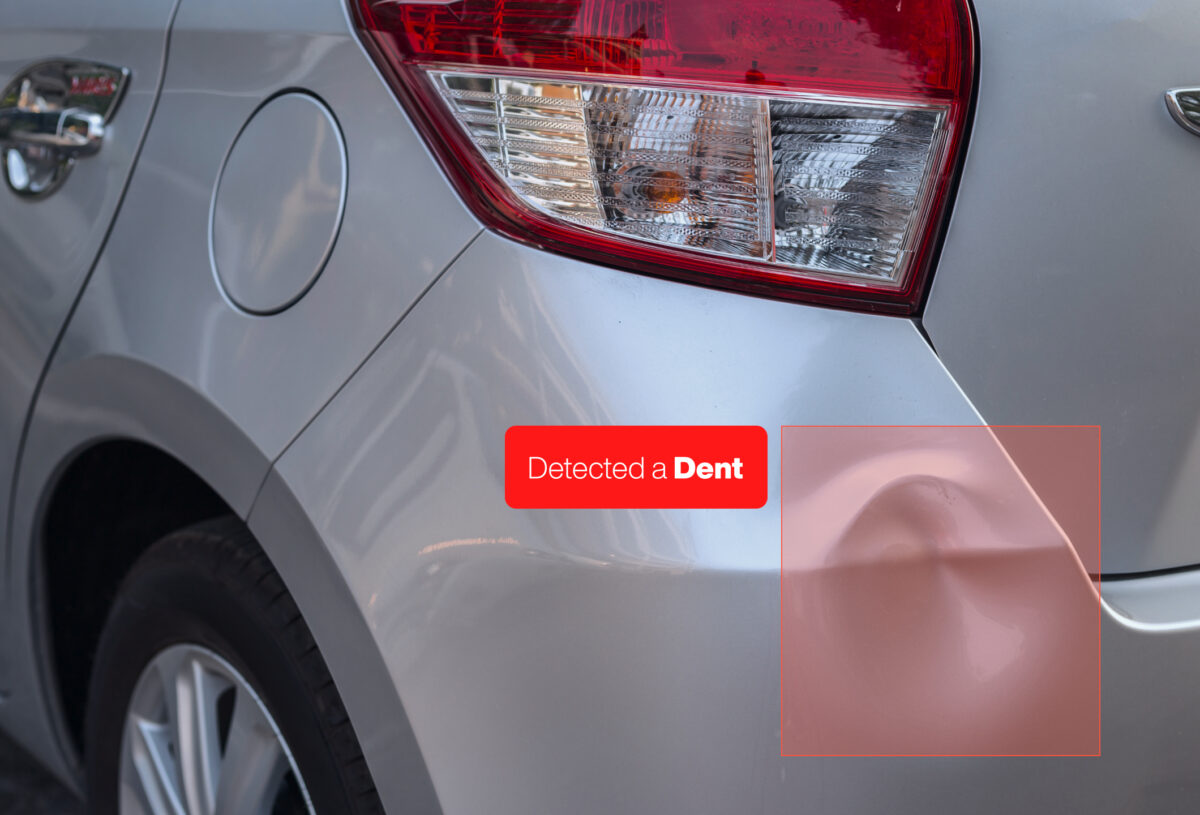
Quality Control
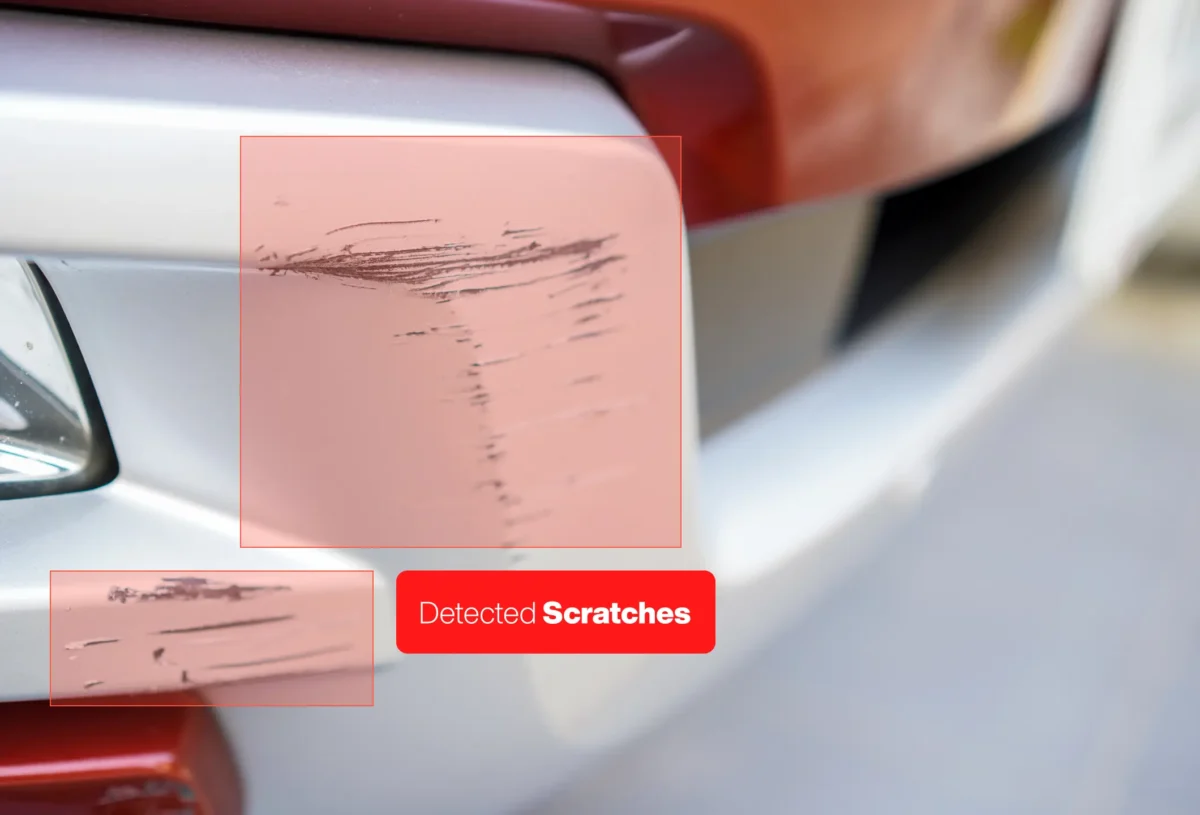
Quality Control
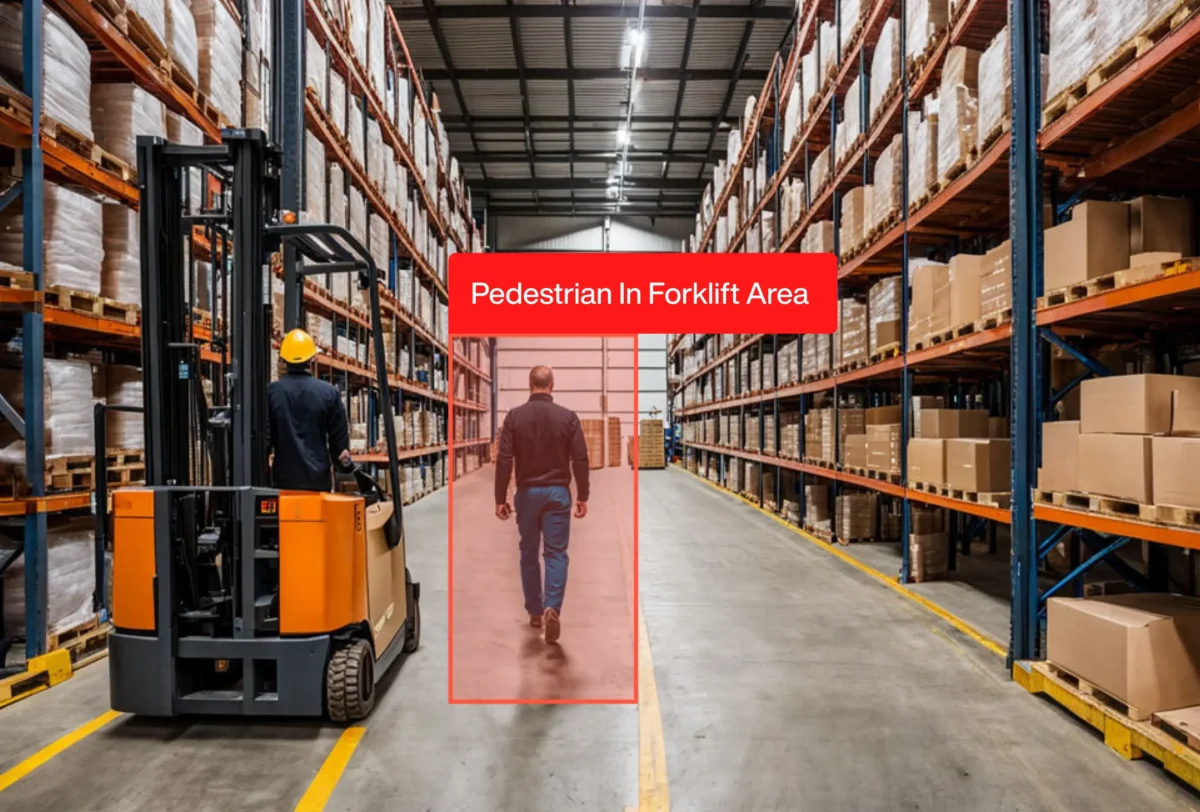
Industrial Safety

Industrial Safety
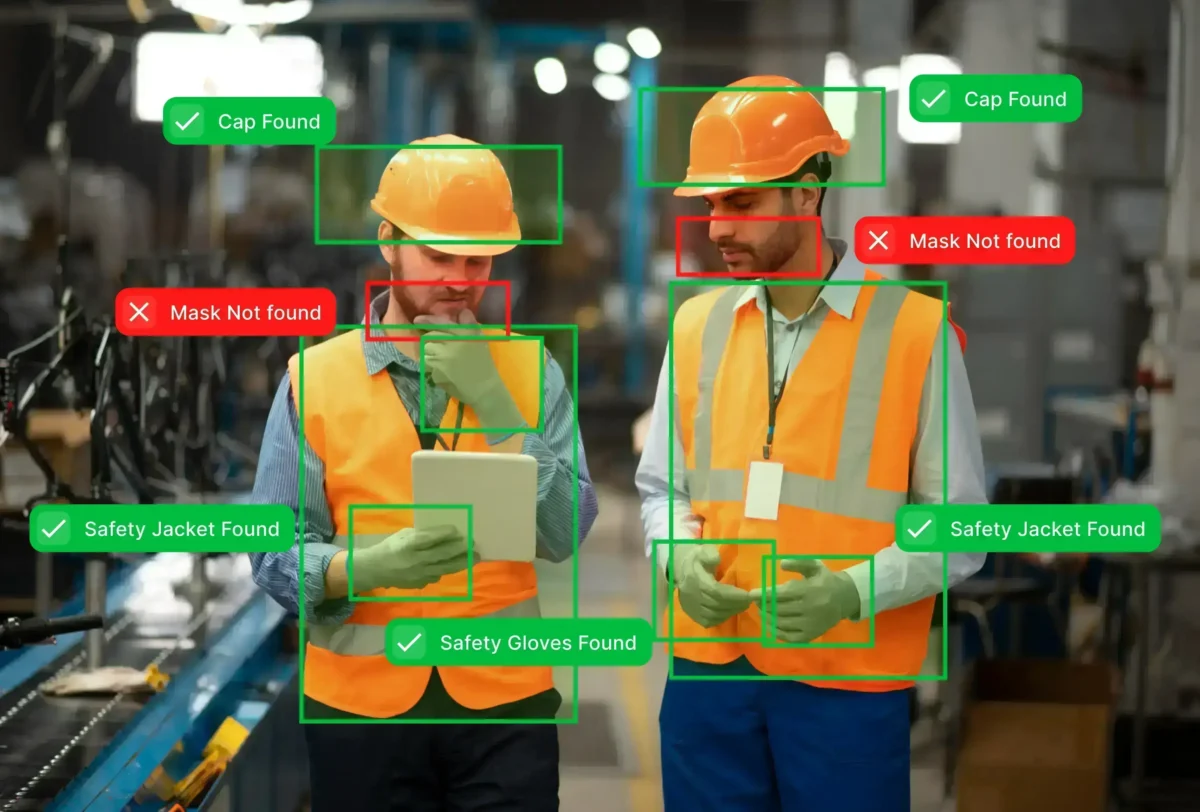
Industrial Safety
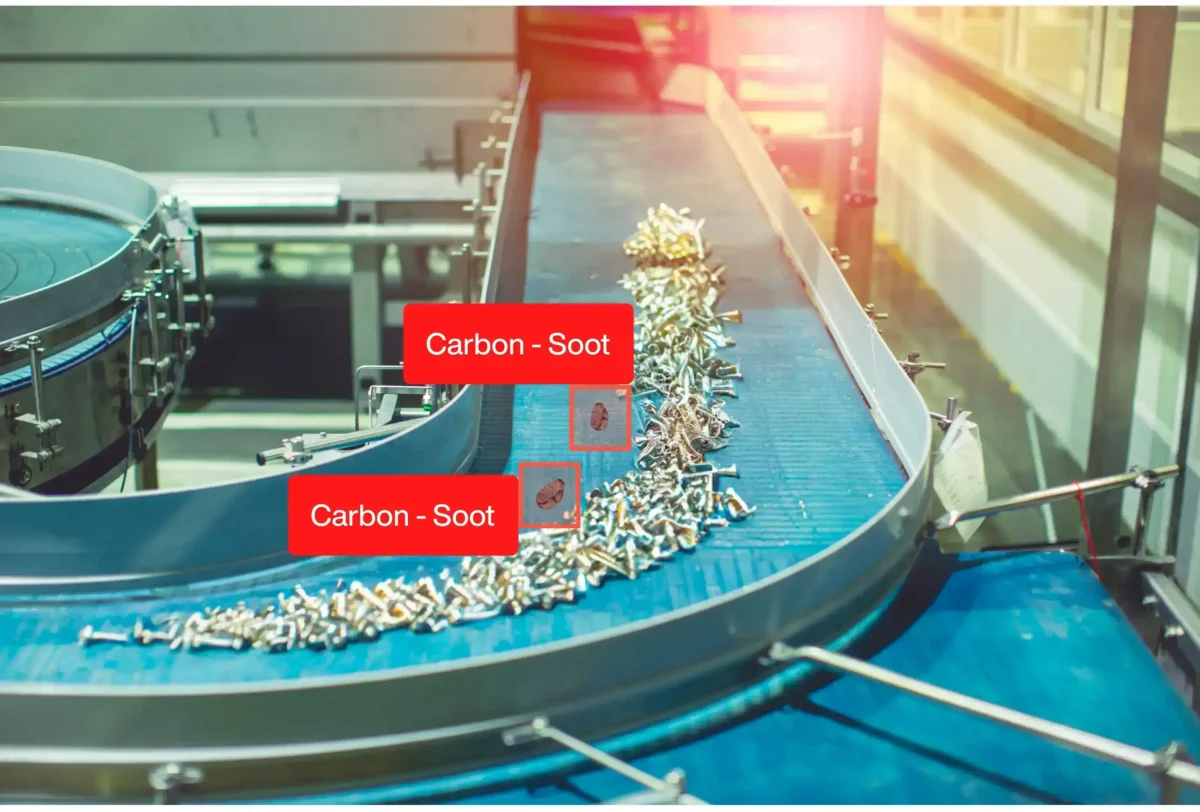
Quality Control
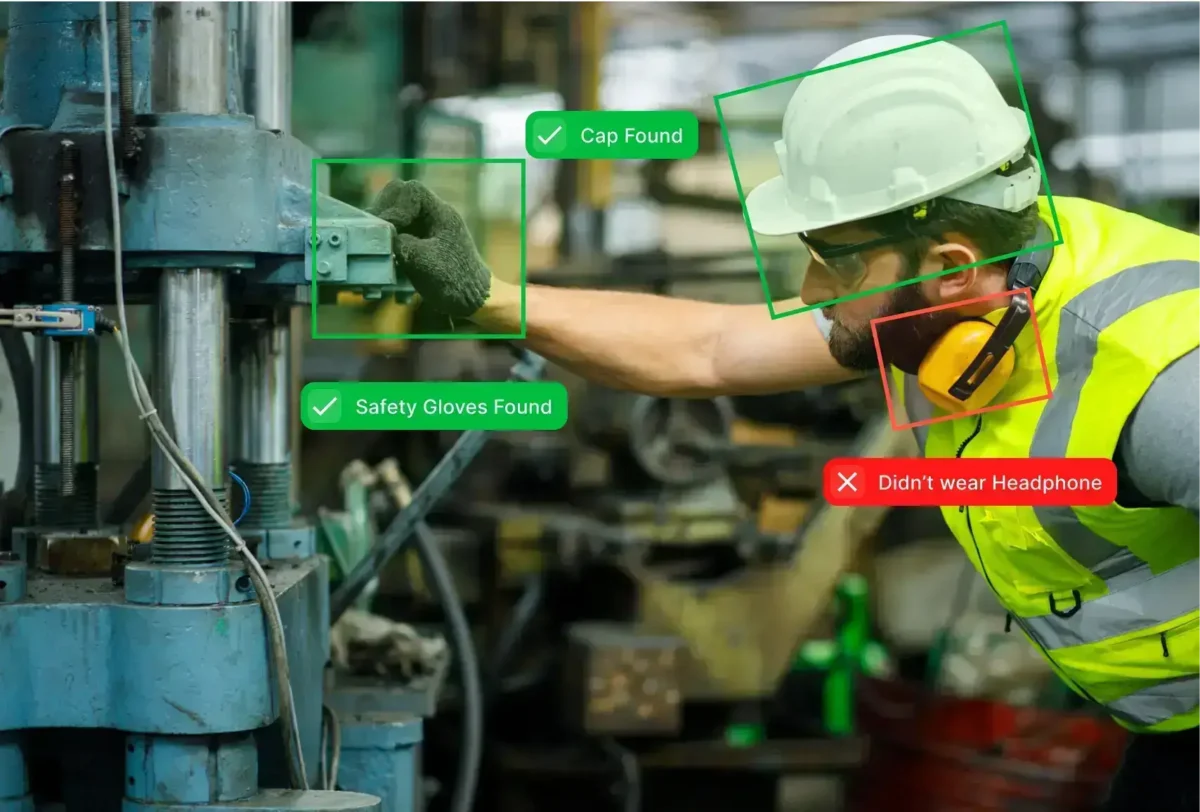
Industrial Safety
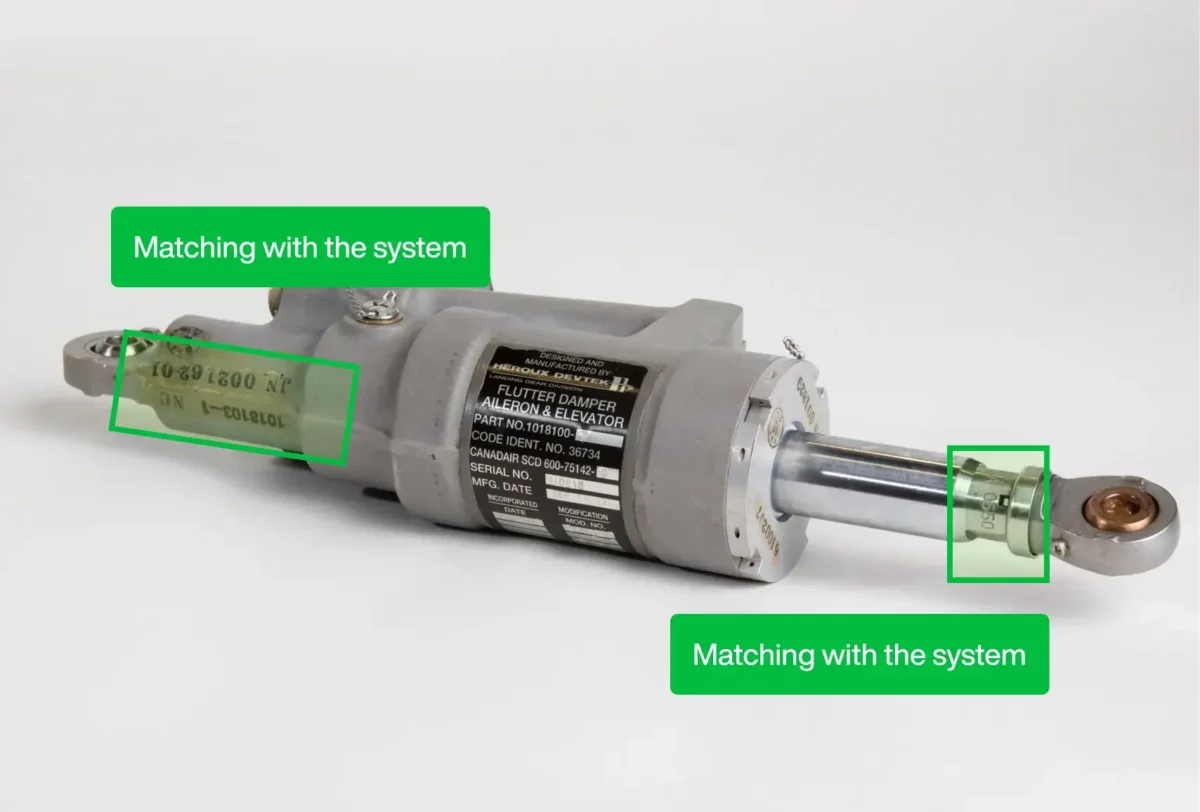
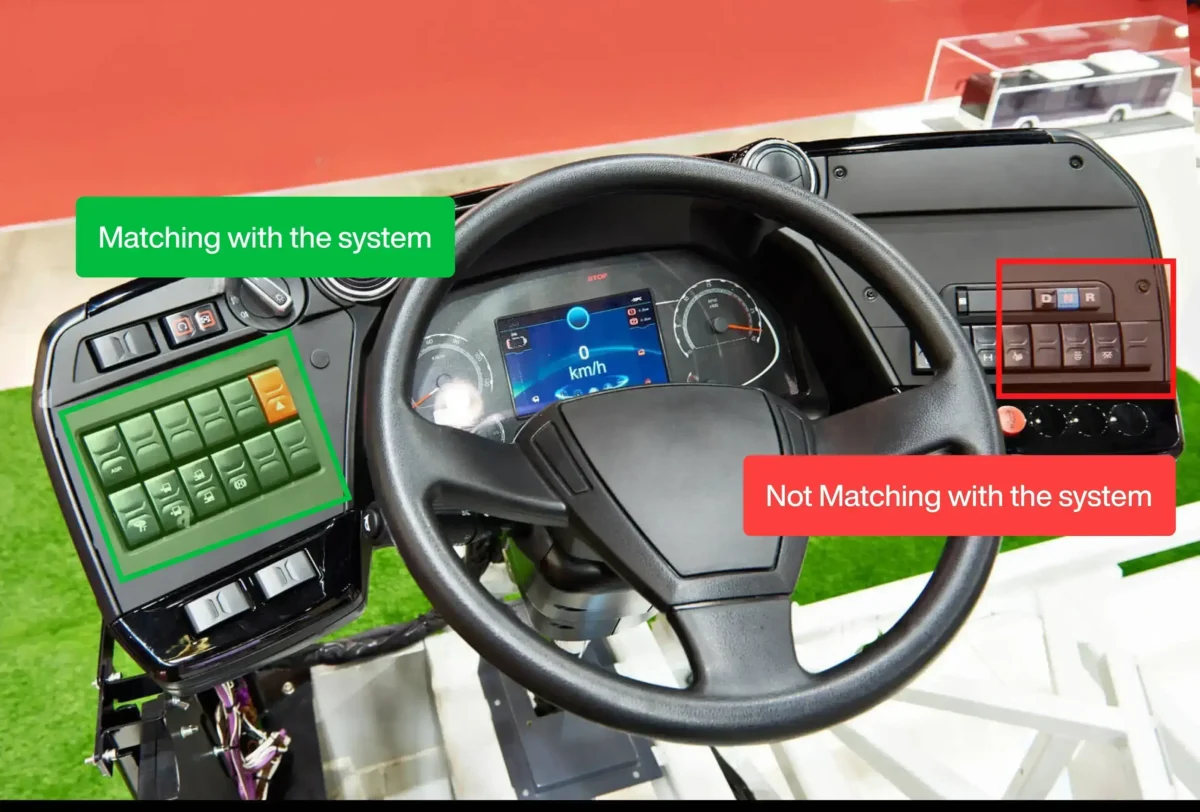
Quality Control
Industrial Safety
Quality Control
Quality Control
Quality Control
Quality Control
Industrial Safety
Quality Control
Quality Control
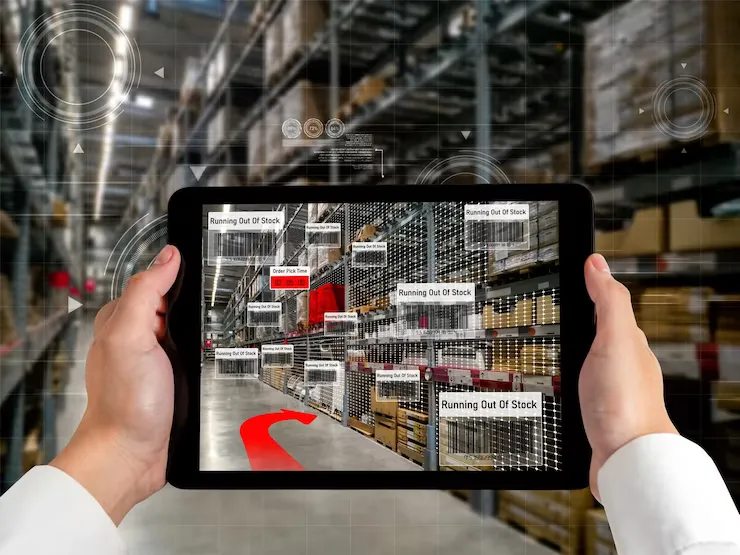
Asset Identification
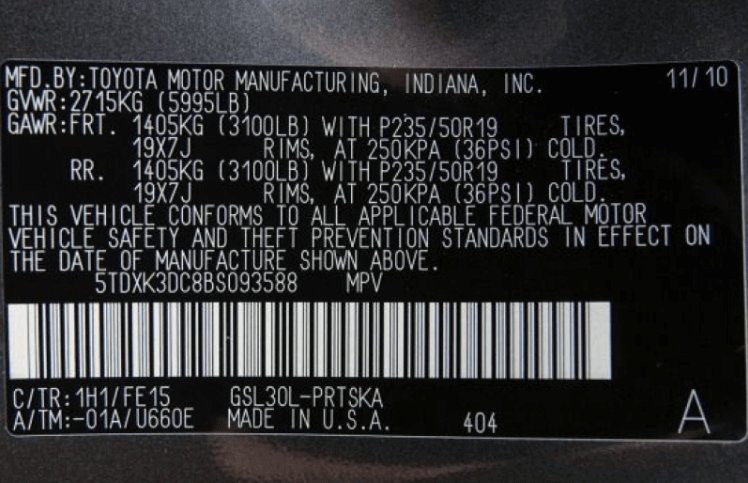
Asset Identification

Asset Identification
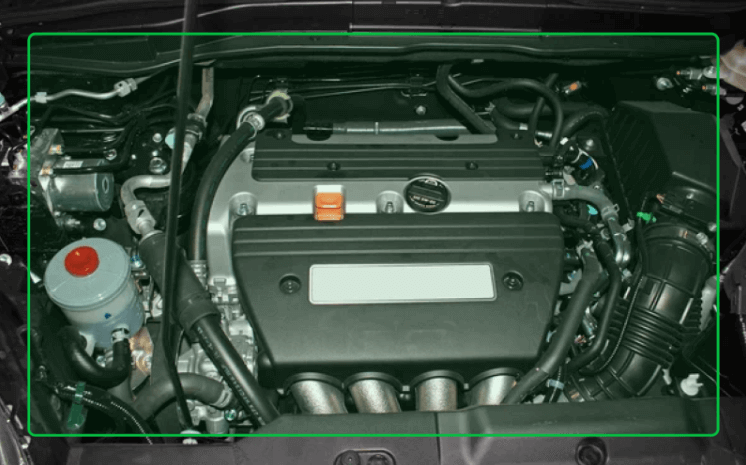
Quality Control
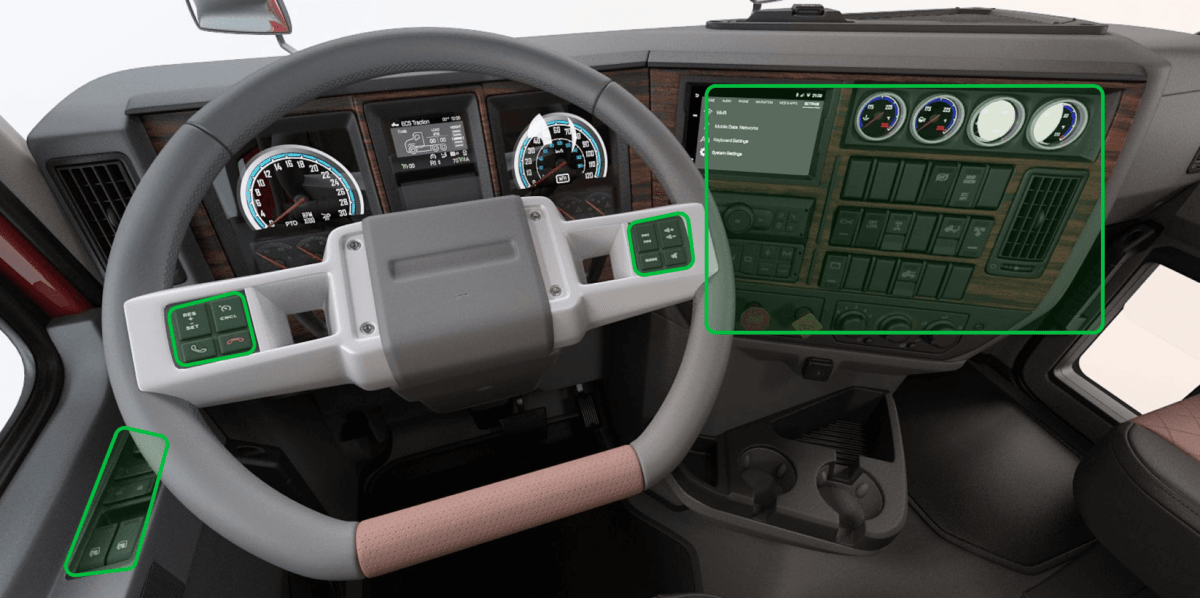
Quality Control
Asset Identification

Asset Identification
Quality Control
Asset Identification
Asset Identification
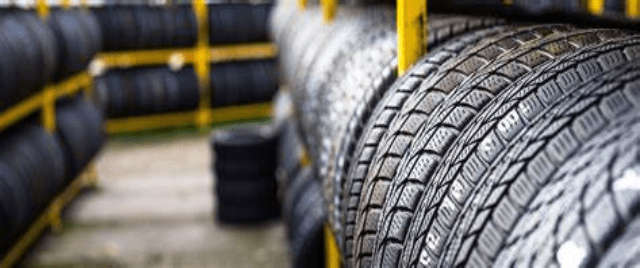
Asset Identification
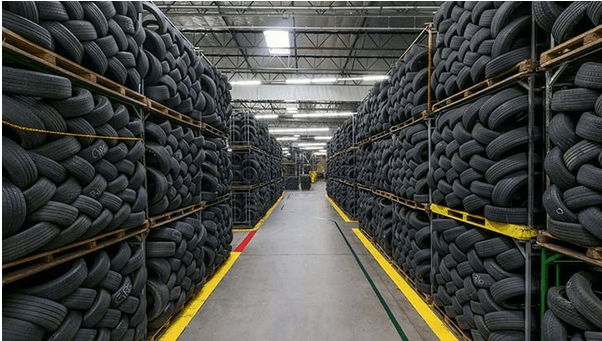
Asset Identification

Asset Identification

Asset Identification

Asset Identification

Case Study
Telle Tires & Auto Centers
Tire & Auto Retail
Case Study
MSF Pharmaceutical
Pharmaceutical & Healthcare
Case Study
Bonfiglioli
Industrial Automation & Power Transmission
Case Study
Daimler
Automotive & Manufacturing
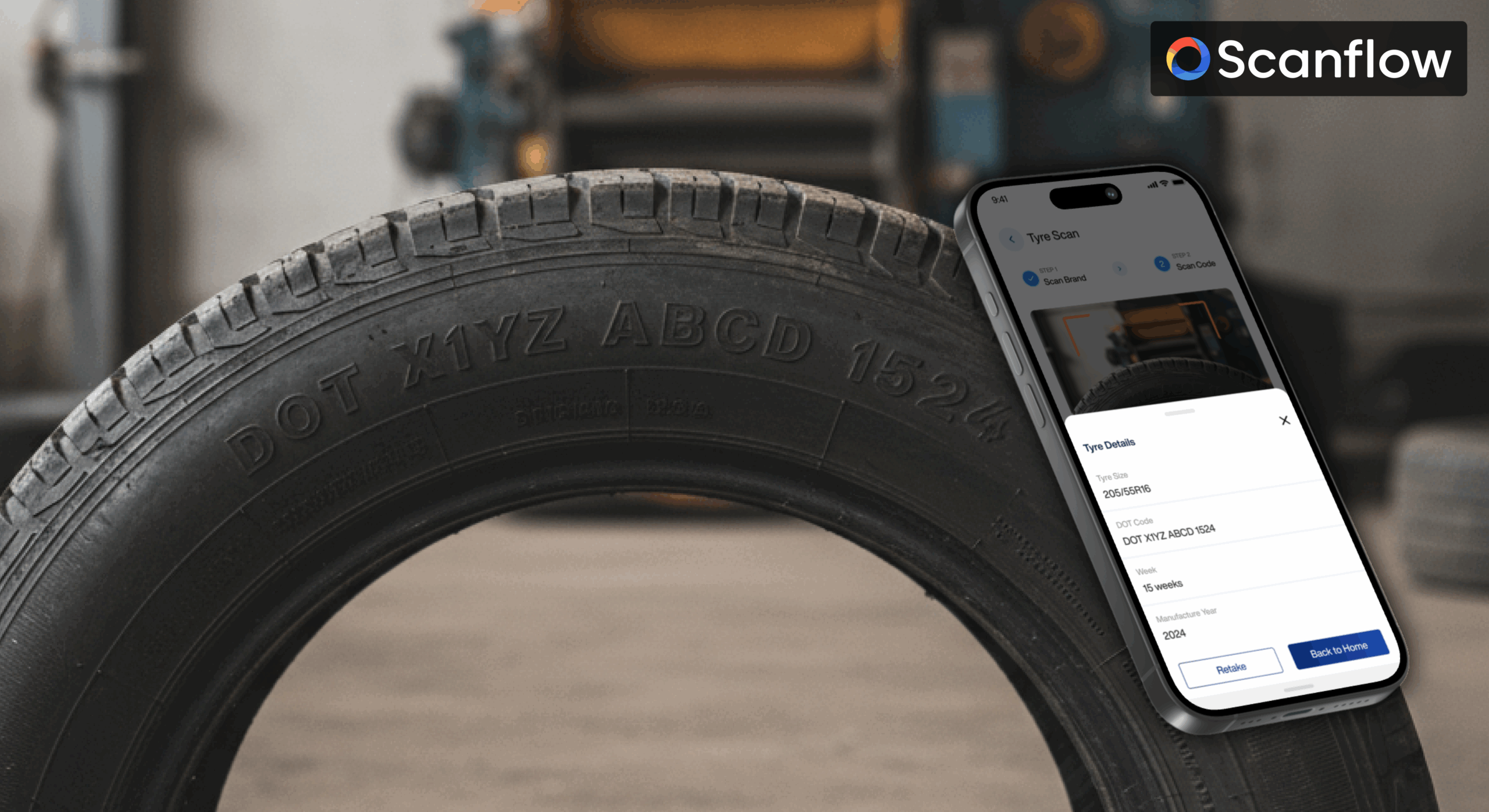
Automating Tire Identification and Inventory Accuracy Across a Multi-Location Retail Network
Scanflow is an AI-enabled visual intelligence platform from OptiSol Business Solutions, purpose-built for asset identification, inventory automation, and visual inspection across tire, ITAD, solar, VIN, and quality-control workflows.
Industry: Tire & Auto Retail
Business Focus: Multi-location tire sales, warehousing, and auto service
Use Case: Tire Asset Identification & Inventory Automation
Deployment Model: Mobile scanning app, integrated with Protractor ERP
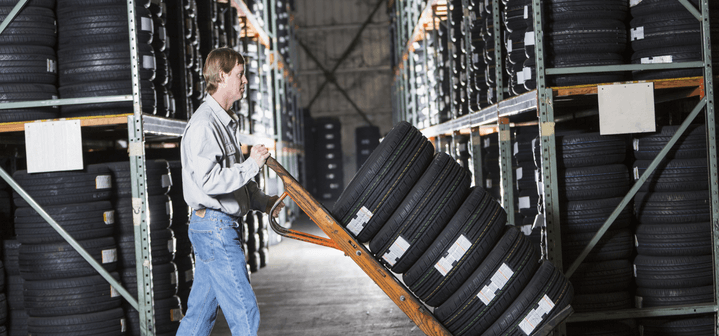
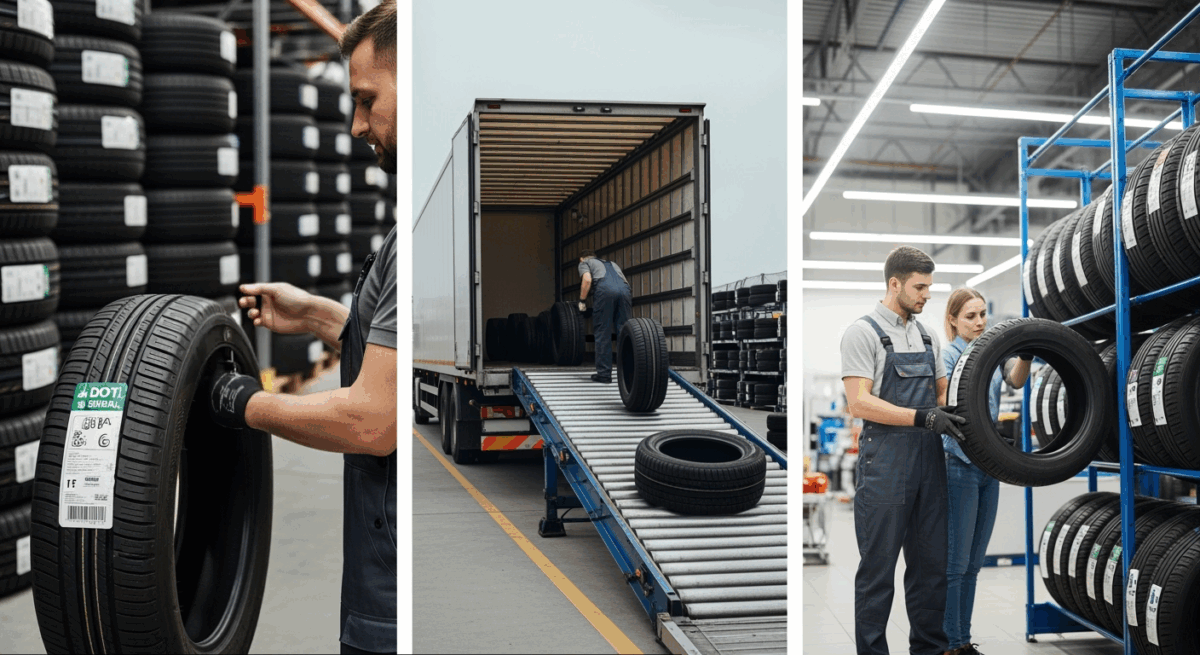
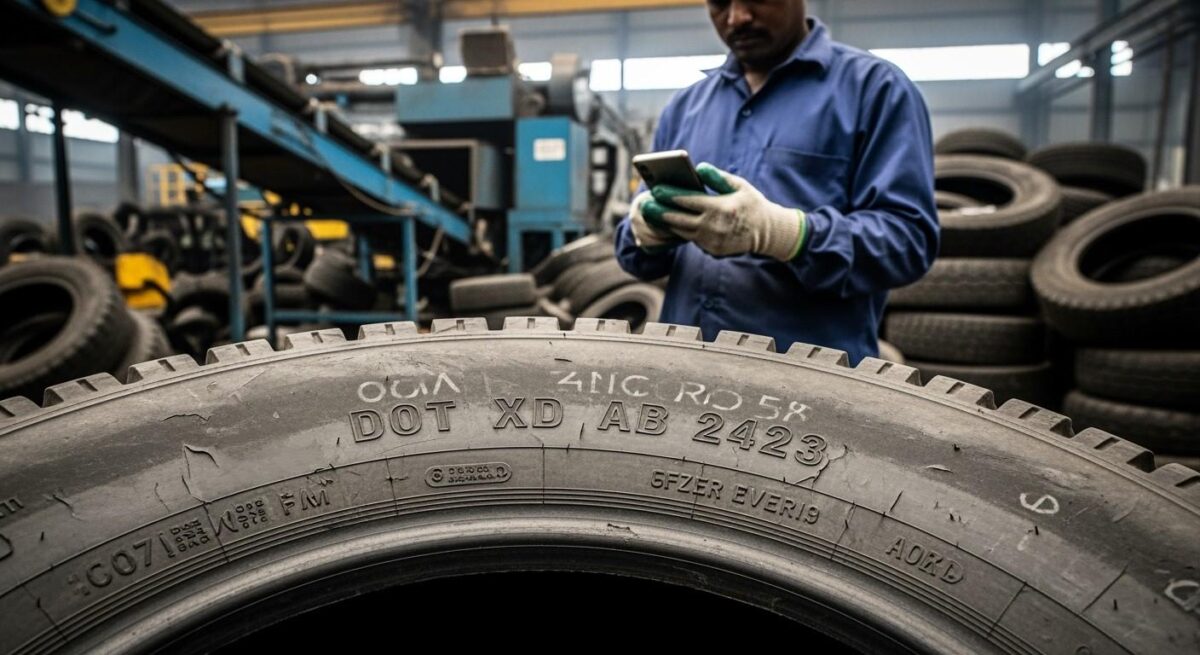
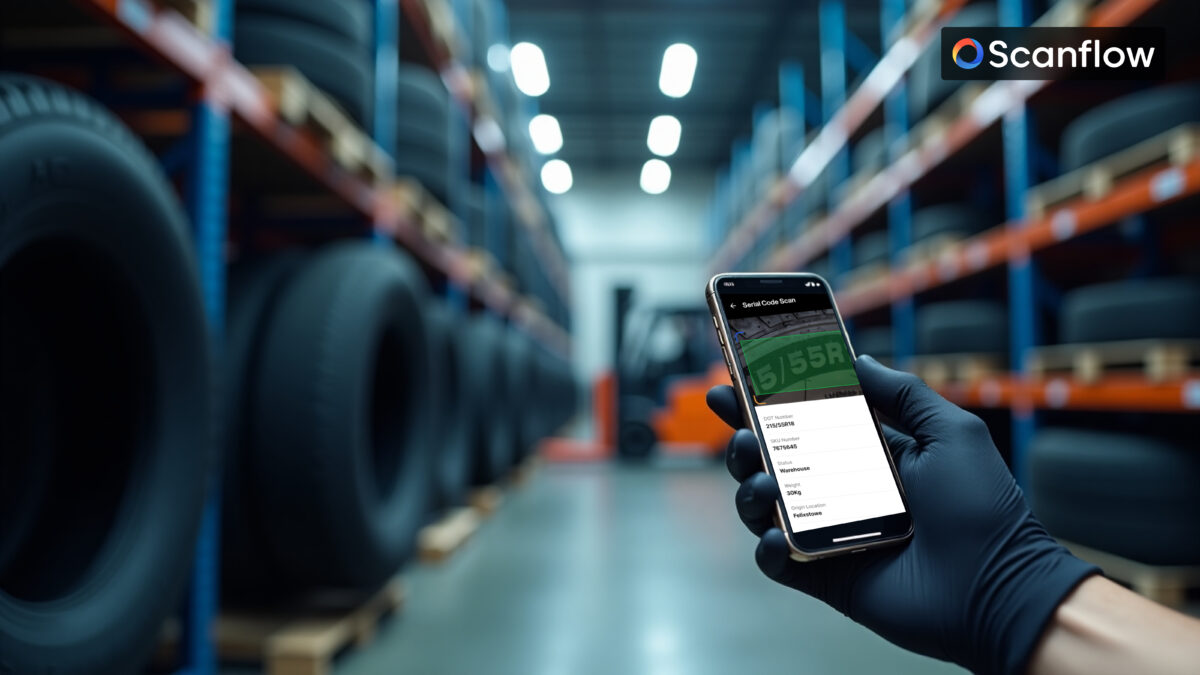
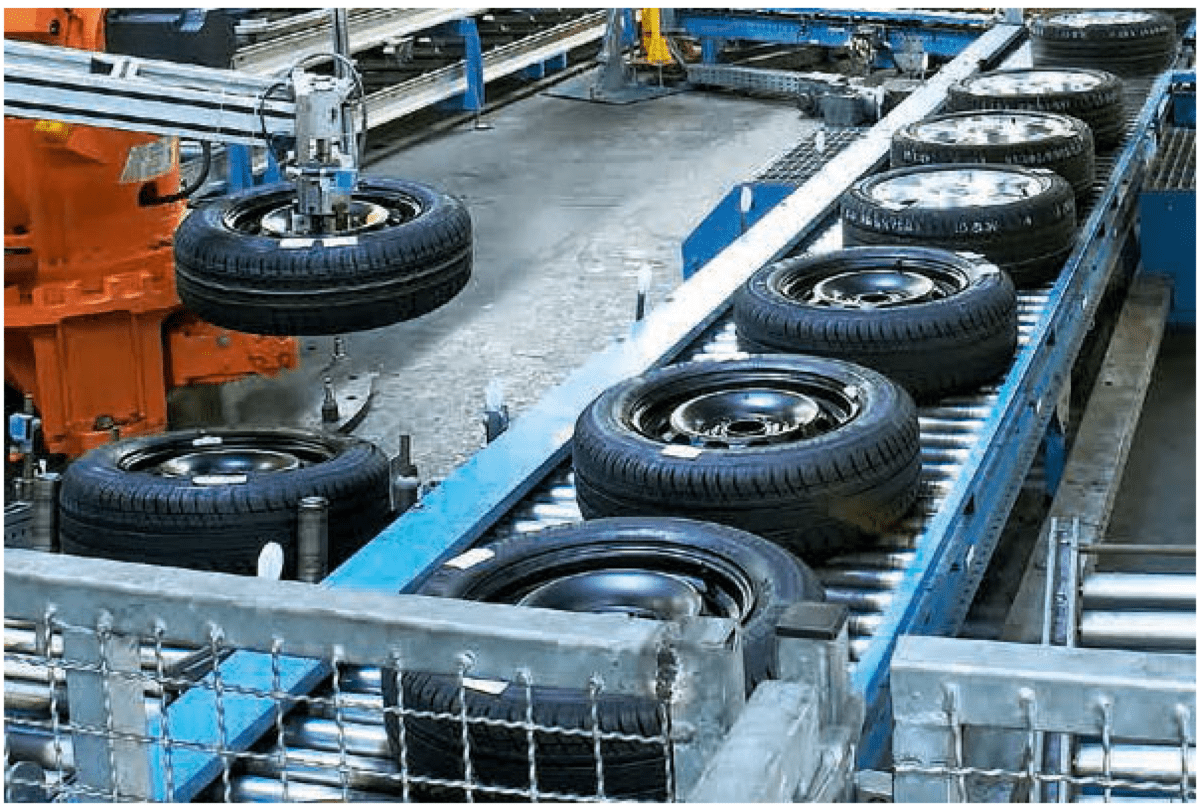
Telle Tires & Auto Centers operates a multi-location tire and auto service network, moving high volumes of tires, wheels, and auto parts through receiving, warehousing, and point-of-sale every day. Each location handles its own intake, storage, and shipment cycles, all feeding into Protractor, the company's dealer management and ERP system of record.
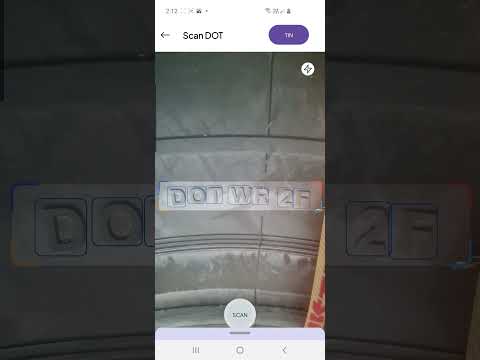
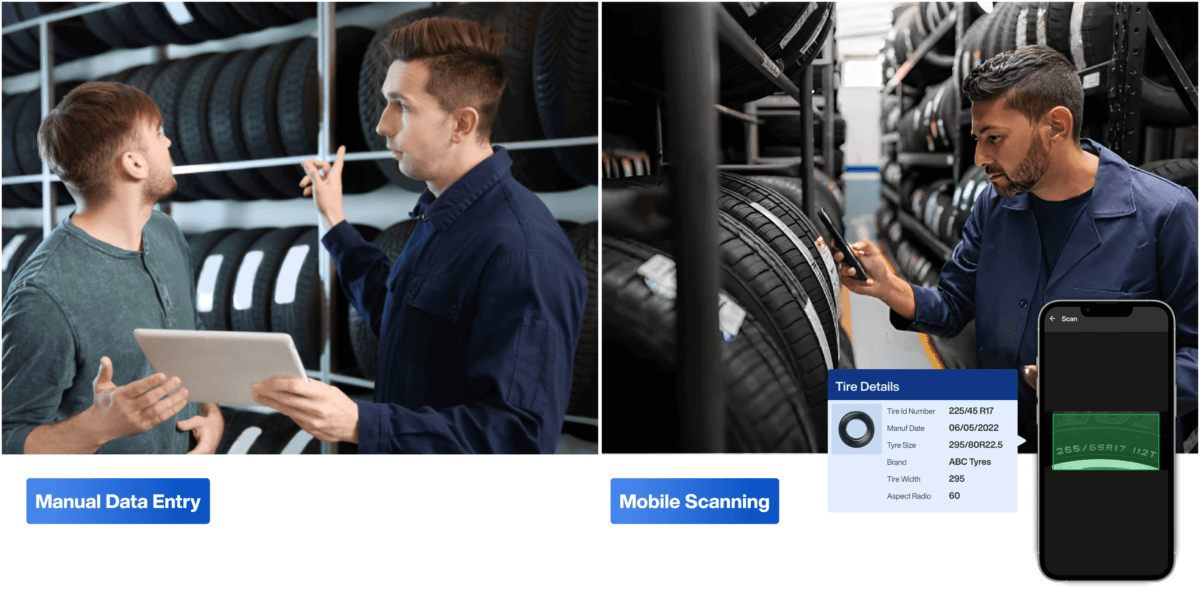
As the network scaled, inventory tracking stayed tied to manual data entry — reading DOT and sidewall codes by eye, keying invoices by hand, and reconciling stock counts location by location. Tire retail runs on thin margins and fast turnover, so any gap between what the shelf holds and what the system shows turns directly into lost sales, emergency restocking, or a customer walking out. Telle Tires engaged Scanflow to close that gap and give every location a shared, real-time view of inventory.
As Telle Tires' network grew, manual tire data capture and invoice entry left the business without a single reliable picture of stock across its locations:
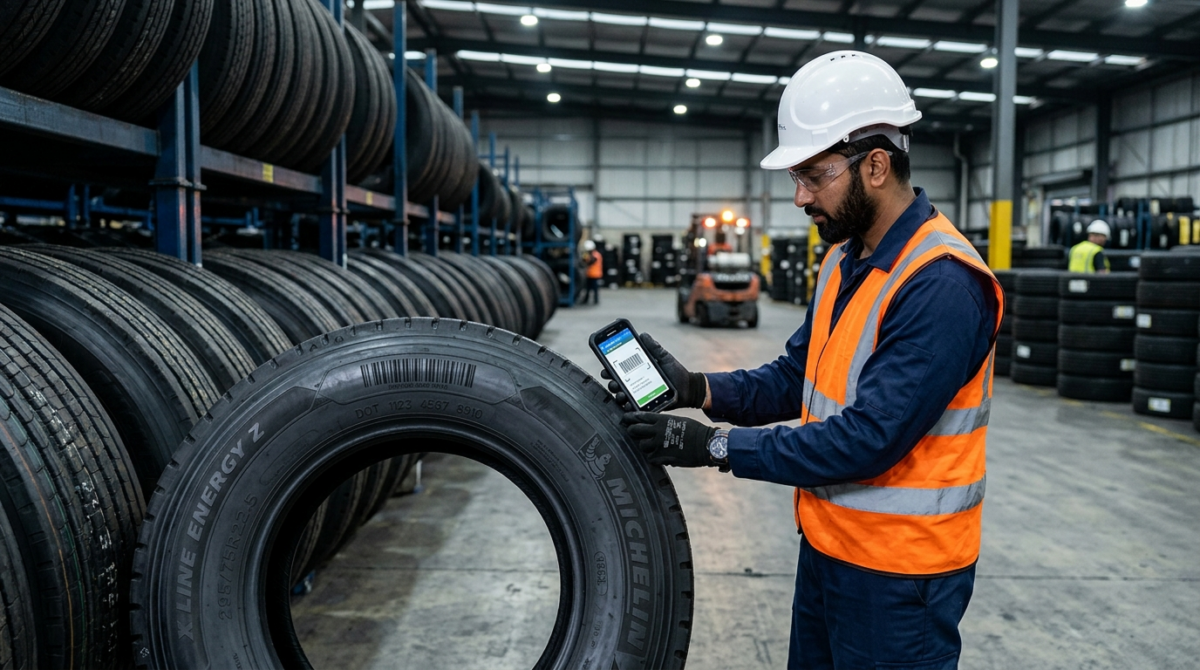
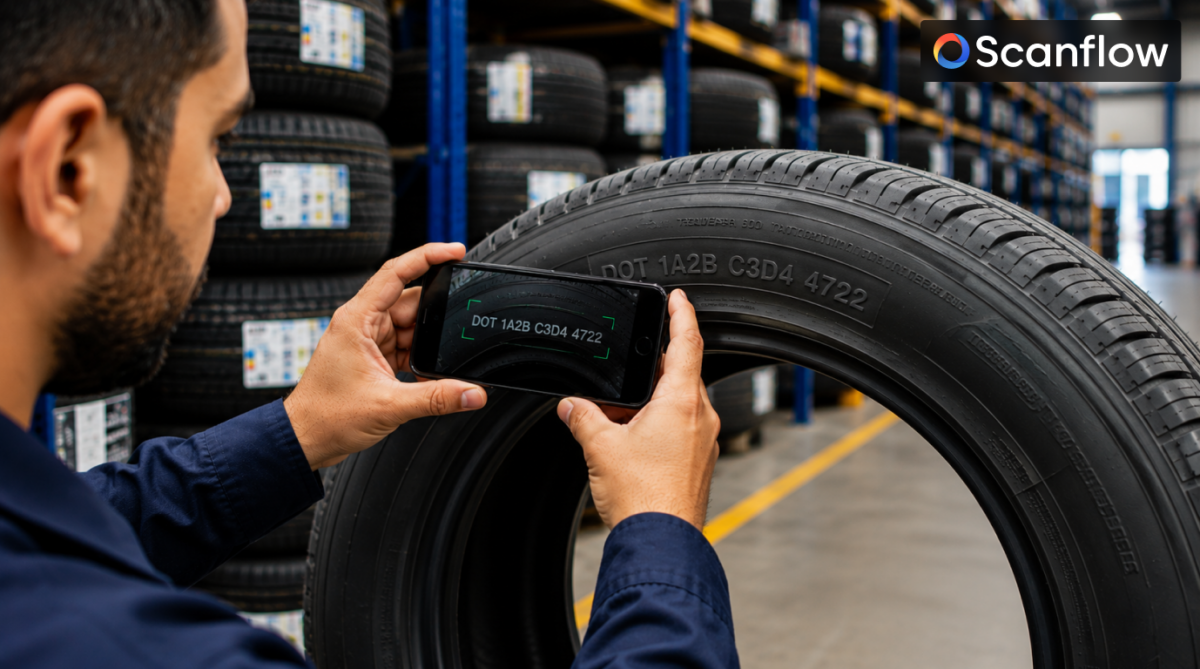
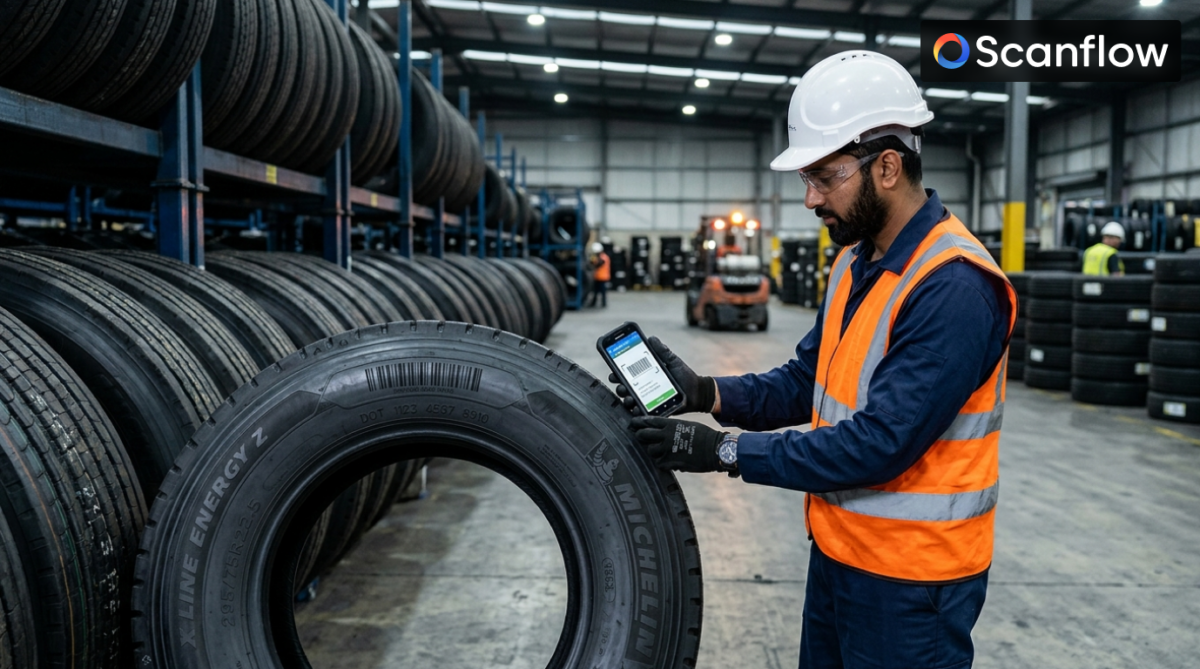
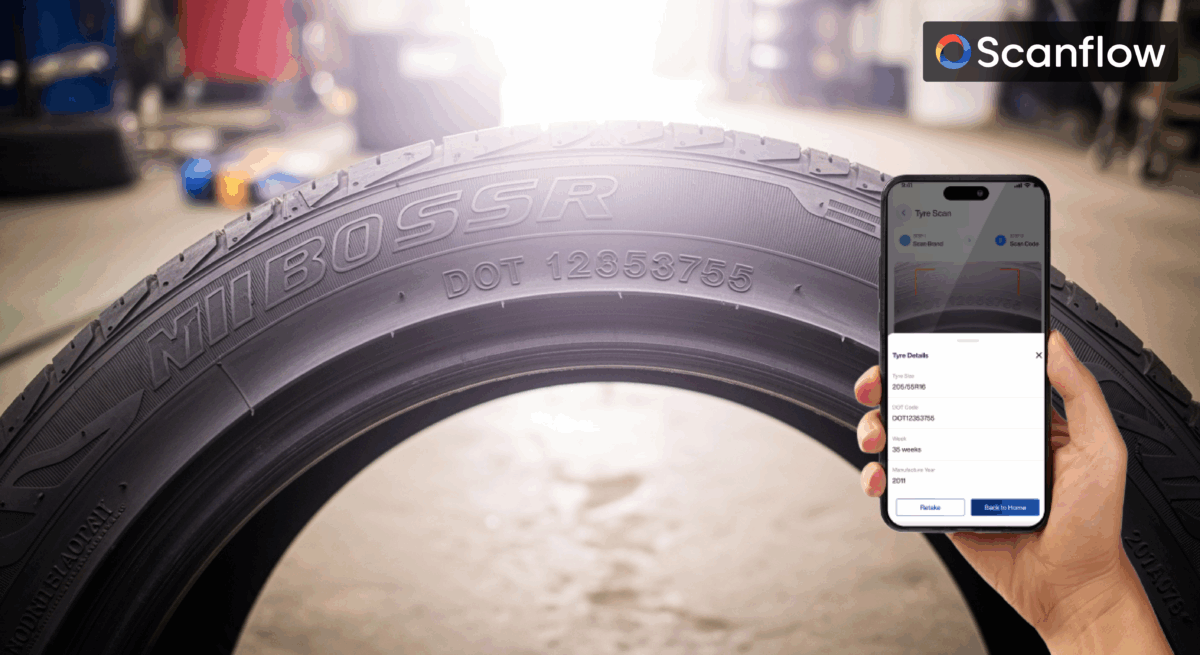
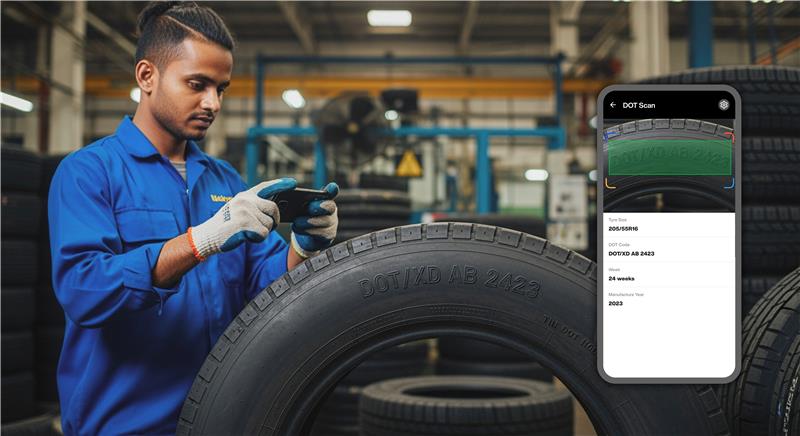
Scanflow deployed a mobile-first tire identification and inventory system directly into Telle Tires' receiving and warehouse workflow, combining sidewall/barcode scanning, document parsing, and cycle-count automation with a direct Protractor sync — connecting capture, verification, and the ERP in one continuous flow instead of a chain of manual handoffs.
Scanflow followed its standard rapid-deployment framework, bringing Telle Tires to full production in approximately four weeks:
By replacing manual tire documentation and invoice entry with scan-based capture and a direct Protractor sync, Telle Tires established a standardized, real-time inventory process across every location.
Telle Tires gained robust digital control and complete asset traceability, transforming warehouse operations across the network with Scanflow.
The Scanflow deployment was built to extend to new Telle Tires locations without adding manual workload — each new site follows the same scan-verify-sync workflow and reports into the same centralized dashboard. As the network grows, inventory accuracy and audit readiness scale with it rather than becoming harder to maintain.
Book a personalized demo to see how Scanflow can automate asset identification, improve traceability, and scale your tire retail operations. Schedule a Demo

AI-Powered OCR for Medicine Box Identification and Batch Traceability
Industry: Humanitarian Aid & Pharmaceutical Logistics
Business Focus: Global medicine supply and distribution for humanitarian operations
Use Case: Medicine box product code identification and batch/lot/expiry capture
Deployment Model: Client-specific OCR SDK integrated into MSF's box-scanning and database workflow
Médecins Sans Frontières (MSF) moves medicine boxes through a supply chain where every box carries a 12-digit product code — but that code isn't printed in a fixed, predictable format. It sits embedded within each box's printed description, which varies from manufacturer to manufacturer and product to product. Reading it manually meant interpreting each box individually, and capturing batch number, lot number, and expiry date added a second manual step prone to its own errors.
MSF engaged Scanflow to build a client-specific OCR SDK that could read each box's description, extract the correct 12-digit code regardless of formatting, and capture batch, lot, and expiry data — all mapped and stored automatically.
Scanflow built a client-specific OCR SDK for MSF that reads each box's printed description, extracts its 12-digit product code regardless of format or position, and captures batch, lot, and expiry data alongside it — mapping every field directly into MSF's database.
Placeholder — confirm actual onboarding phases and dates with the MSF project team before publishing. Suggested structure:
By replacing manual code reading and manual batch/lot/expiry logging with a single OCR-driven scan, MSF gets a consistent, database-backed record for every medicine box — without depending on a fixed label format.
The SDK was purpose-built around MSF's actual packaging variability rather than a generic, one-size-fits-all label template — designed to extend to new box formats as MSF's supply chain evolves.
Note: No quantified metrics (accuracy rate, error-reduction percentage, volume of boxes processed) have been confirmed for this deployment. Add specific figures here once available from MSF or the project team — do not publish estimated numbers in their place.
MSF strengthens medicine box traceability with Scanflow, helping ensure every box's identity and batch record is captured accurately, automatically, and ready for audit.
Scanflow is an AI-enabled visual intelligence platform from OptiSol Business Solutions, purpose-built for asset identification, inventory automation, and visual inspection across tire, ITAD, solar, VIN, and quality-control workflows.

Automated Assembly Verification and Serial-Linked Quality Records for Motor Manufacturing
Scanflow is an AI-enabled visual intelligence platform from OptiSol Business Solutions, purpose-built for asset identification, inventory automation, and visual inspection across tire, ITAD, solar, VIN, and quality-control workflows.
Industry: Industrial Automation & Power Transmission
Business Focus: Gearmotors, drive systems, planetary gearboxes, and inverters for industrial automation, mobile machinery, and renewable energy
Use Case: End-of-Line Motor Assembly Verification & Serial-Linked Quality Records
Deployment Model: AI-powered camera station on the assembly line, integrated with the QC database
Bonfiglioli is a family-run Italian manufacturer of gearmotors, drive systems, planetary gearboxes, and inverters, serving industrial automation, mobile machinery, and renewable energy customers around the world. Every motor that leaves the line carries a unique serial number, and that identity has to be established, verified against a complete build, and matched to a pass or fail result before the unit can move downstream.
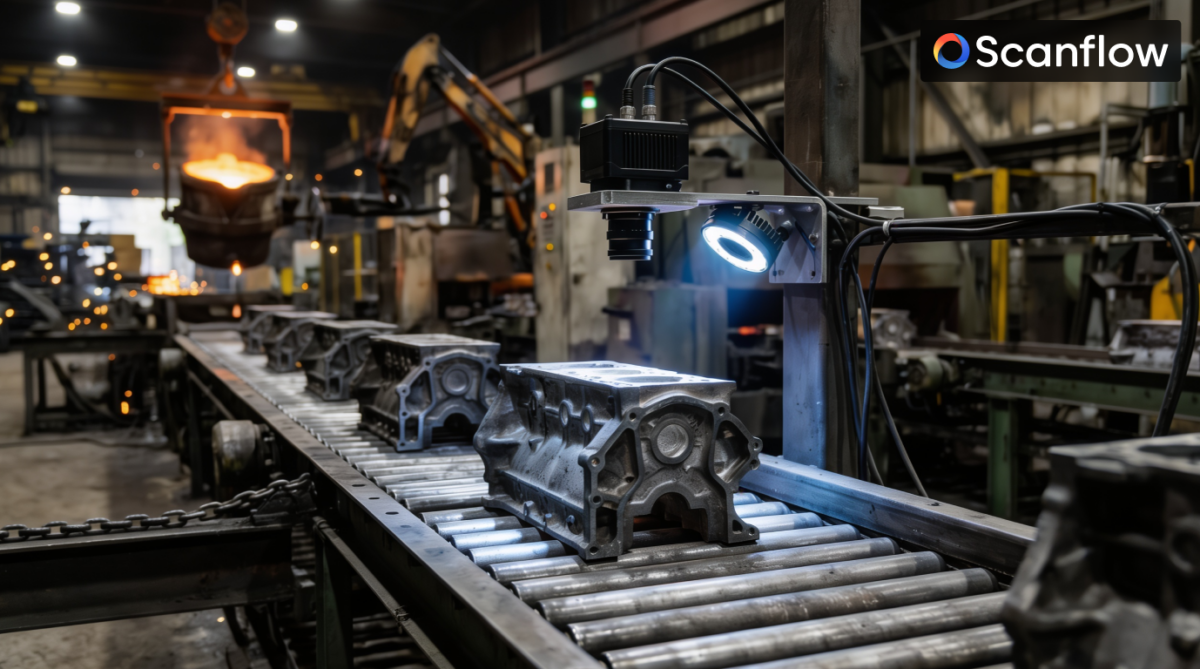
At the point of assembly, three things have to happen for every single unit: its serial number has to be captured, its components have to be checked for correct orientation, and the build has to be confirmed complete. Missing even one part, or getting an orientation wrong, is the kind of defect that is easy for a rushed manual check to miss and costly to catch later. Bonfiglioli engaged Scanflow to move that verification onto an automated, real-time inspection station tied directly to its quality database.
Verifying every motor's identity and build completeness by hand left gaps at exactly the point where Bonfiglioli needed certainty:
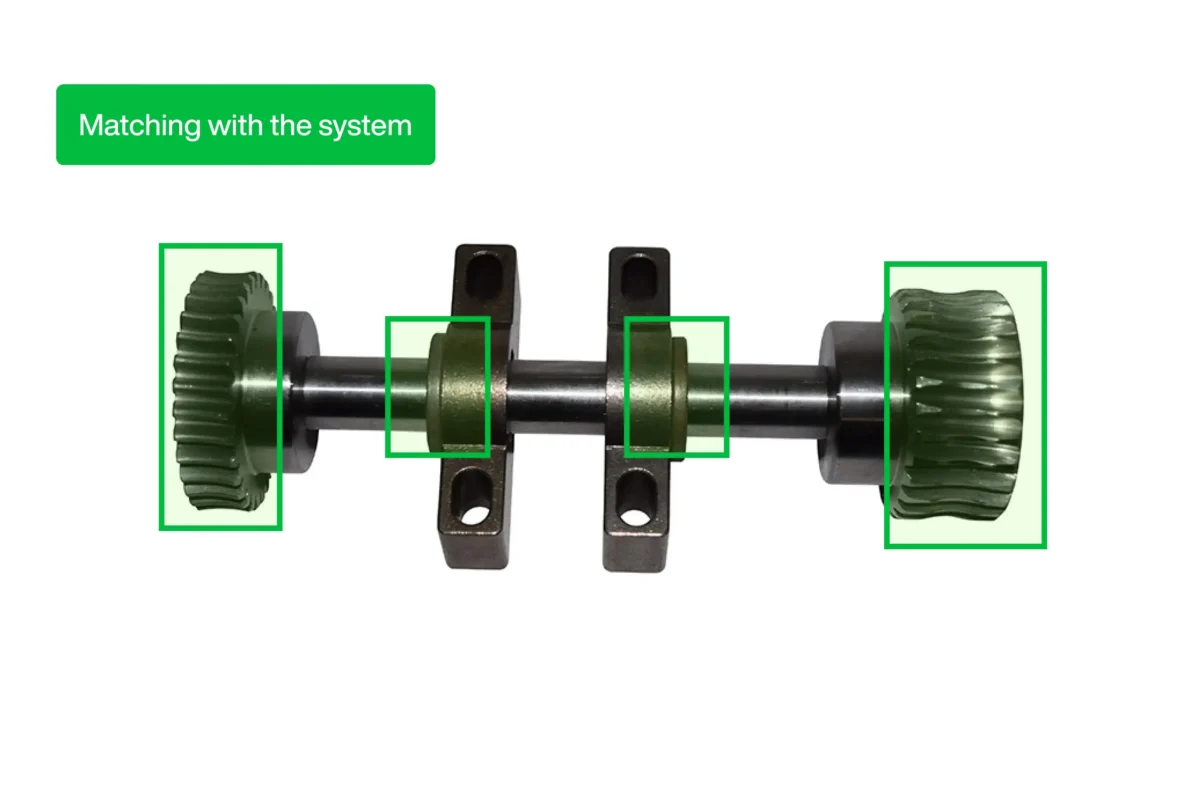
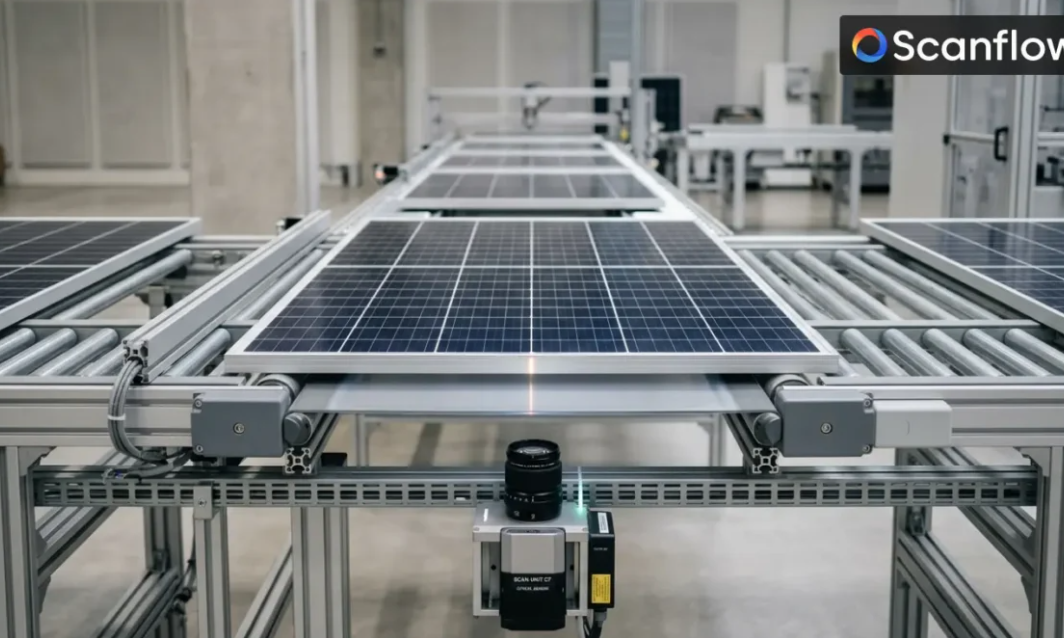
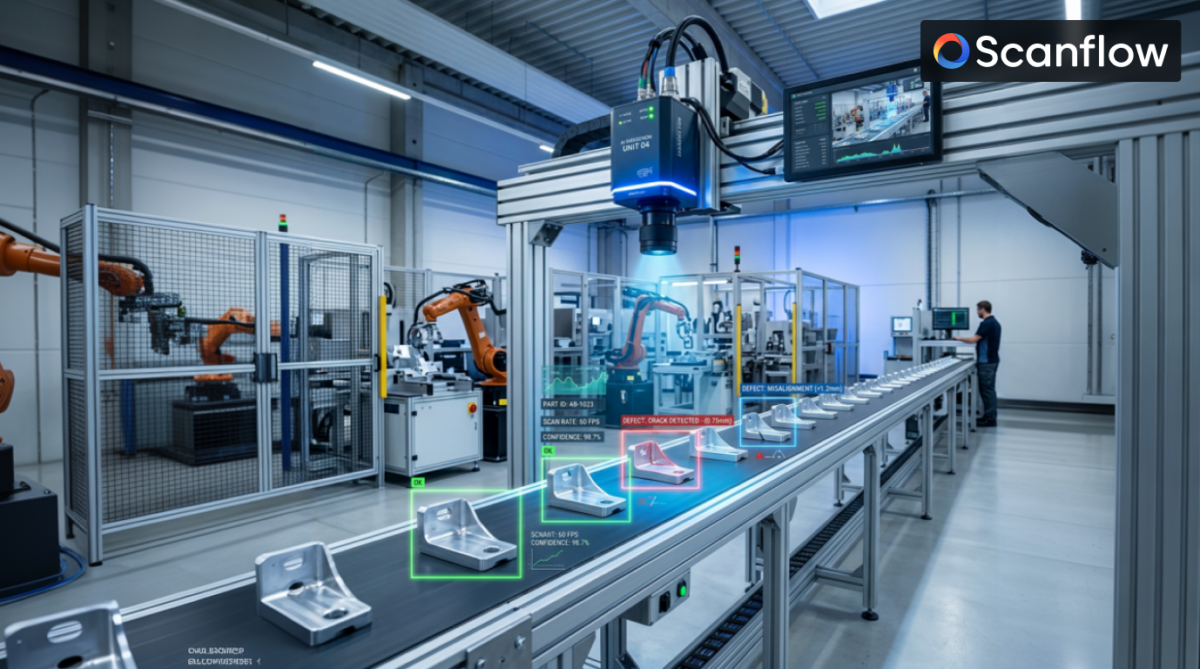
Scanflow deployed an AI-powered inspection station on Bonfiglioli's assembly line that captures a motor's serial number, verifies orientation, checks for missing parts, and renders a pass/fail decision automatically, at the point of assembly, before the result is written directly to the quality database.
Scanflow followed its standard rapid-deployment framework to bring the inspection station to production in approximately four to six weeks:
By replacing manual serial capture and visual checks with an automated, database-connected inspection station, Bonfiglioli established a consistent, traceable verification step for every motor that reaches the end of the line.
The Scanflow deployment was designed to extend to additional lines and motor variants without adding manual inspection steps — each new line runs the same serial-scan, orientation-check, and missing-part detection sequence, feeding the same database. As Bonfiglioli's production scales, every motor keeps a verified build and a traceable, serial-linked record from the point of assembly onward.
Bonfiglioli established a consistent, traceable verification step for every motor that reaches the end of the line, with serial-linked quality records written automatically to the database.
Book a personalized demo to see how Scanflow can automate assembly verification, improve traceability, and scale your manufacturing quality operations. Schedule a Demo

Mobile VIN & Hornpad Logo Verification to Prevent Brand Mix-Ups on a Shared Line
Scanflow is an AI-enabled visual intelligence platform from OptiSol Business Solutions, purpose-built for asset identification, inventory automation, and visual inspection across tire, ITAD, solar, VIN, and quality-control workflows.
Industry: Commercial Vehicle Manufacturing (Trucks & Buses)
Business Focus: Manufacture and assembly of multiple commercial vehicle brands on a shared production line
Use Case: Mobile VIN & Hornpad Logo Verification Against MES Brand Records
Deployment Model: Mobile scanning app used on the line, checking captures against MES
Daimler's commercial vehicle plant builds multiple brands on the same production line, sharing components, stations, and, in some cases, similar-looking parts across brands. A hornpad carrying the wrong brand logo is exactly the kind of mix-up that can happen during manual handling on a shared line, and one that isn't always obvious without checking it against the build record.
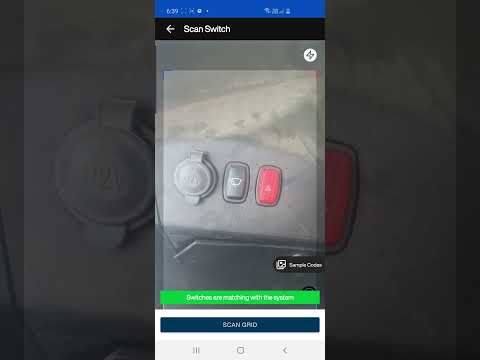
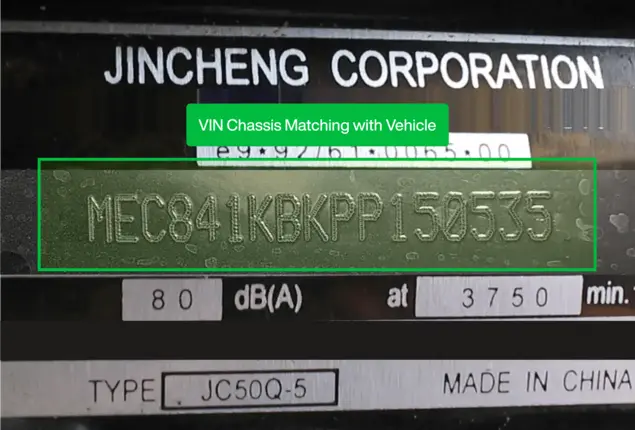
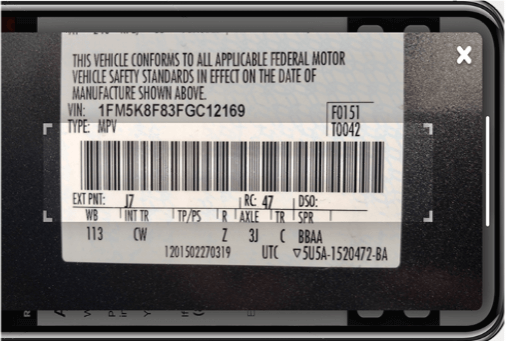
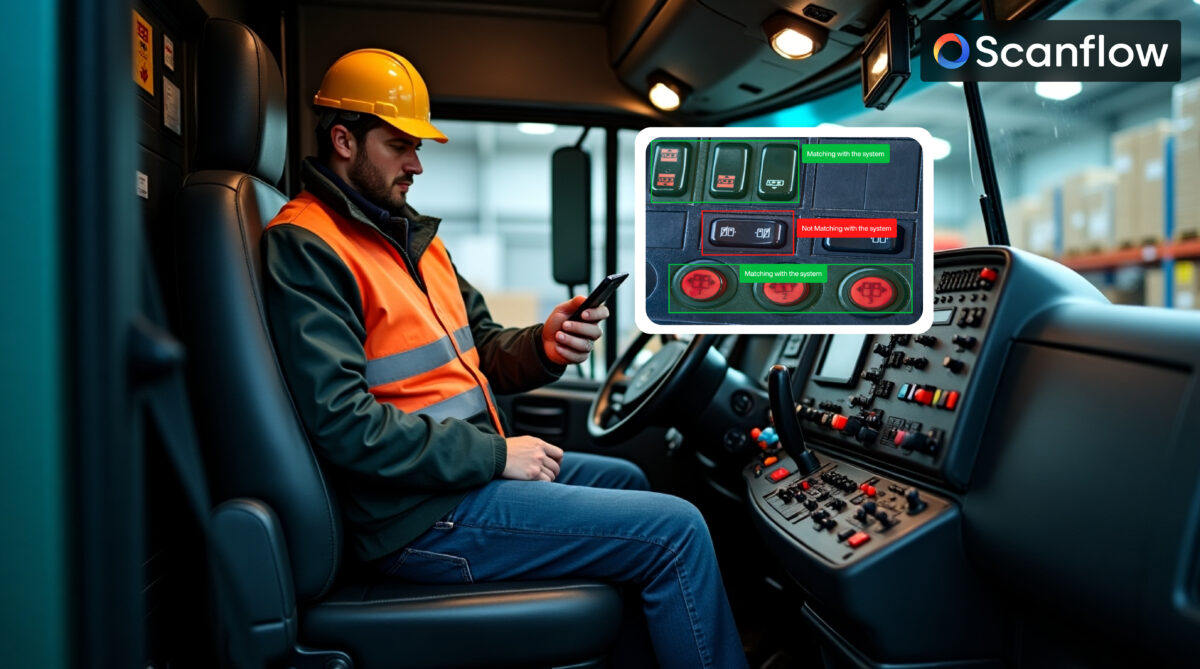
Daimler engaged Scanflow to put a mobile scanning solution directly in the hands of line staff: scan the truck's VIN, scan the hornpad and its logo, and check automatically whether the two match what MES expects for that specific vehicle.
Building multiple brands on one shared line created a specific risk: a brand-critical part fitted to the wrong vehicle, without an easy way to catch it in the moment:
Scanflow deployed a mobile scanning app that captures a truck's VIN and its hornpad logo together, checking the pairing against MES in real time to confirm the brand is correct for that specific vehicle.
Scanflow followed its standard rapid-deployment framework to bring the mobile verification workflow to production in approximately four to six weeks:
By checking VIN and hornpad logo together against MES on a mobile app, Daimler put a direct, real-time brand verification step in place on a shared multi-brand line.
The Scanflow deployment was designed to extend to other brand-specific components beyond the hornpad, and to additional checkpoints along Daimler's shared multi-brand line, using the same mobile capture and MES cross-check approach.
Daimler strengthened brand assurance on a shared multi-brand line with Scanflow, catching hornpad-to-VIN mismatches in real time, wherever line staff need to check.
Book a personalized demo to see how Scanflow can verify VIN-to-part matches on a mobile app, checked directly against your MES. Schedule a Demo





















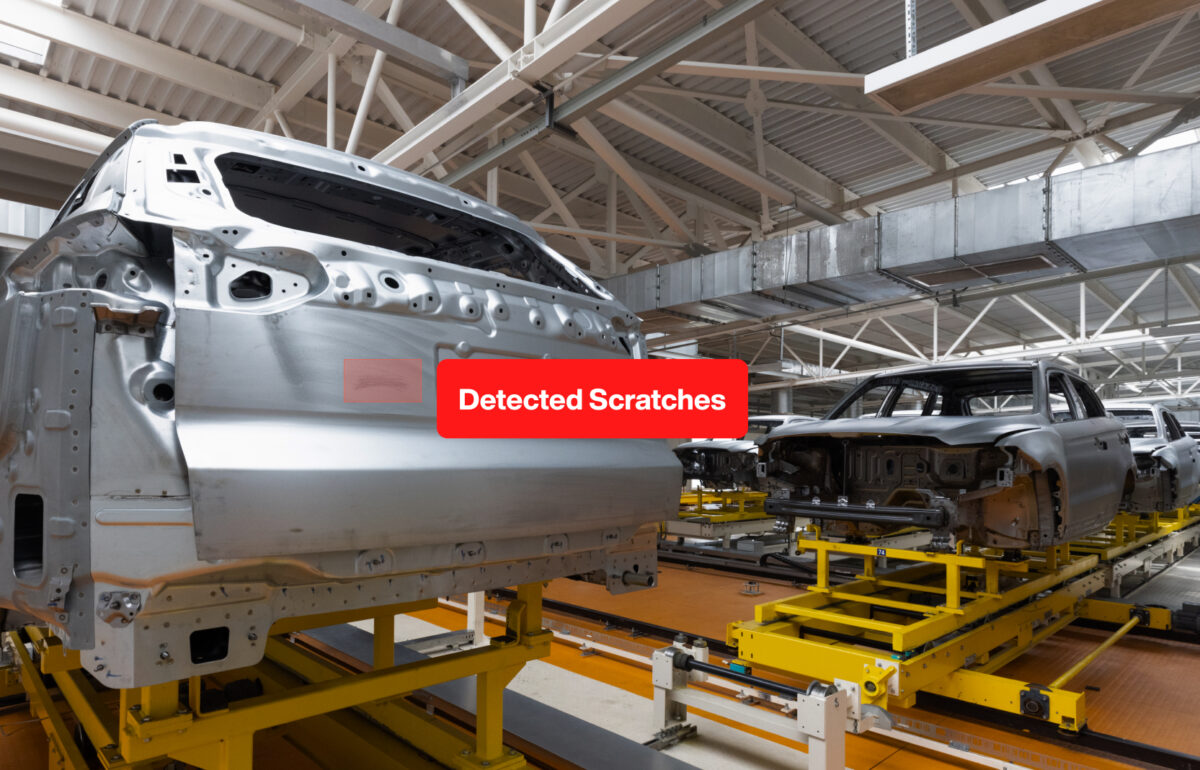
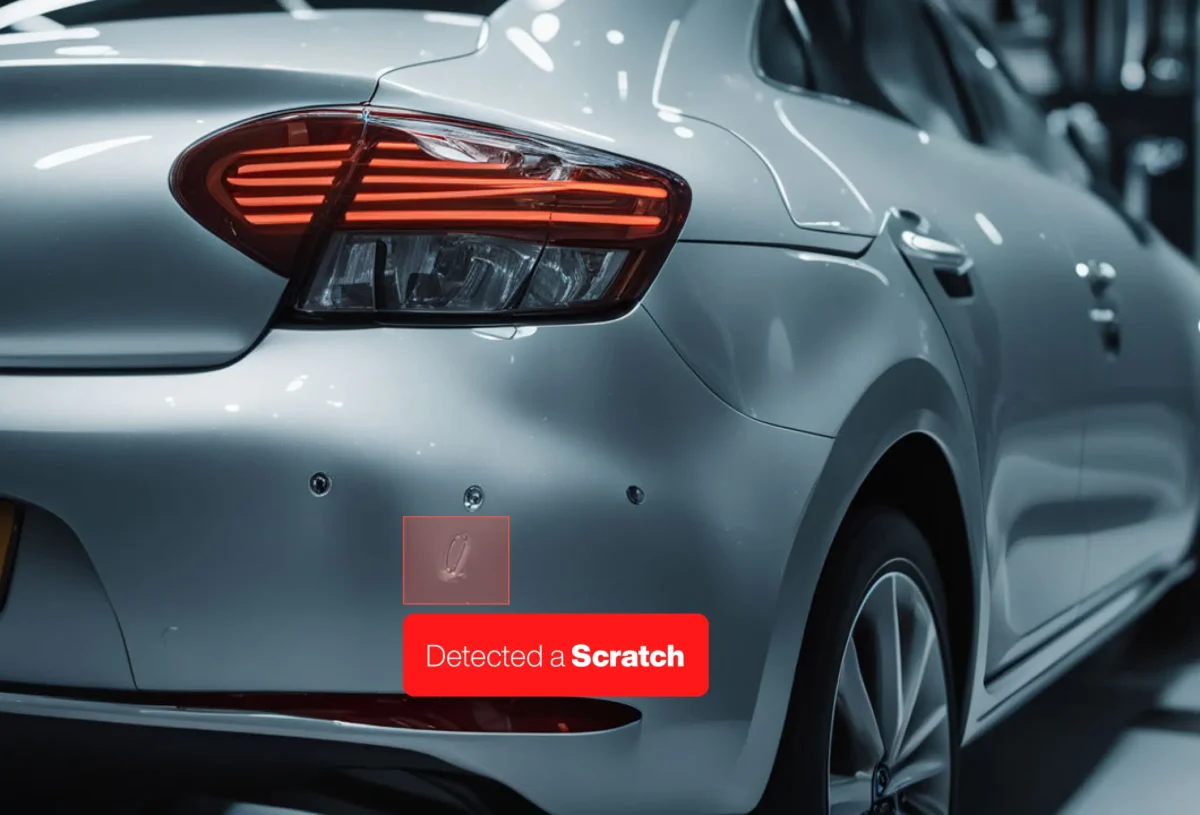
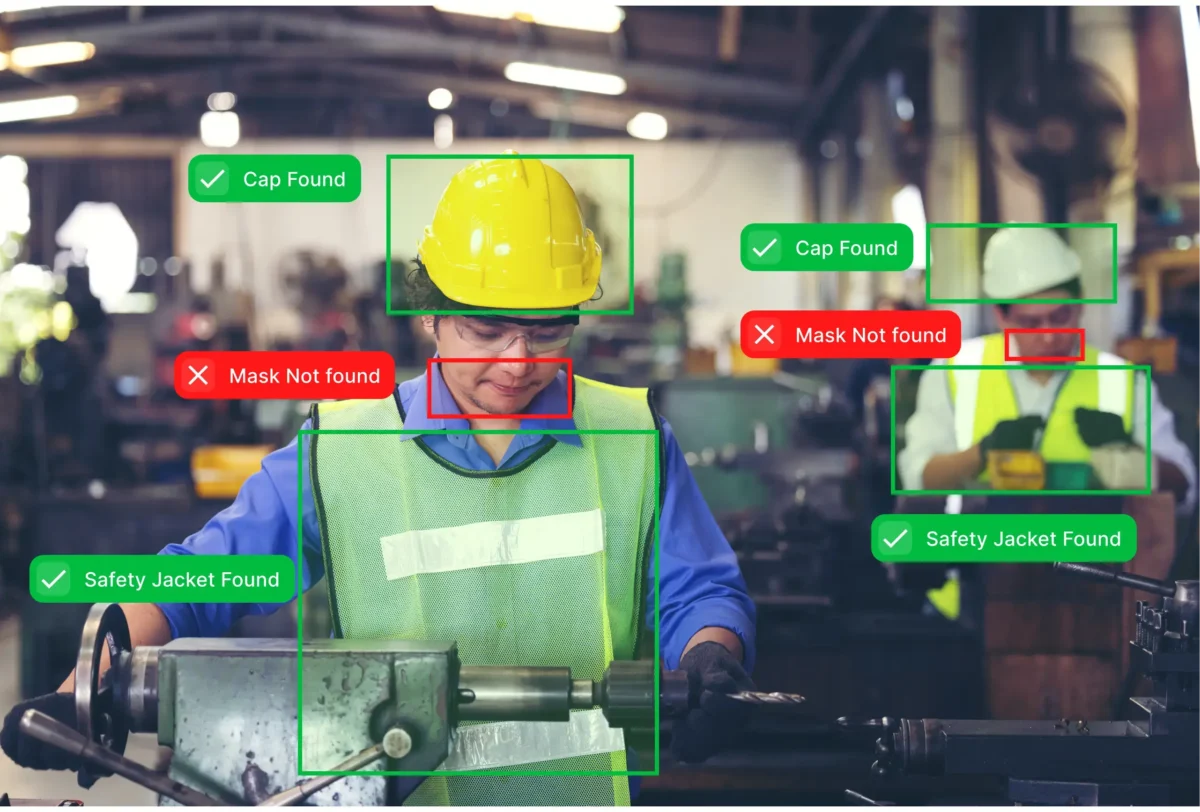

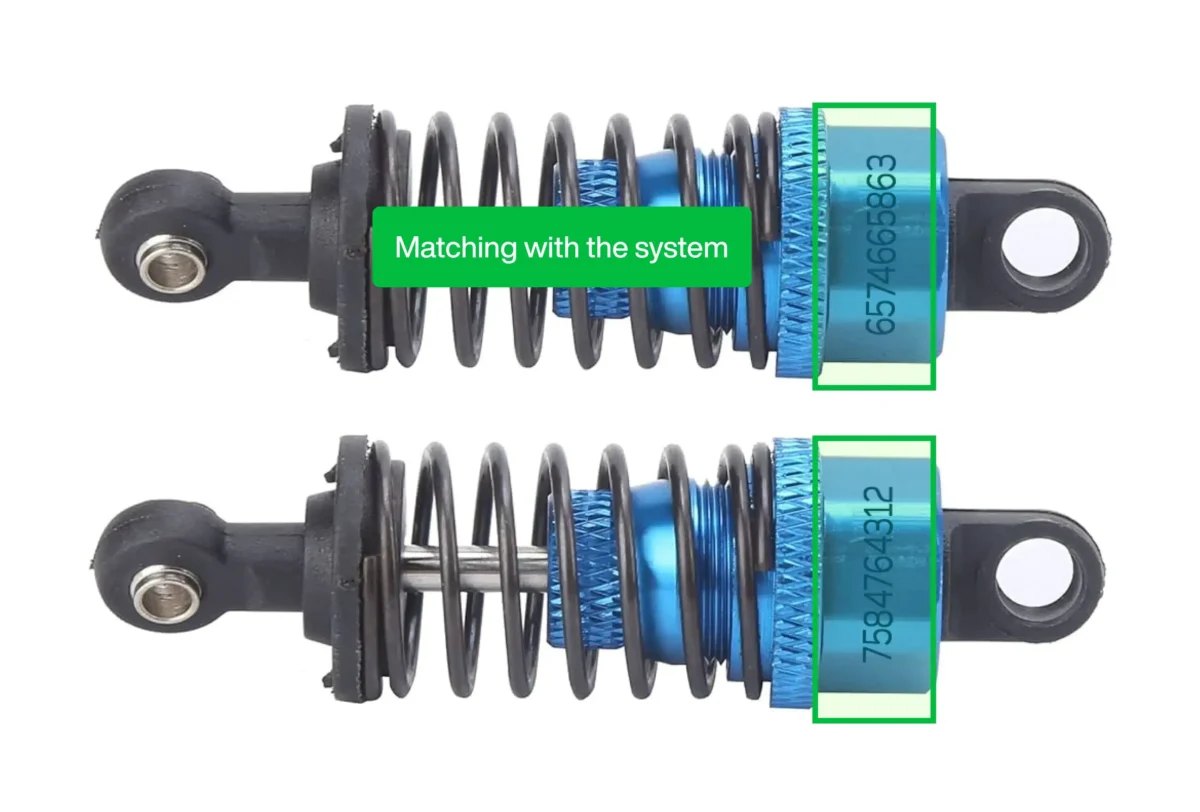



















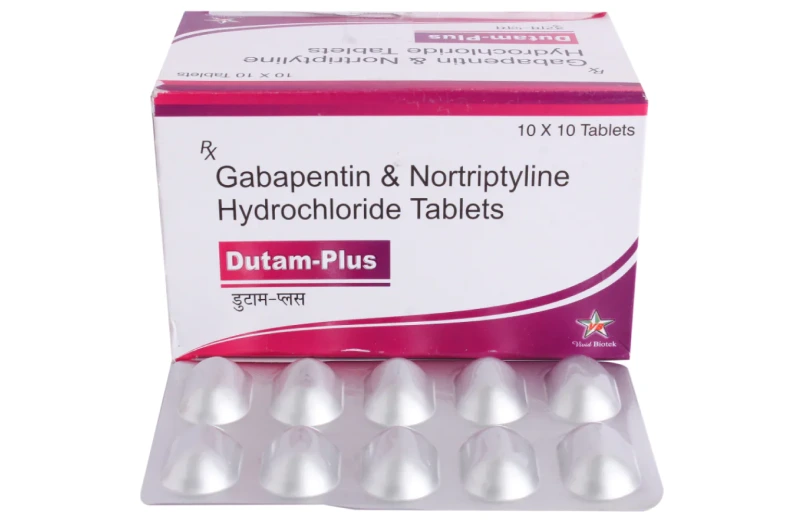
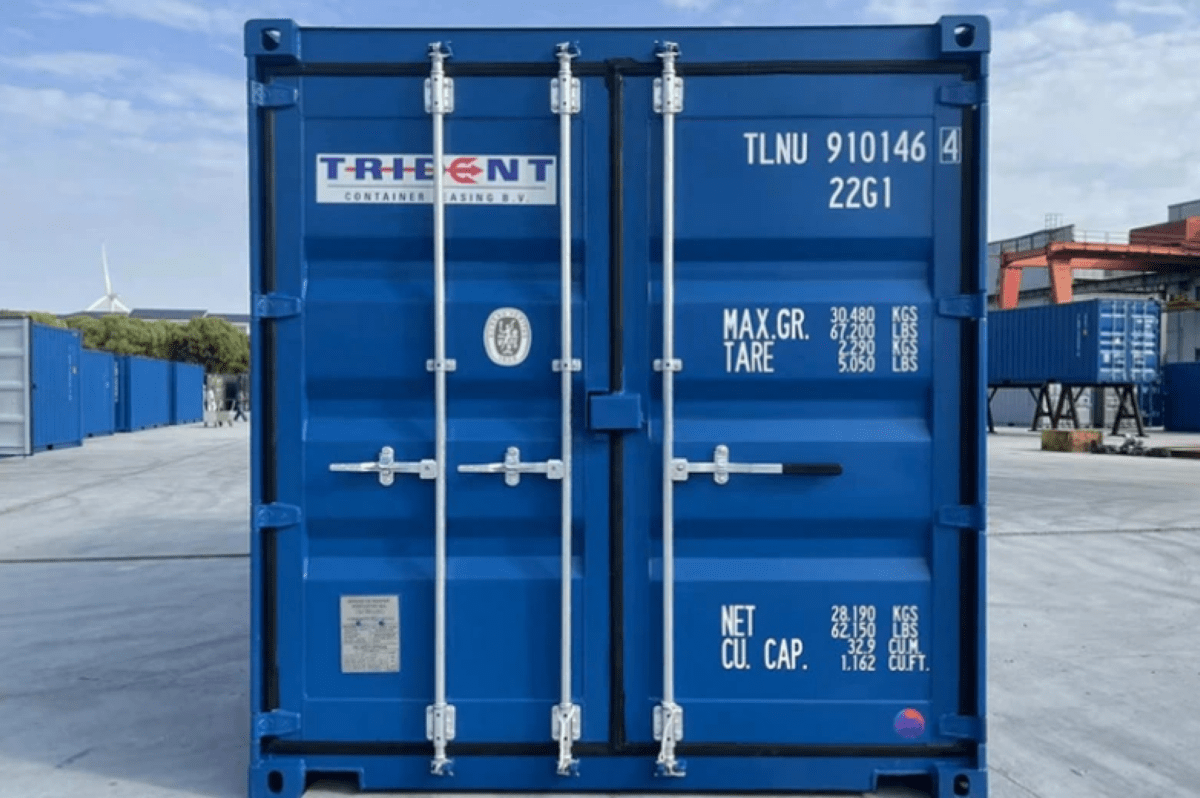
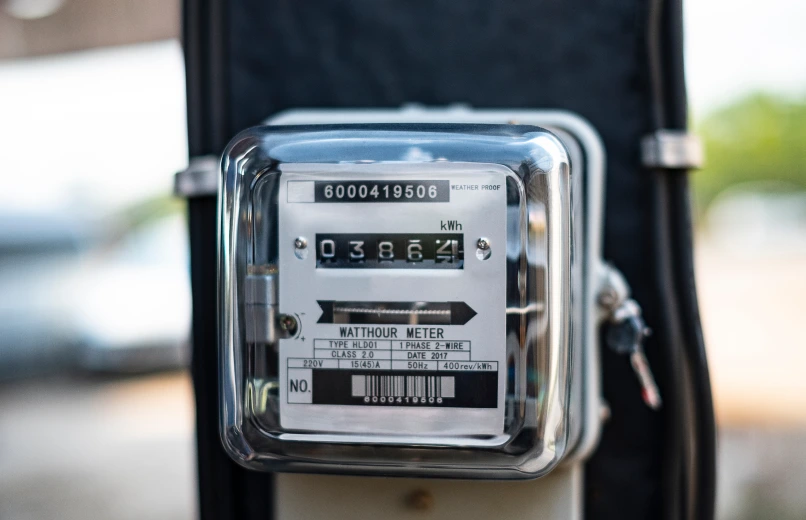
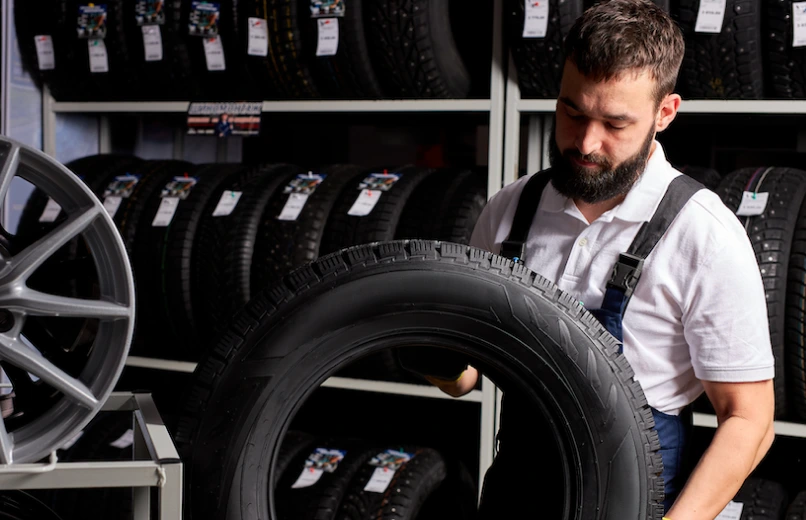

Quality Control

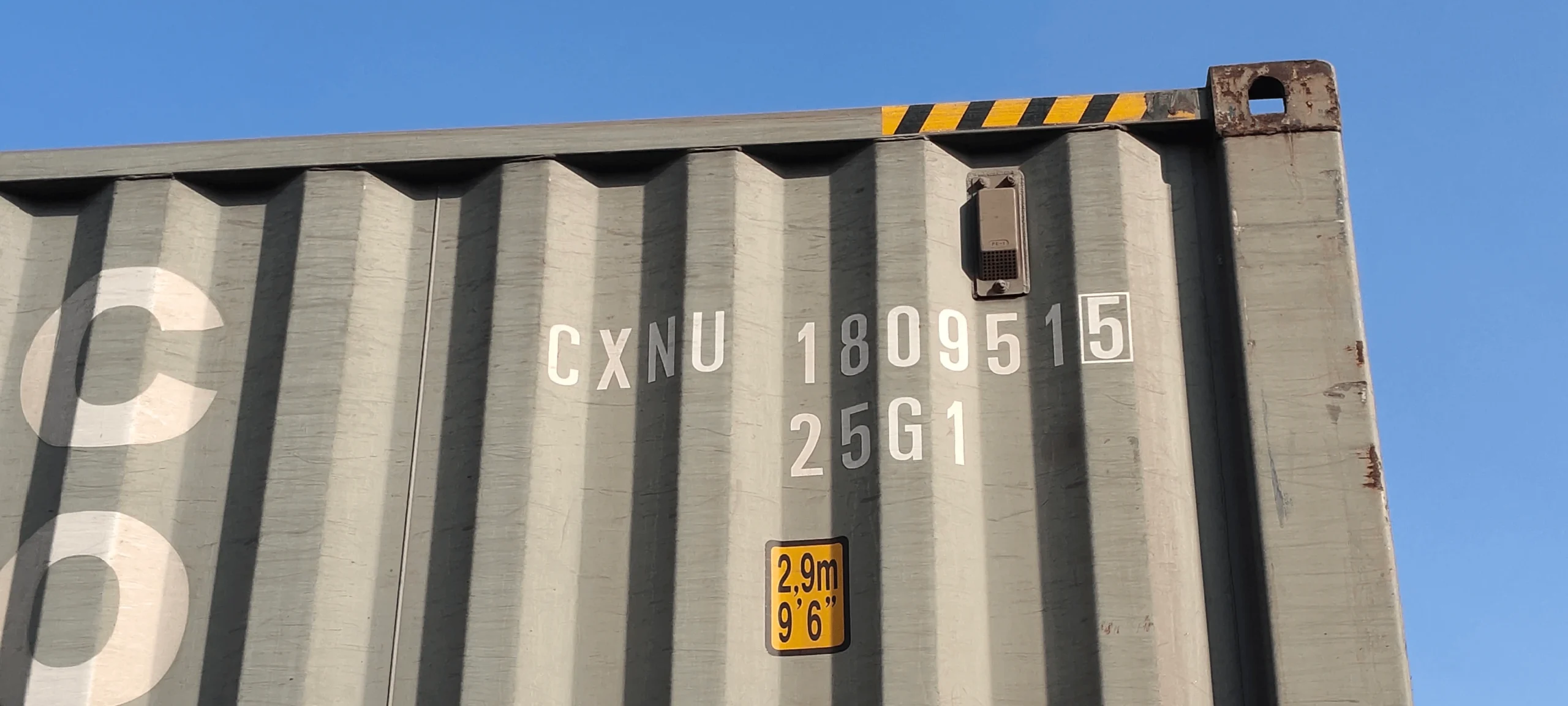
Horizontal Sample 1
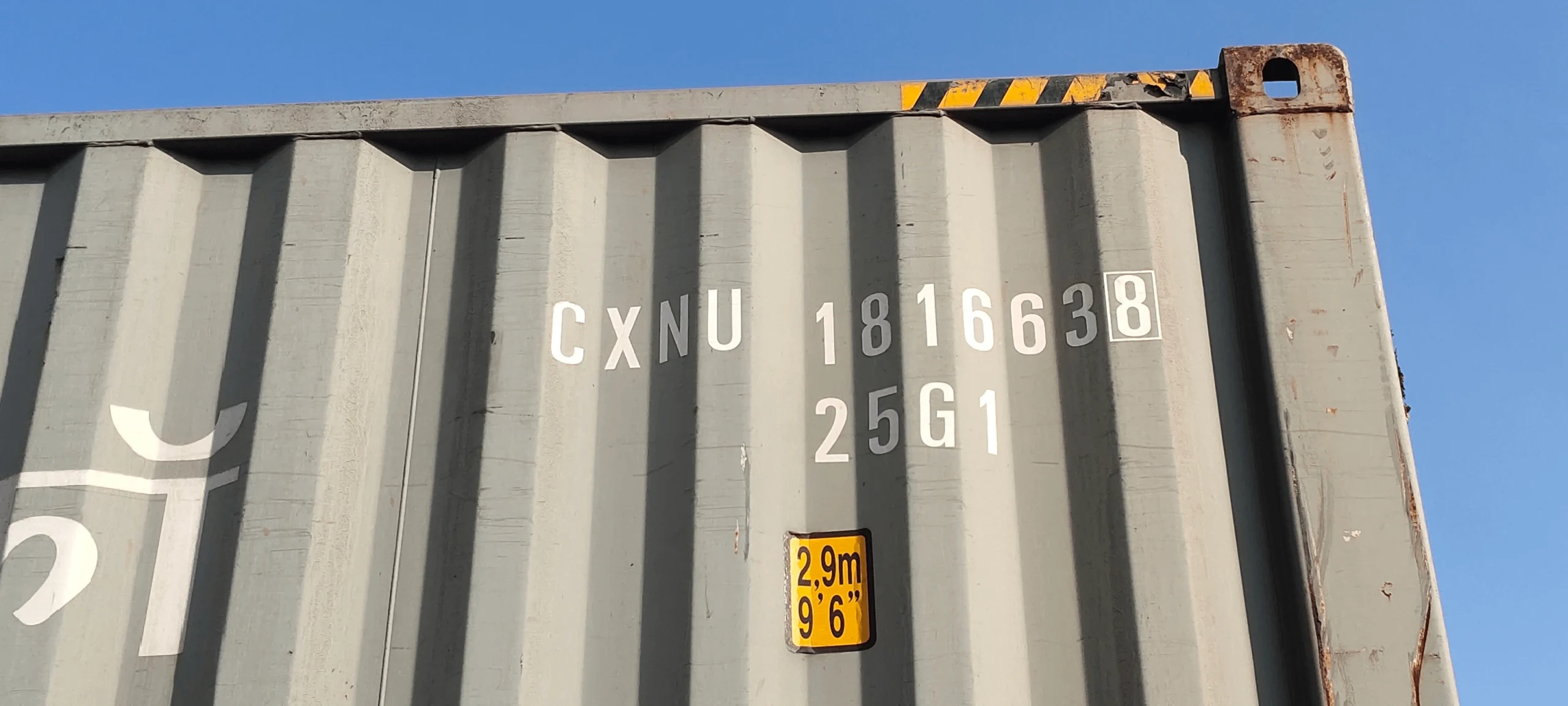
Horizontal Sample 2
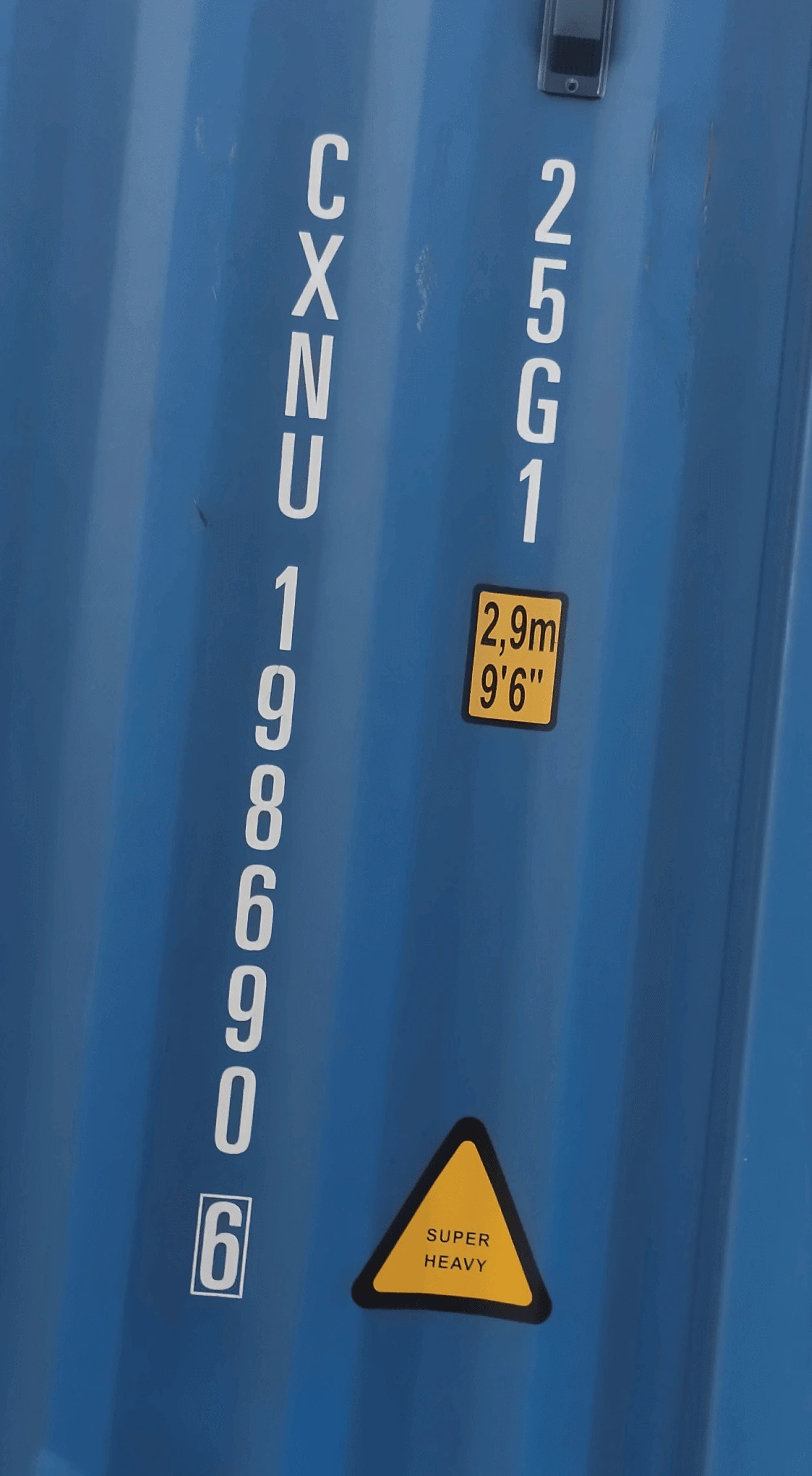
Vertical Sample 1
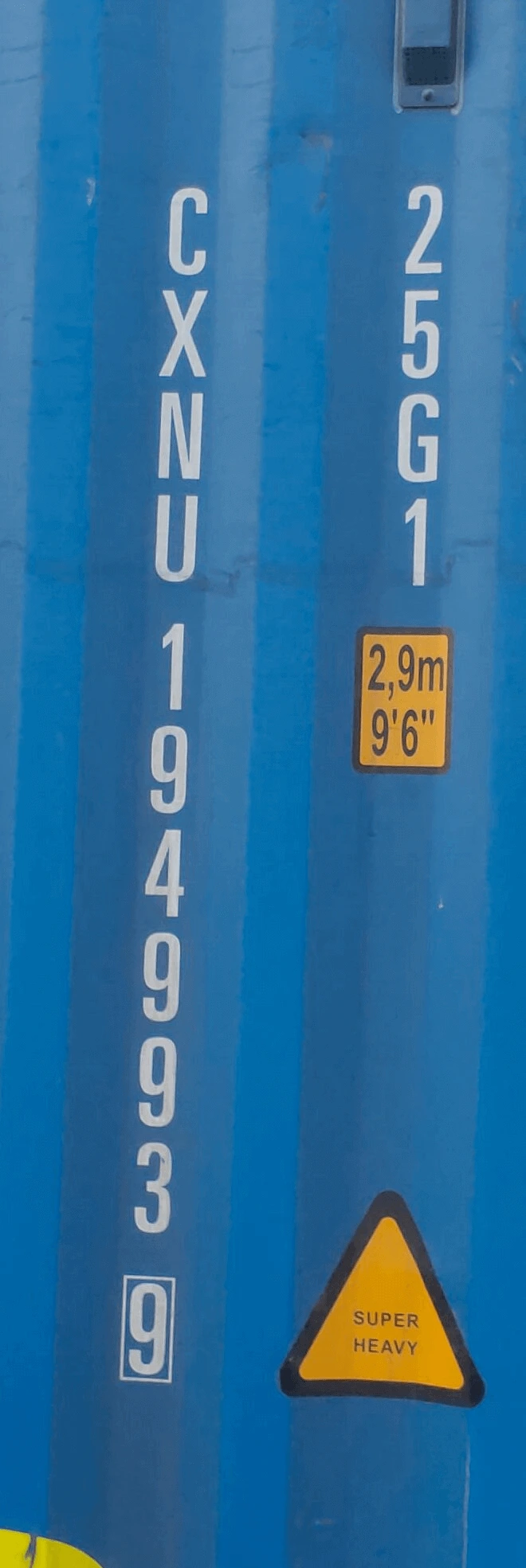
Vertical Sample 2
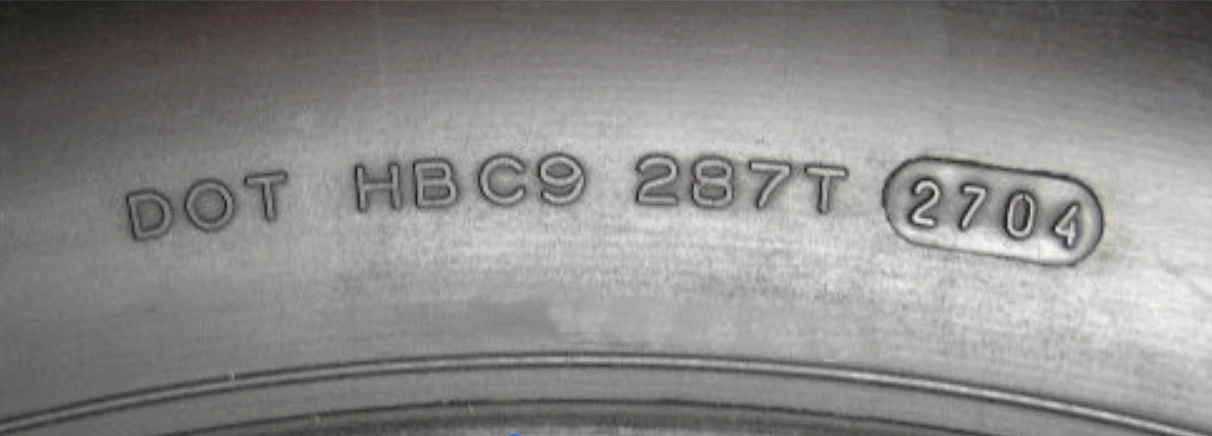
DOT 1
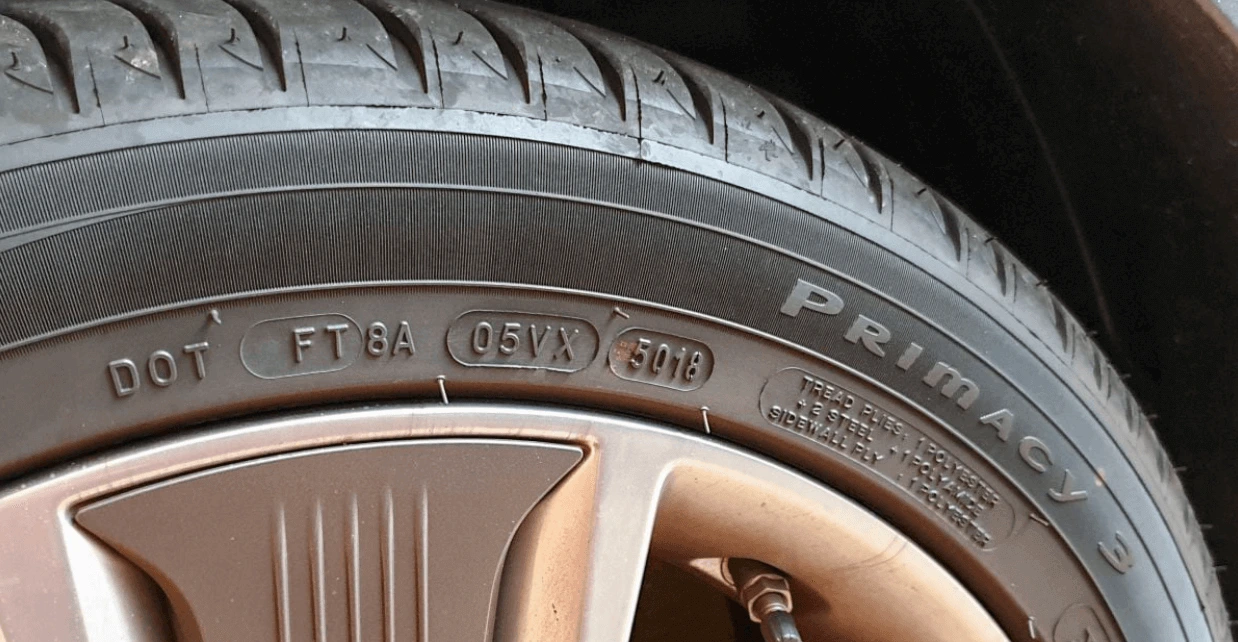
DOT 2
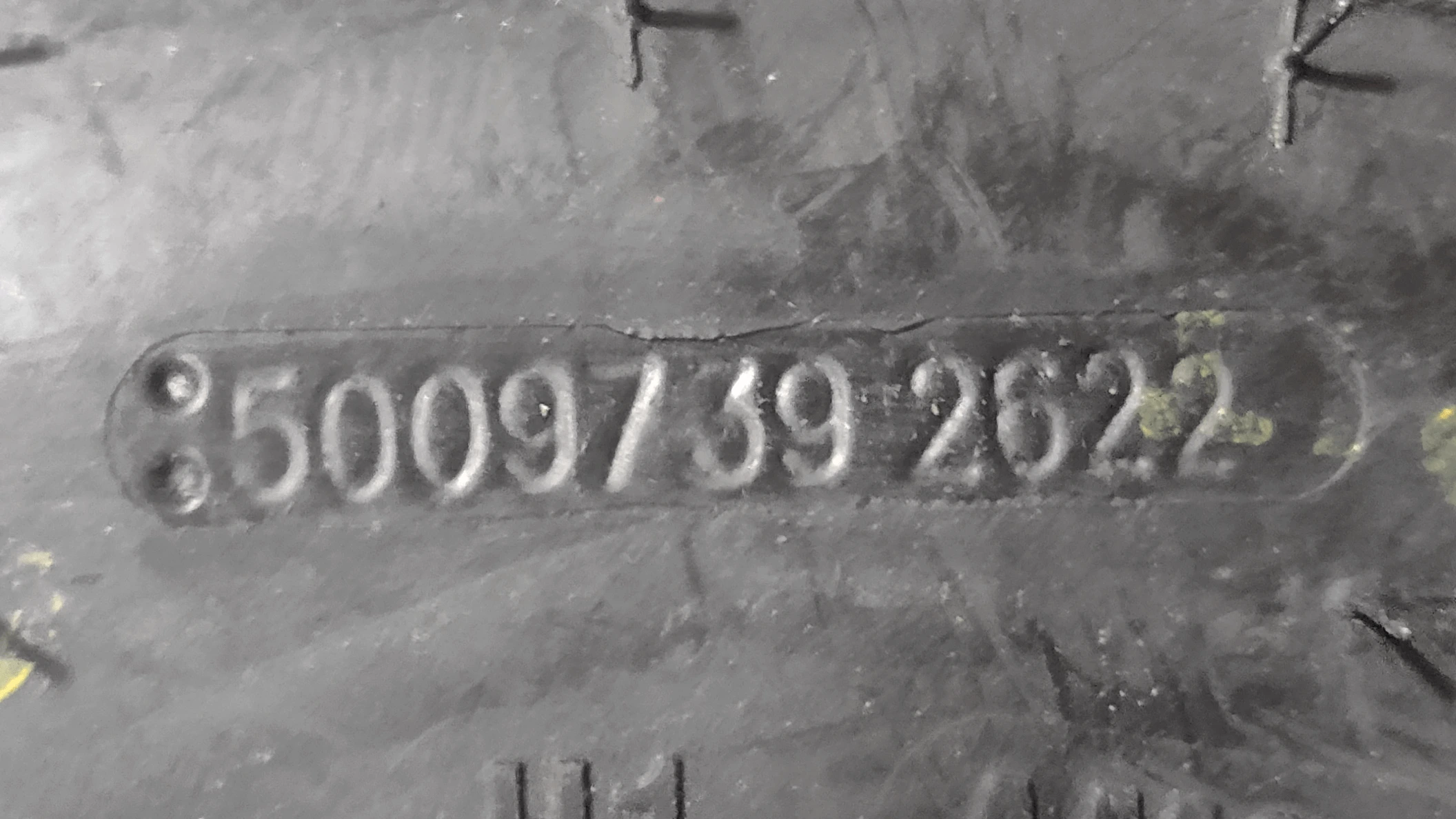
Universal Number 1
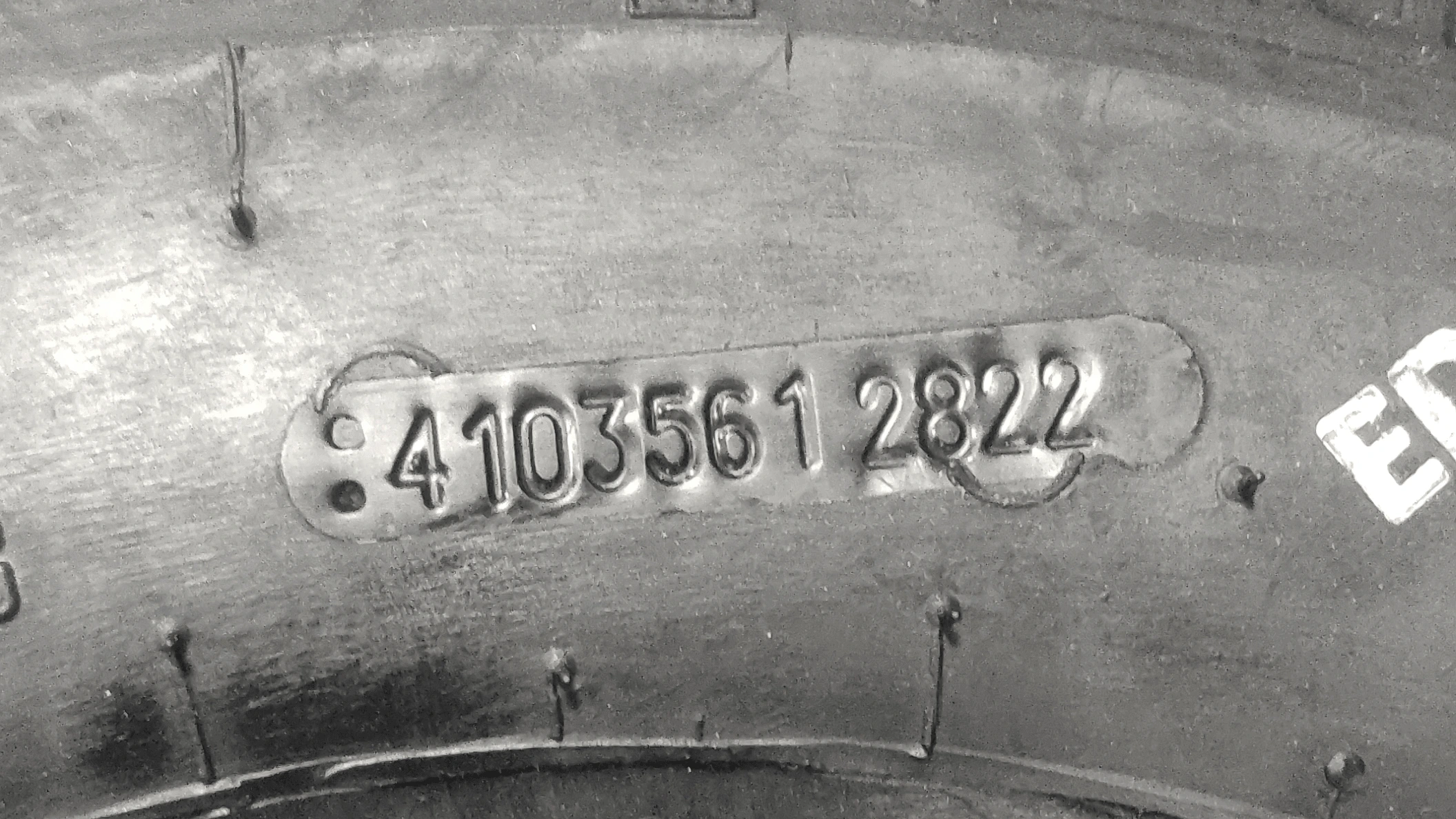
Universal Number 2
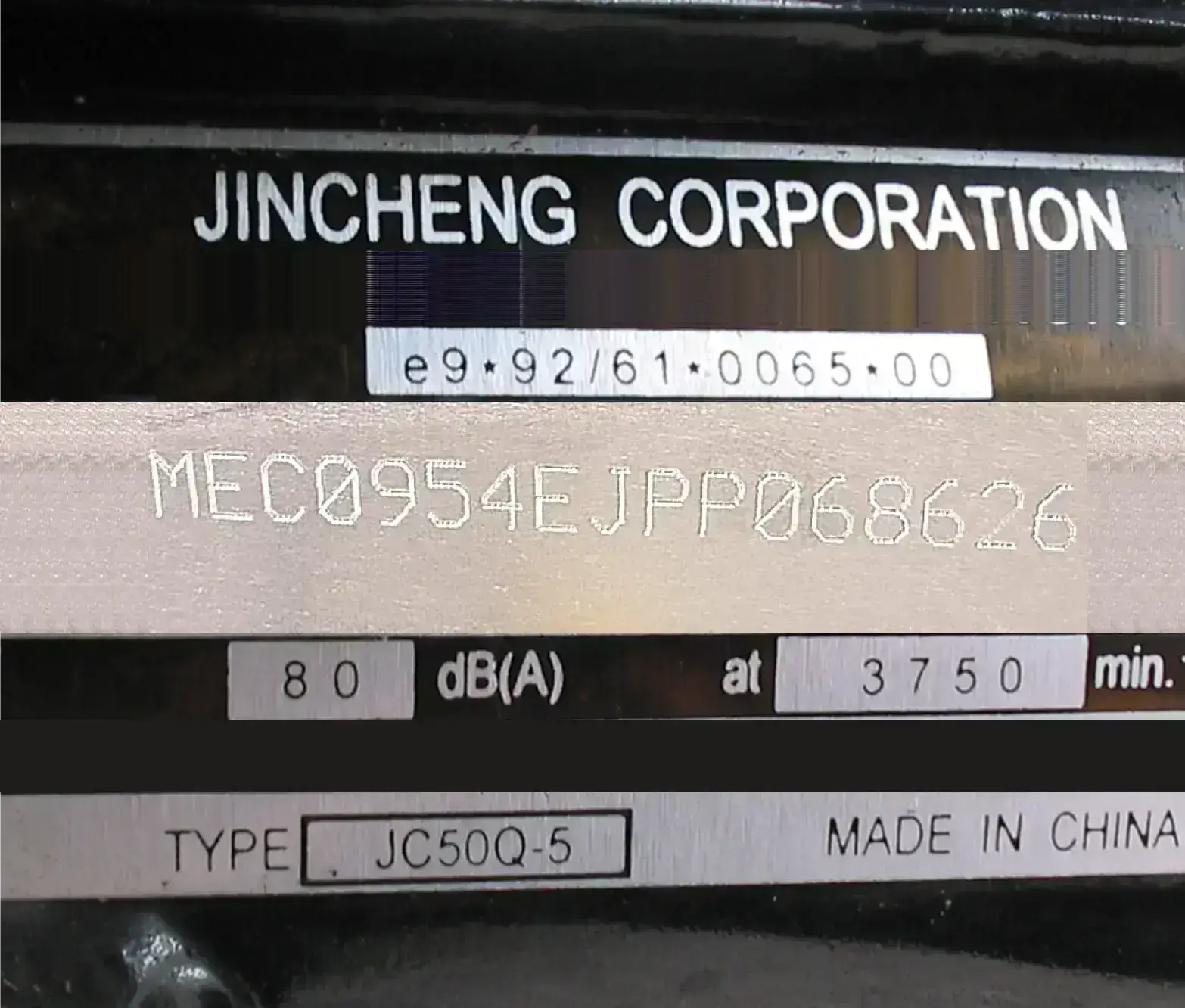
VIN Chassis White 1
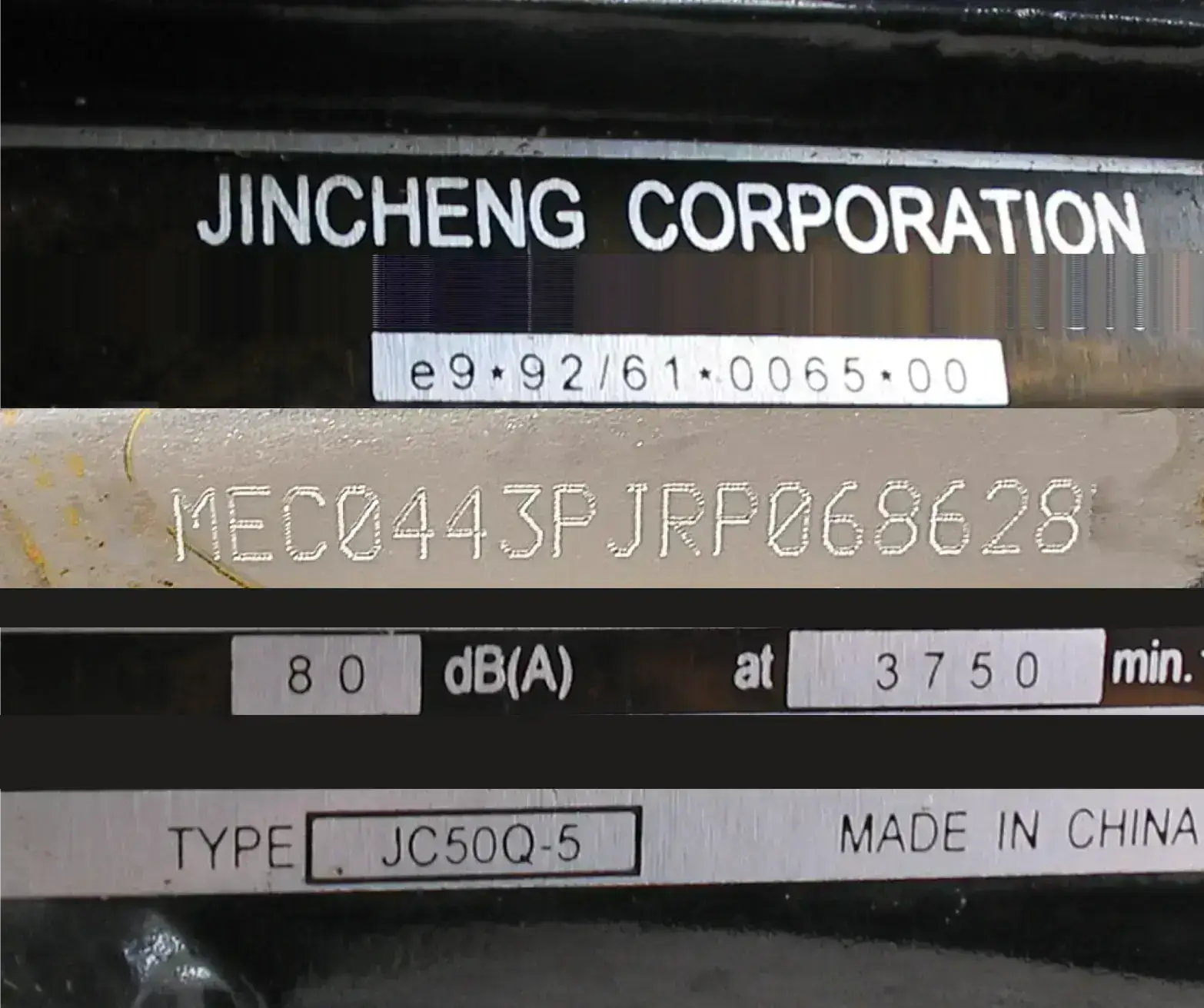
VIN Chassis White 2
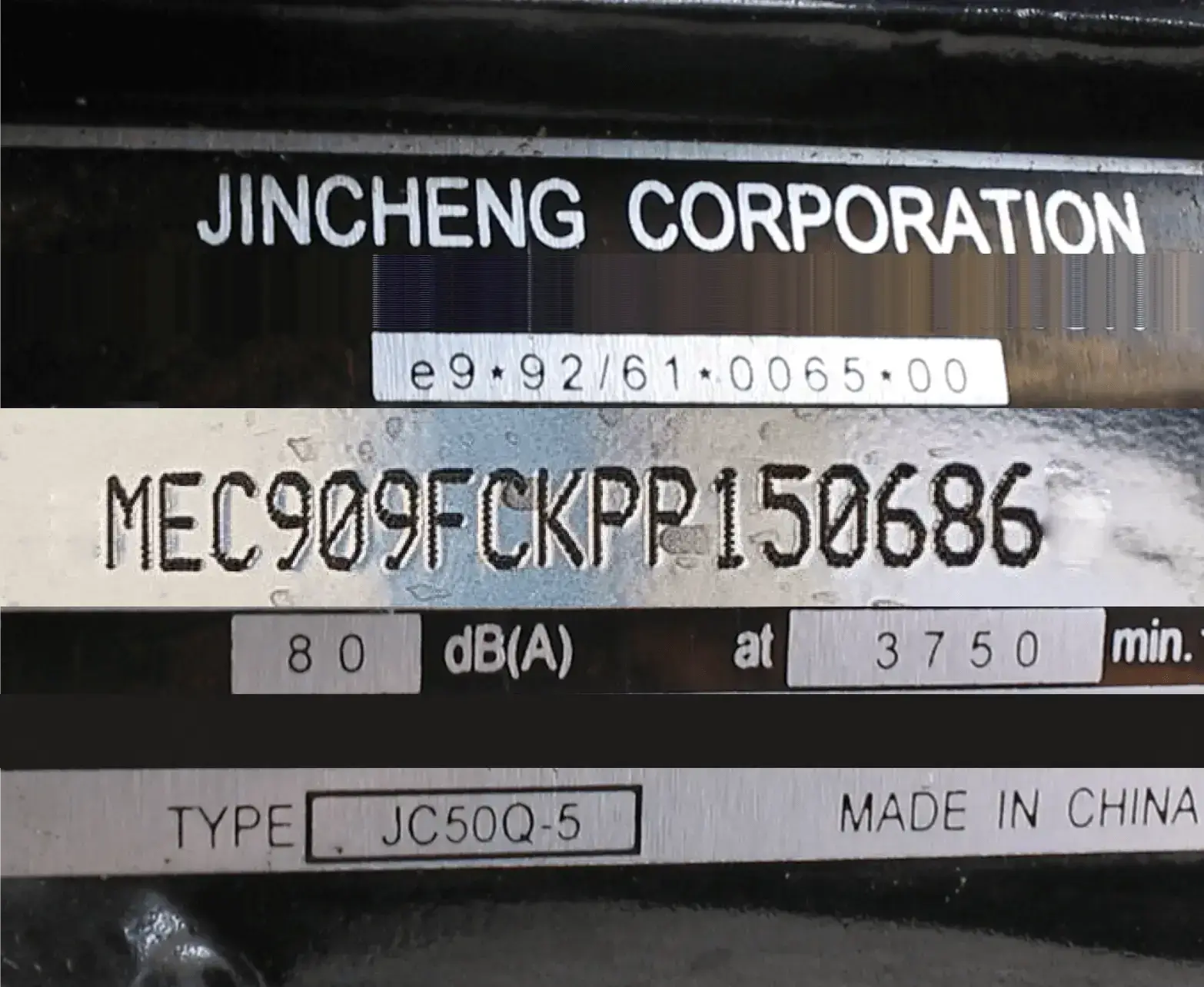
VIN Chassis Black 3
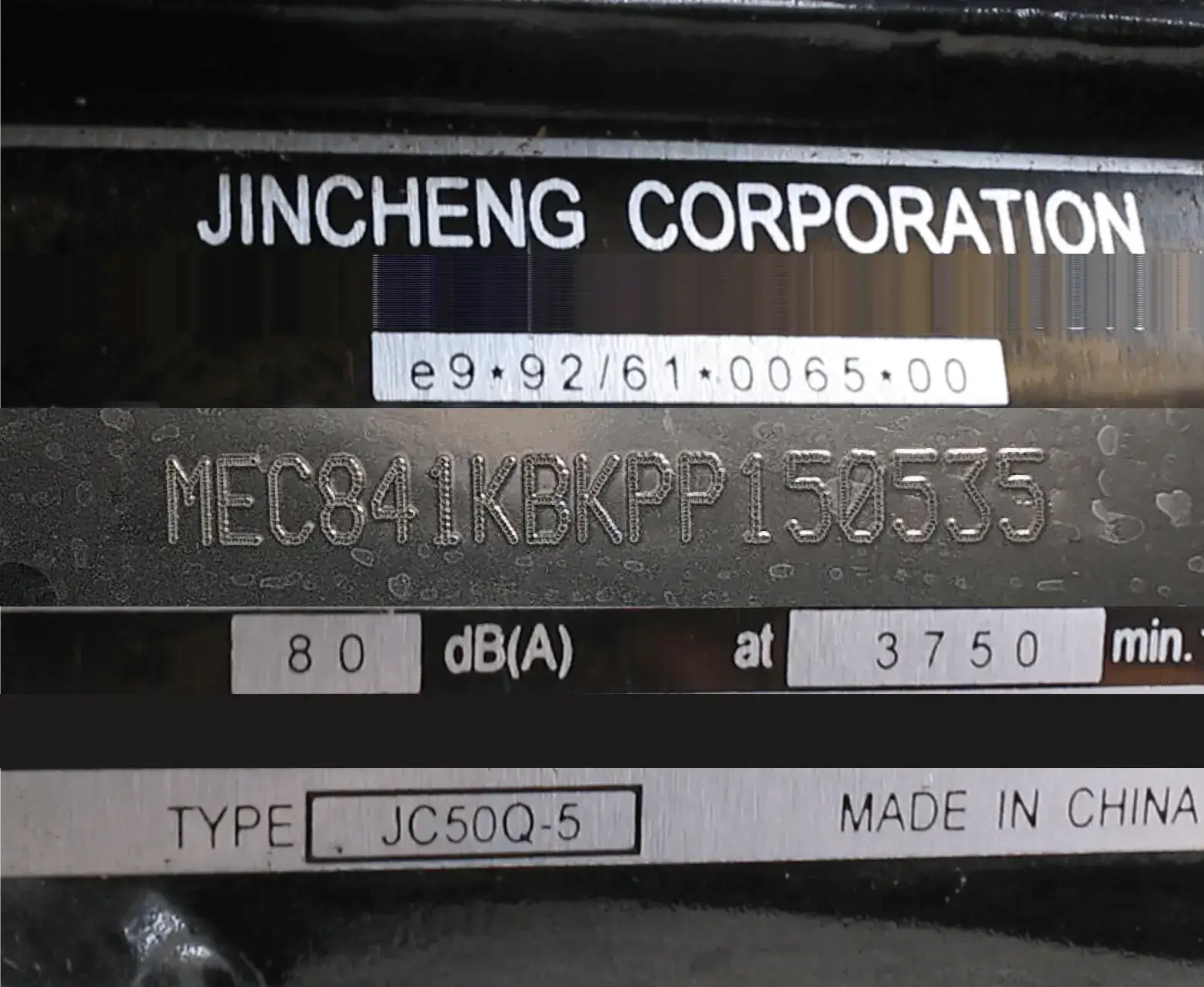
VIN Chassis Black 4
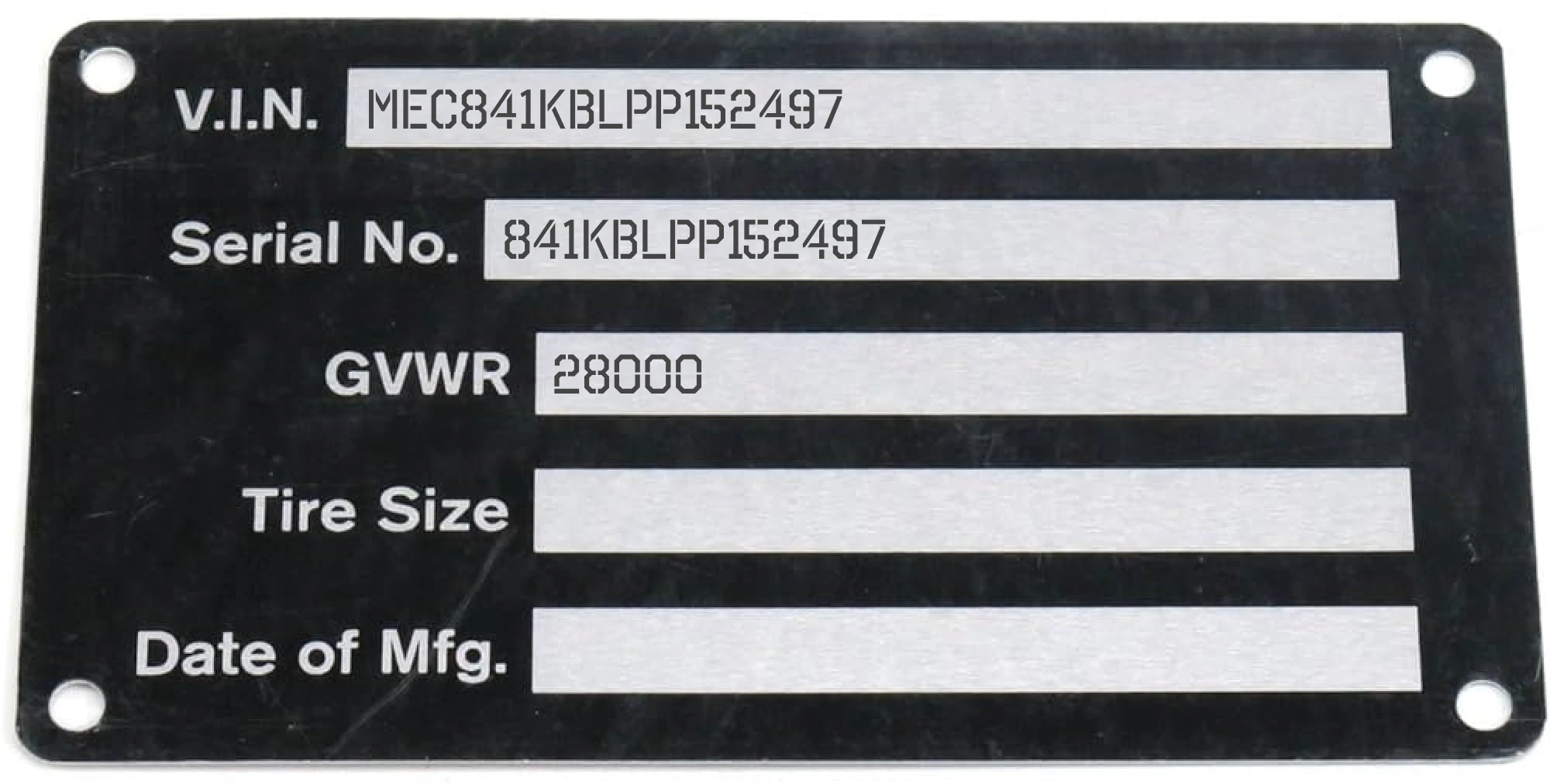
VIN Plate
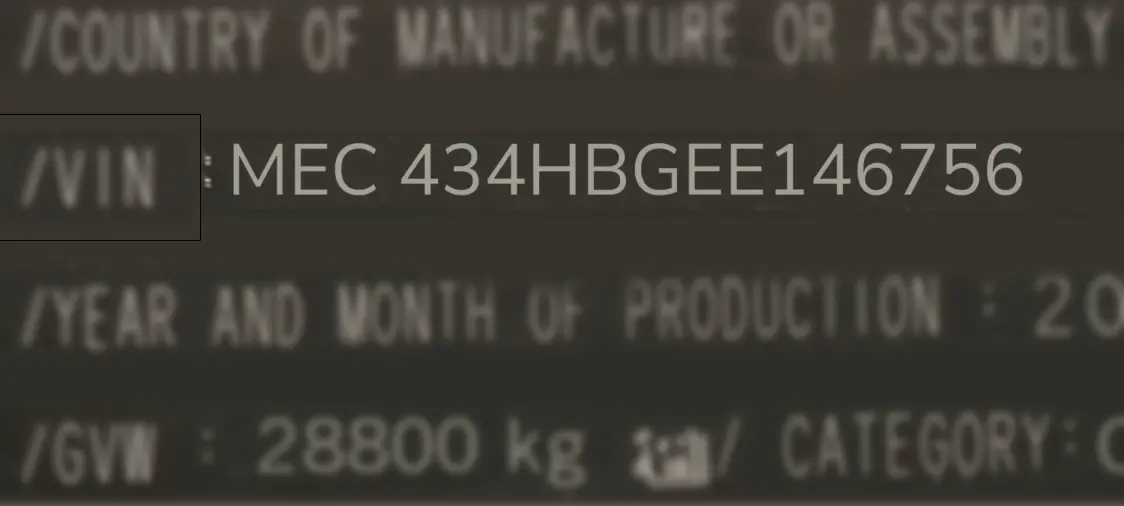
VIN Sticker Sample 1
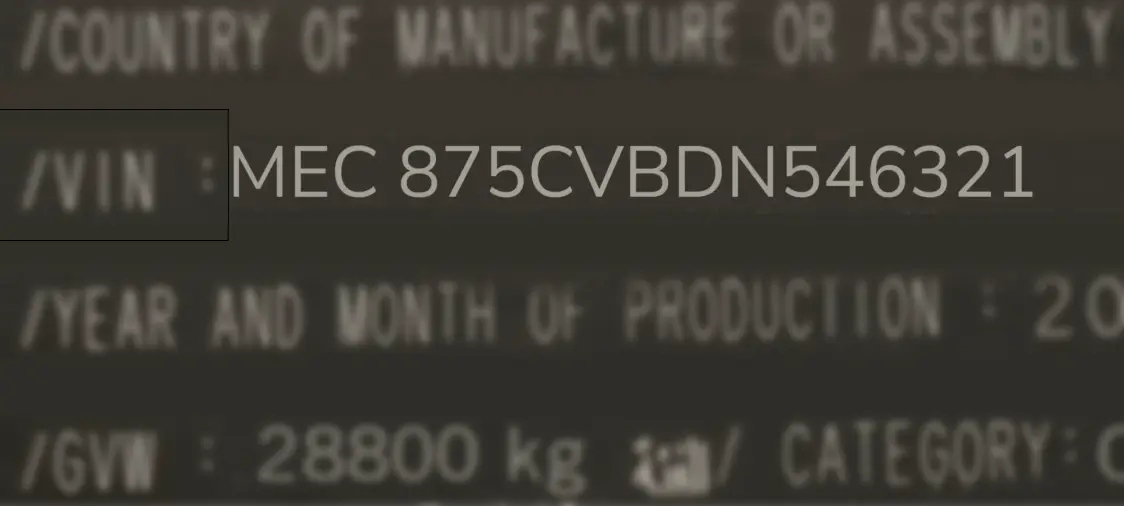
VIN Sticker Sample 2
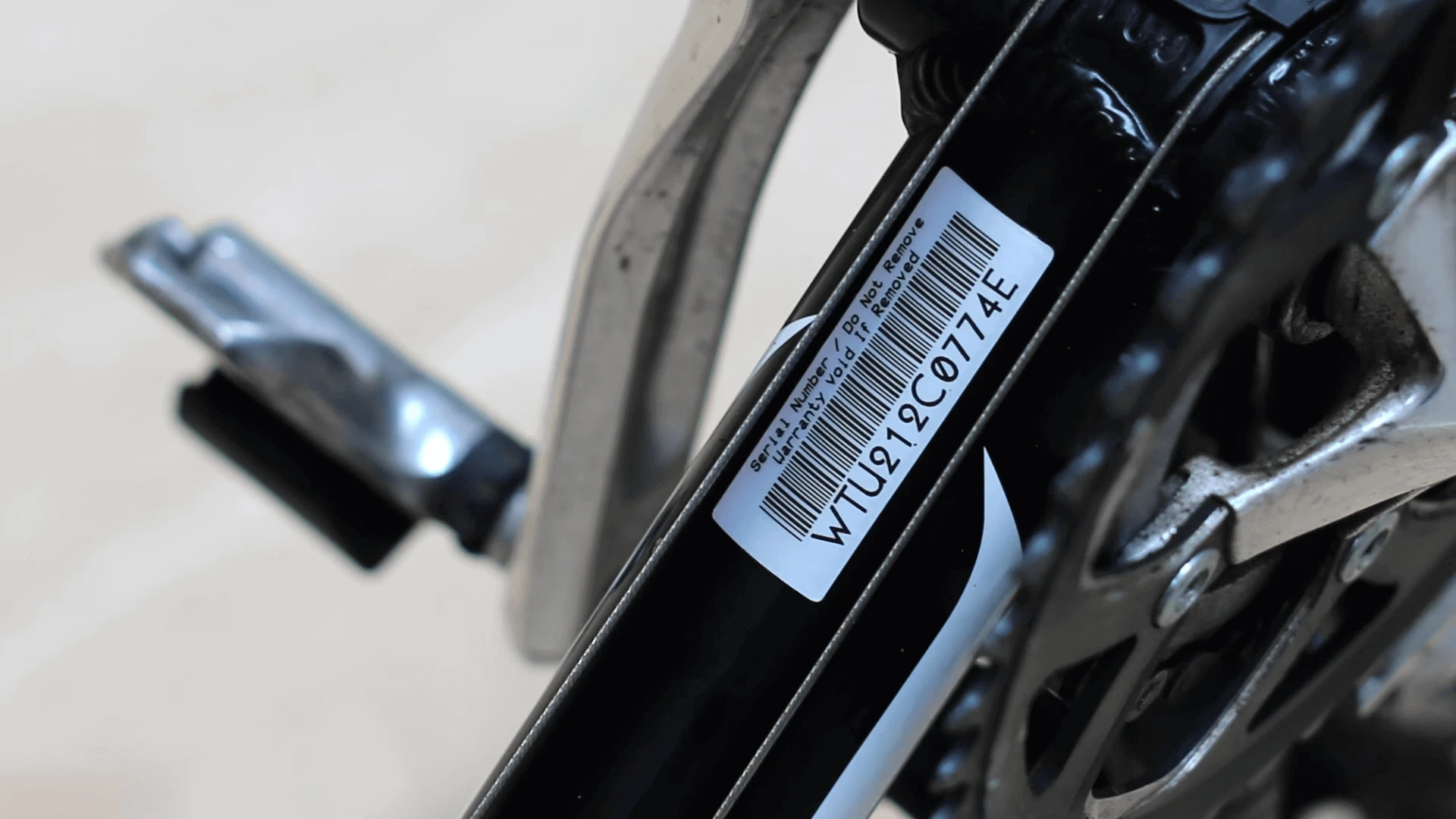
Universal 1
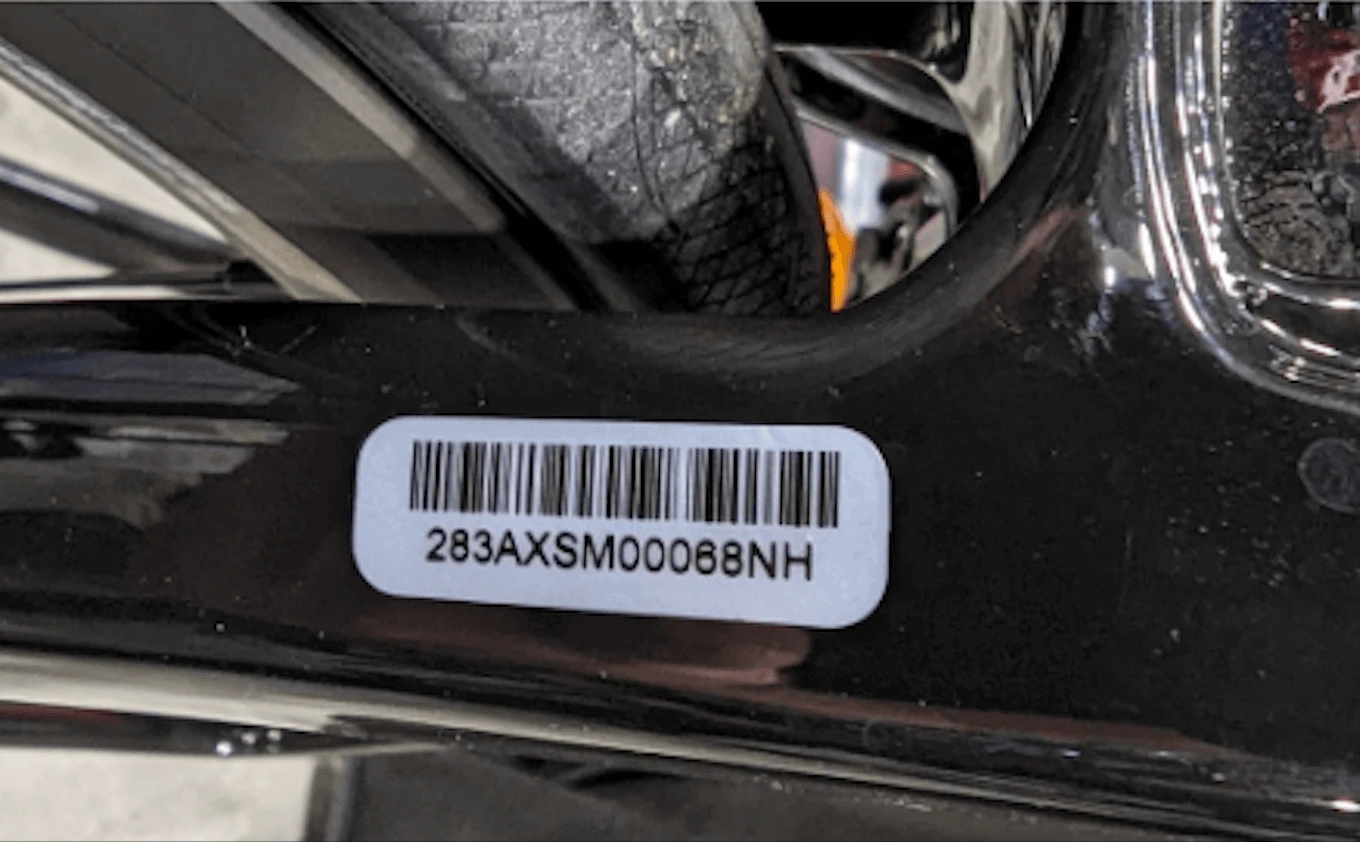
Universal 2
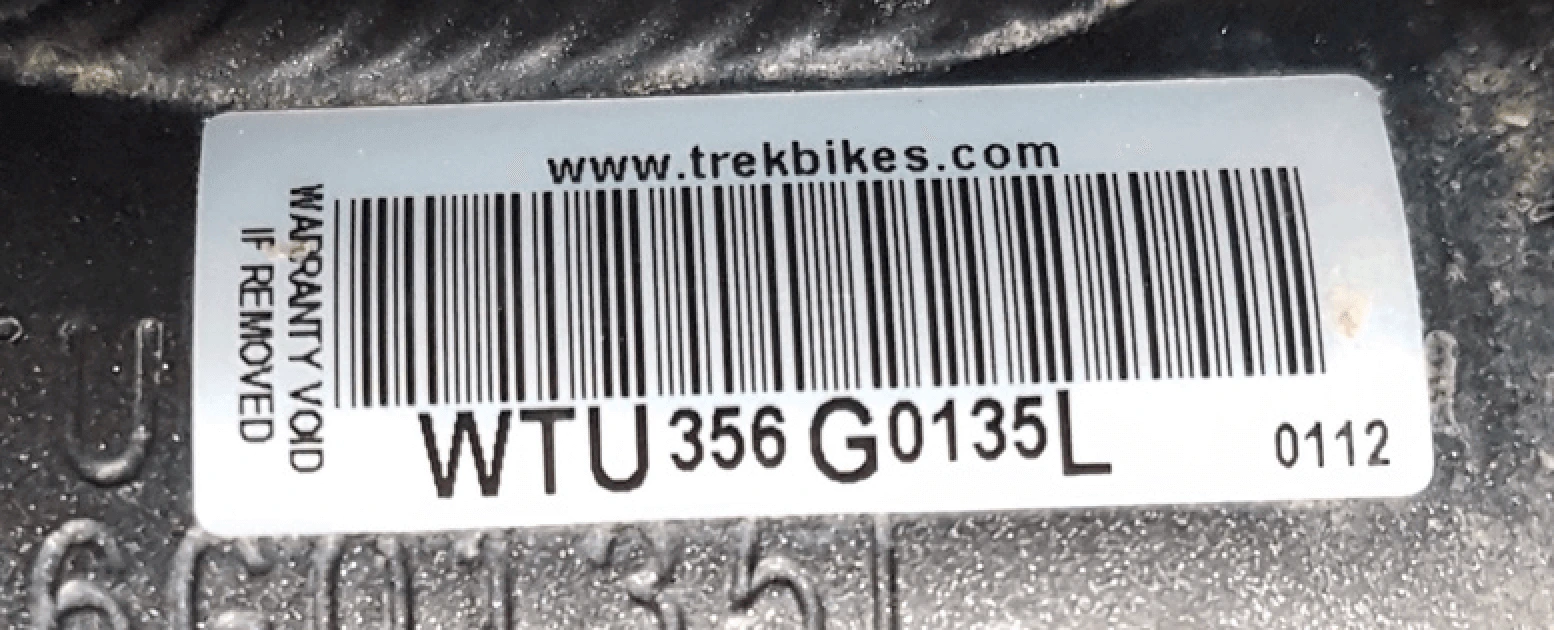
Universal 3
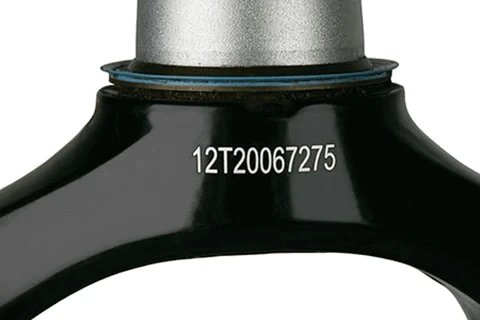
Universal 4
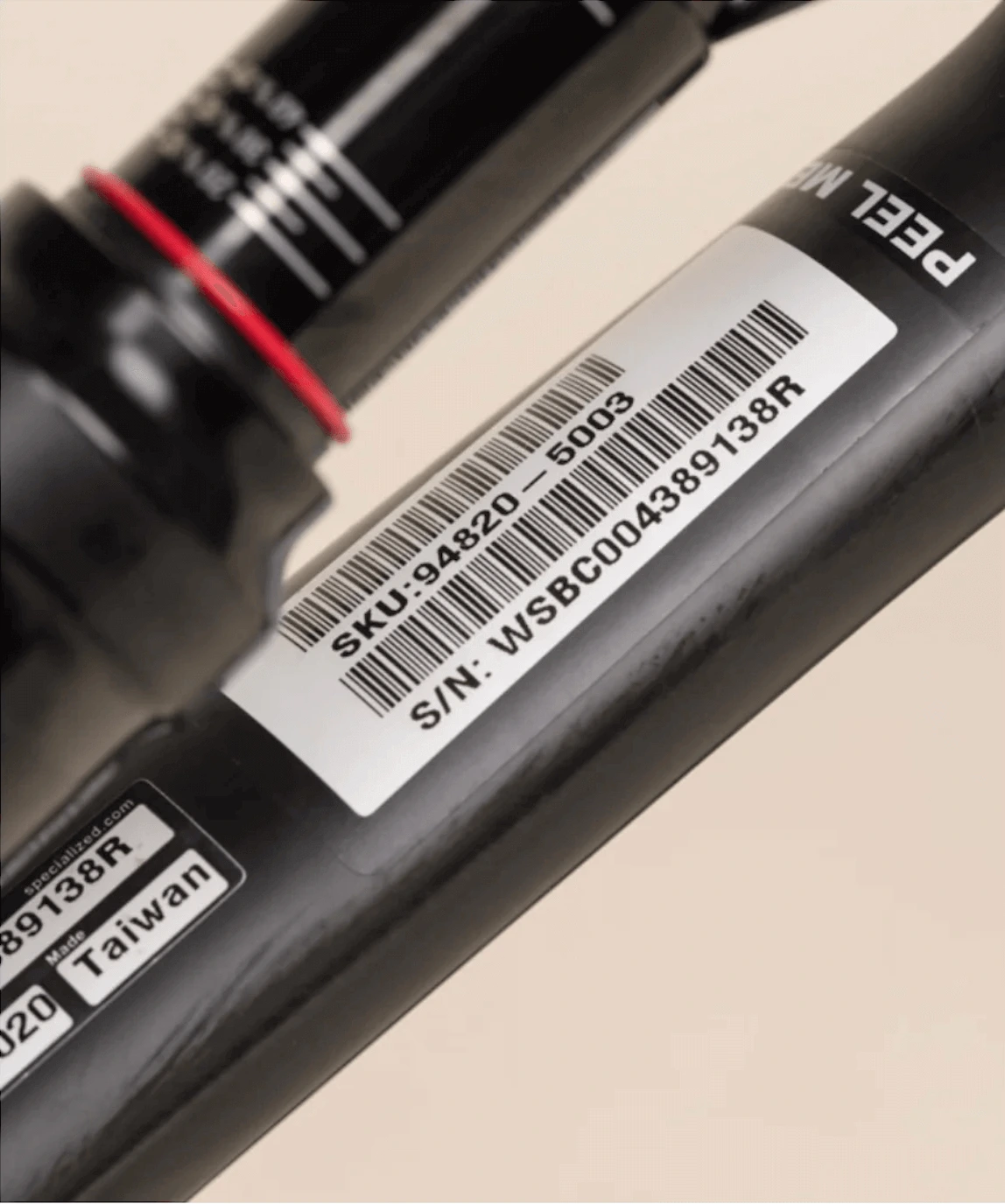
Universal 5

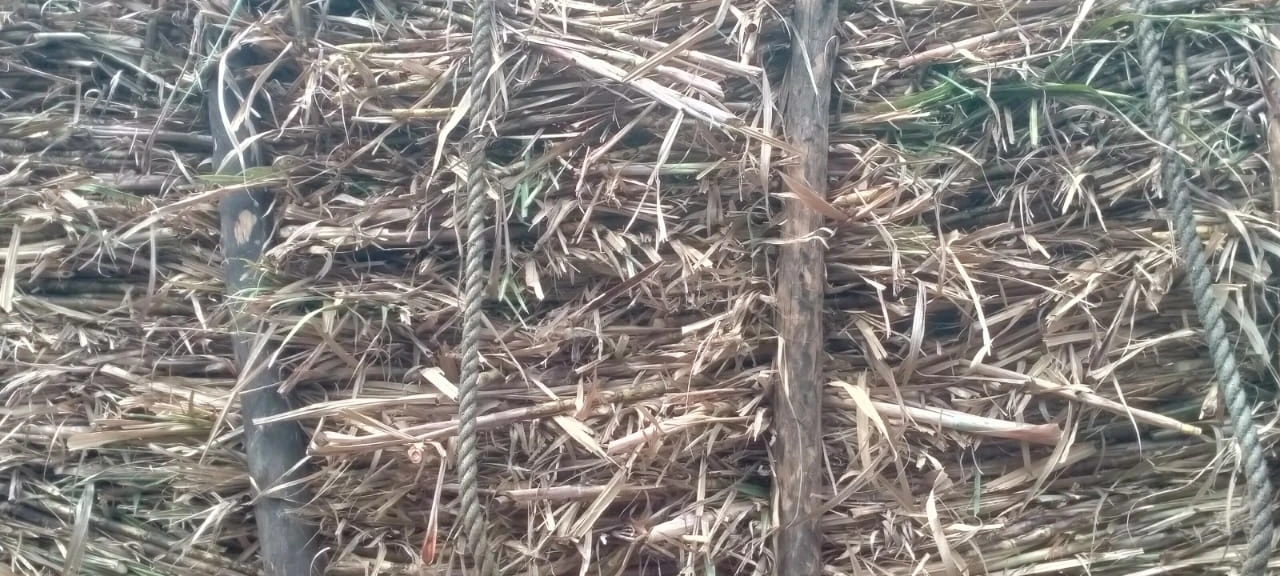
GRADE A
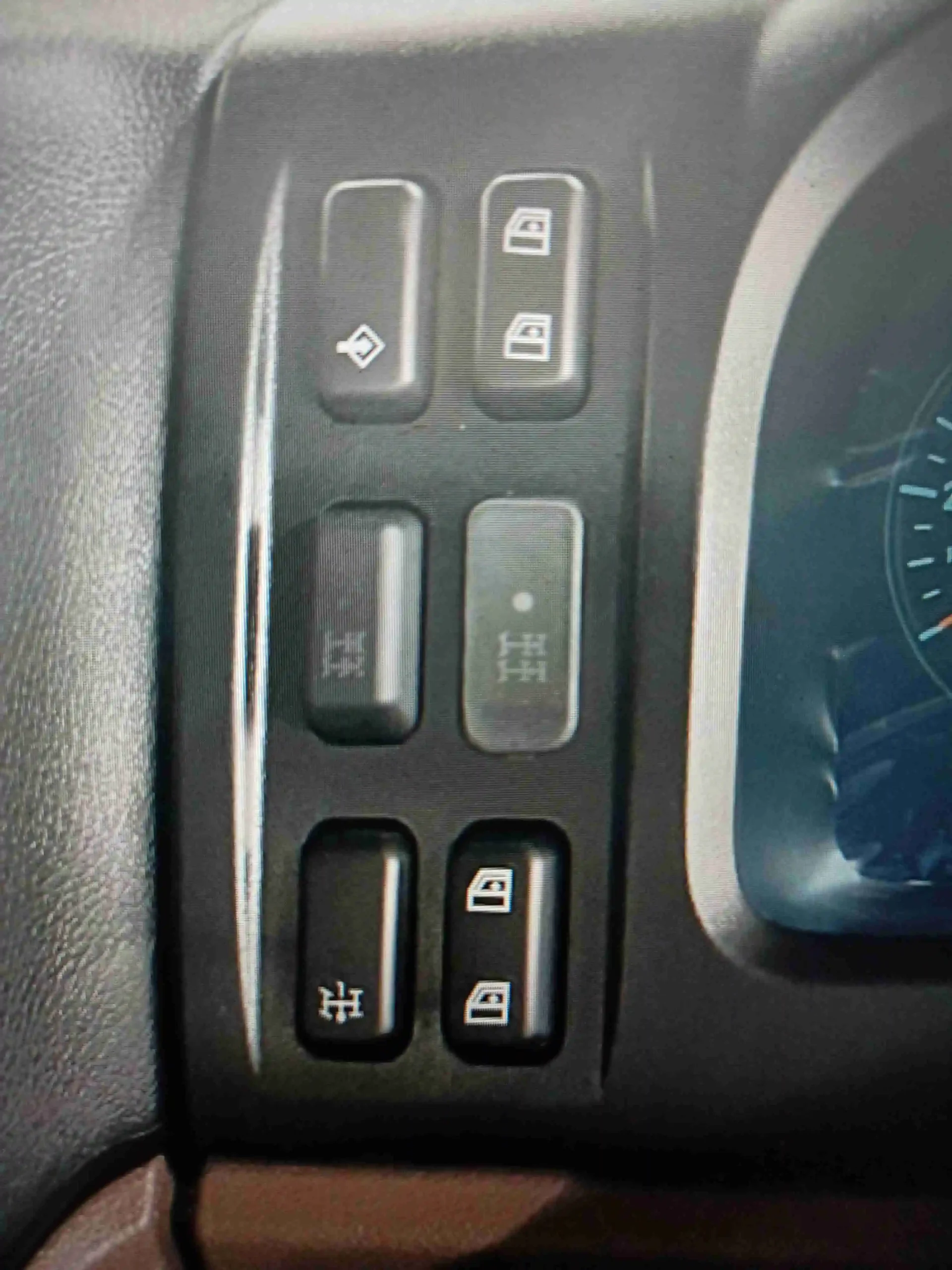
GRADE B
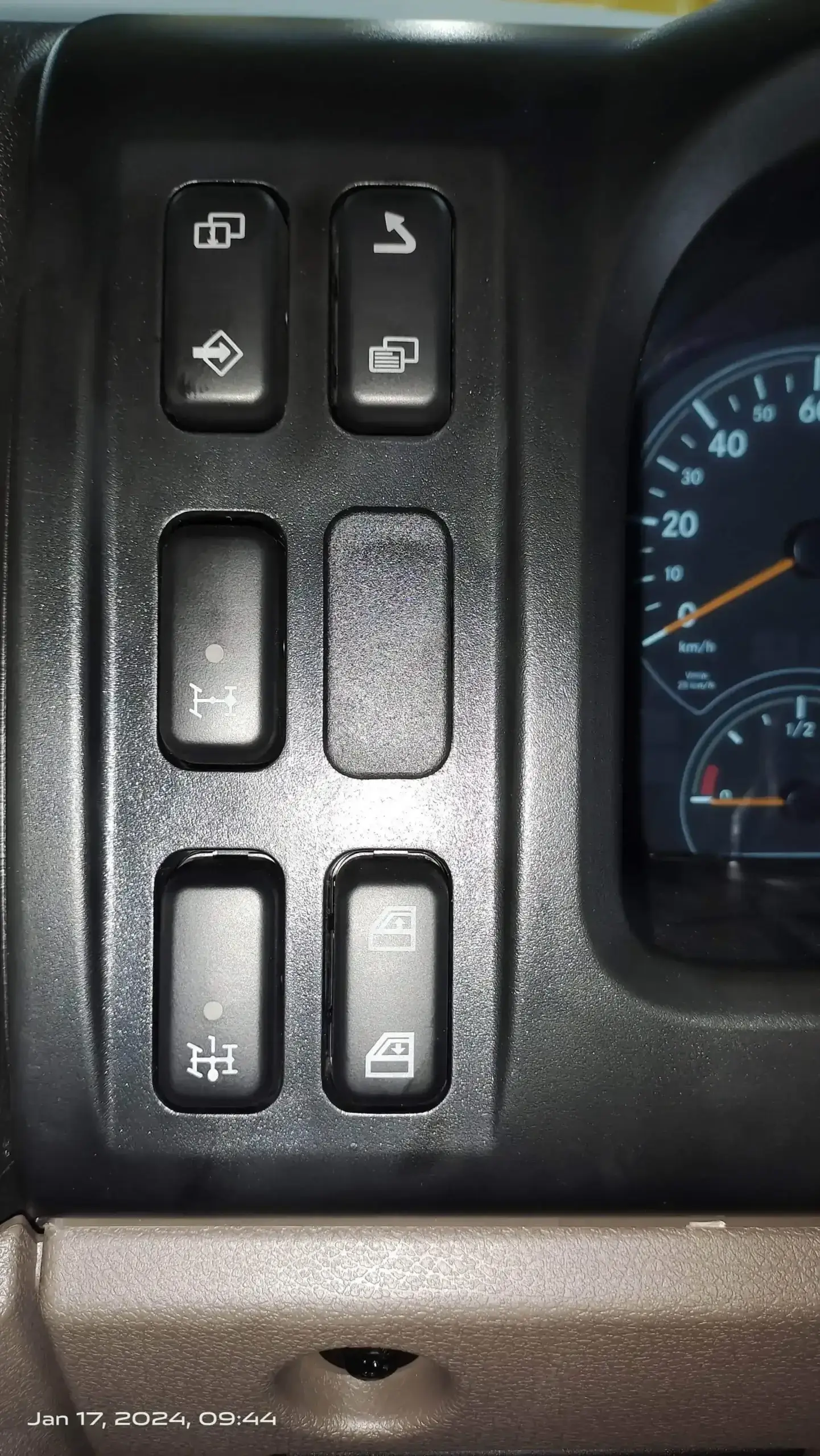
Switch Negative
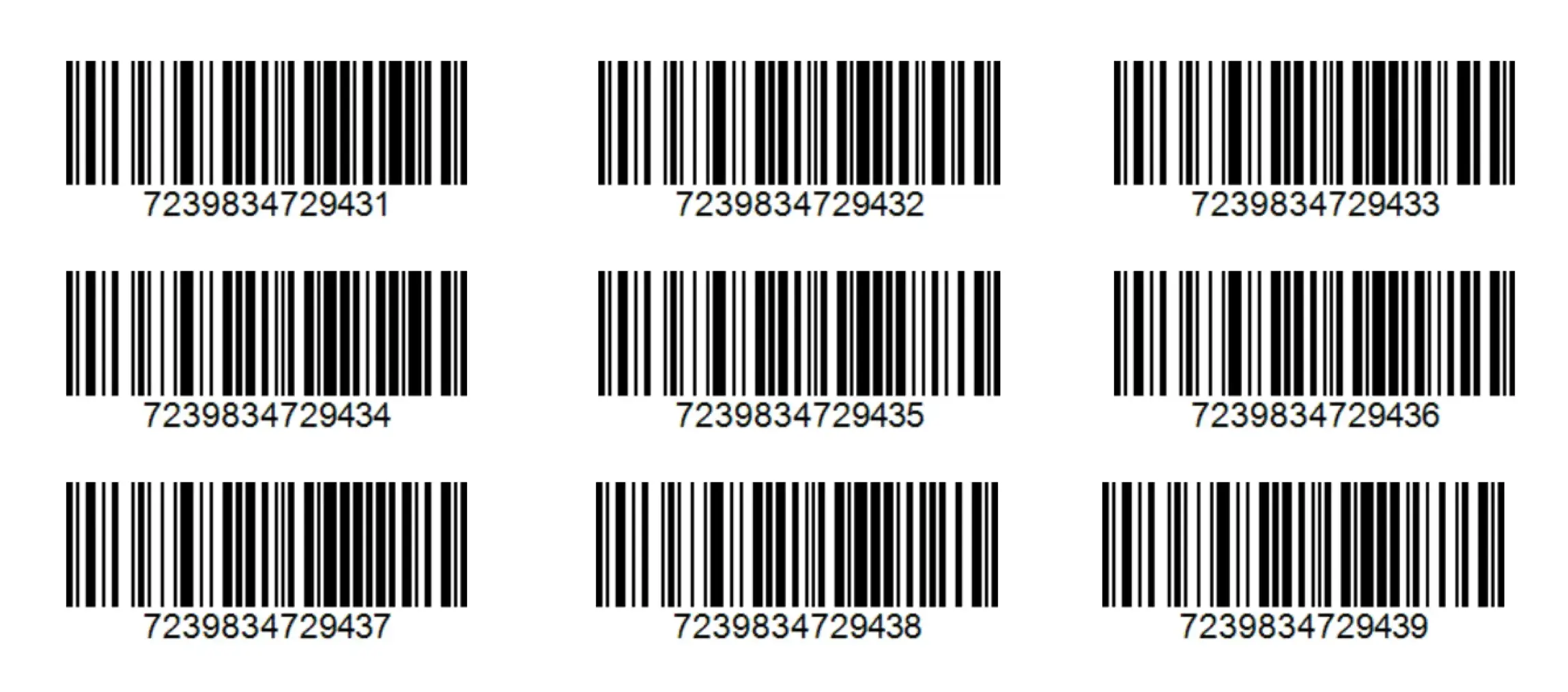
Switch Positive
Matrix Scan


Text Scan White Coated 1

Text Scan White Coated 2
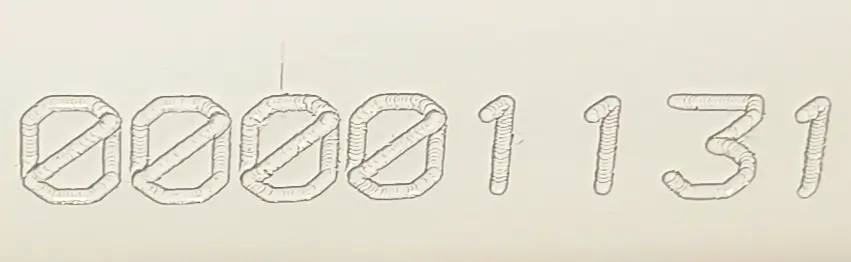
Text Scan White Coated 3
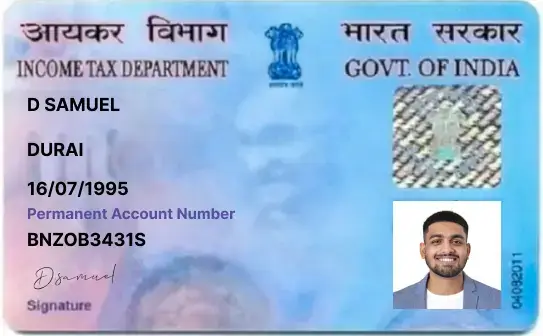
ID Card
An SDK is a software development kit, package of software development tools that can be installed to create applications. SDKs are commonly used in the development of mobile, web and software applications for various platforms such as iOS, Android, Windows, and more. They provide developers with the necessary tools and resources to create robust and feature-rich applications that can interact with the platform's capabilities. With Scanflow SDK you can implement Inteligent data capture solutions in your app, website or any smart device.
Our mobile SDK is developed for:
It supports also common integration frameworks such as:
It supports Backend Systems like
You can download the SDK: https://www.scanflow.ai/developer/
You can request for SDK trial: https://www.scanflow.ai/developer/
Scanflow not just sell an scanning application, It goes beyond in automating workflow processes by enhancing the user experience.
The Scanflow SDK can scan:
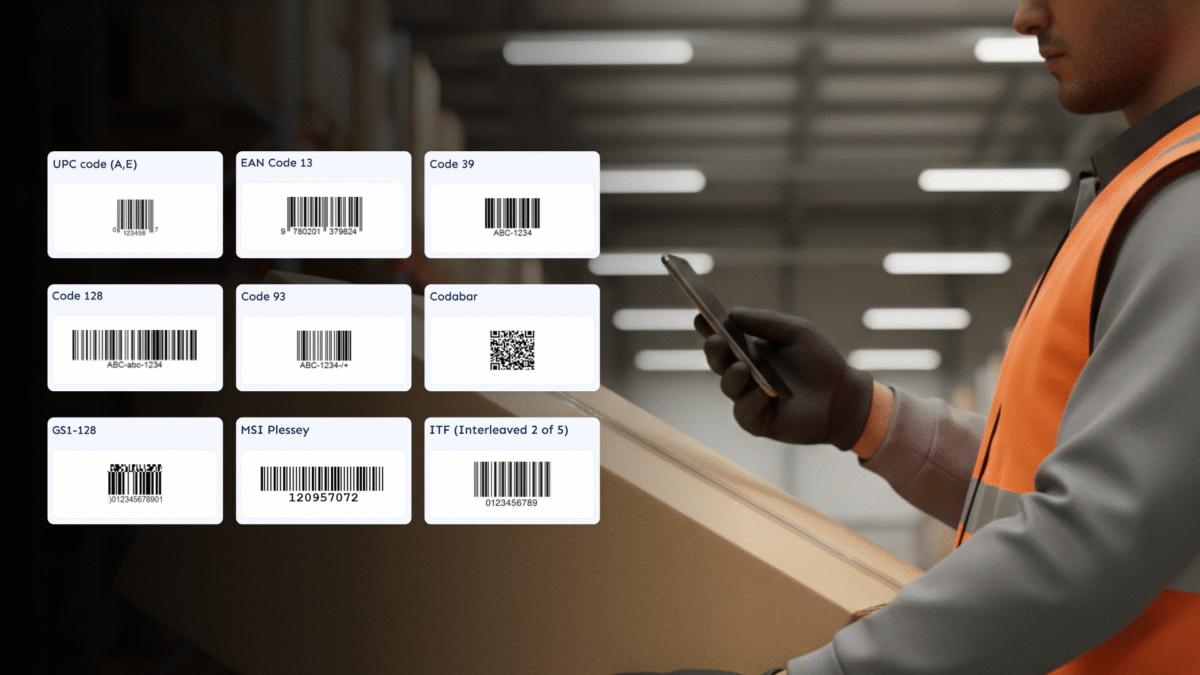
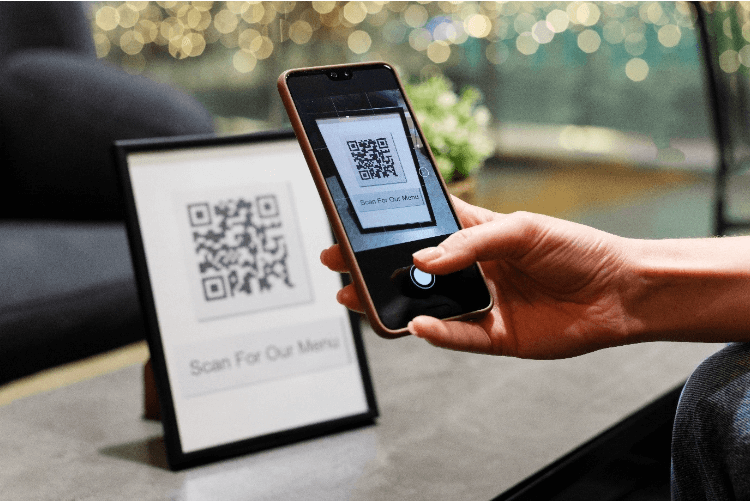
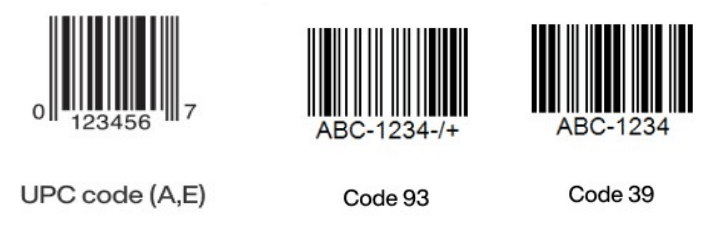
Barcodes
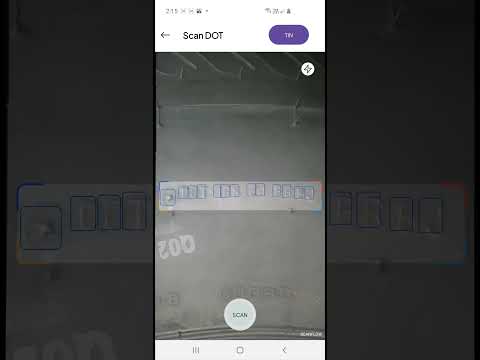
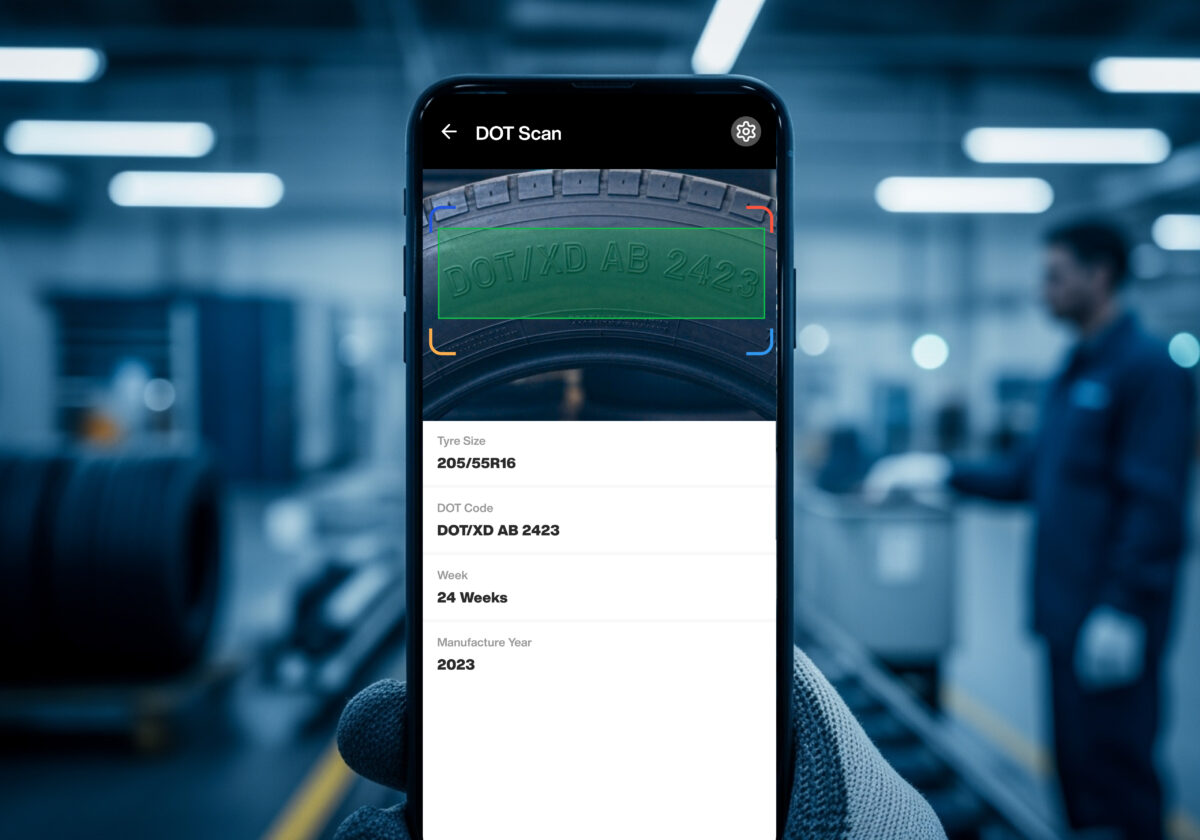
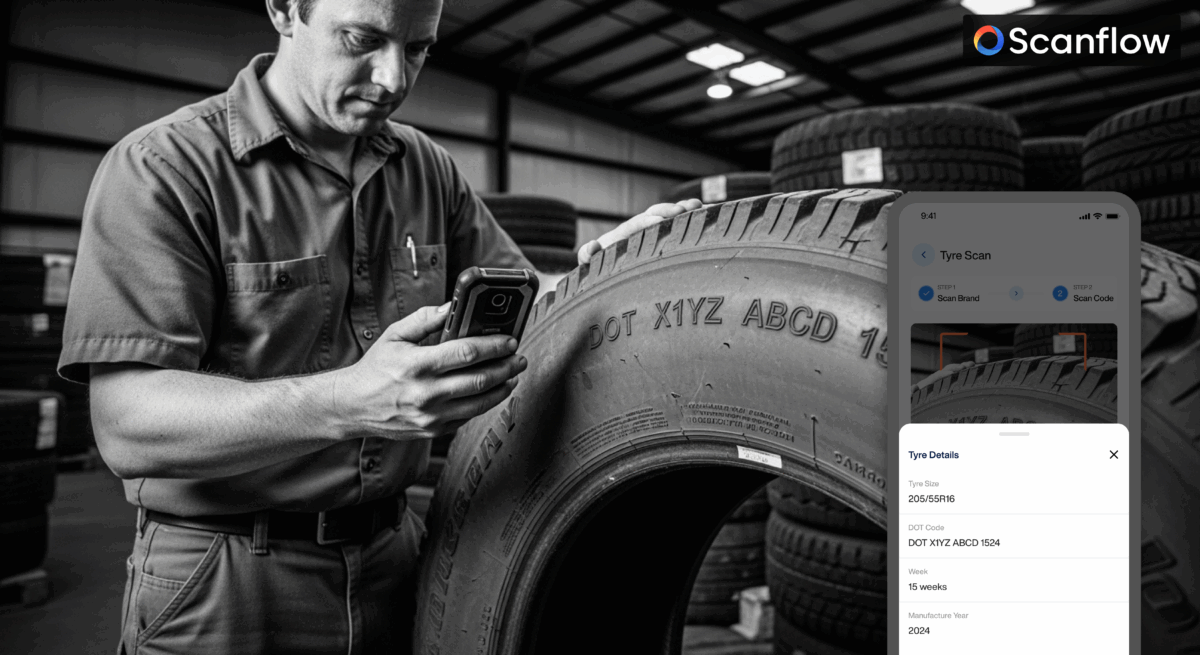
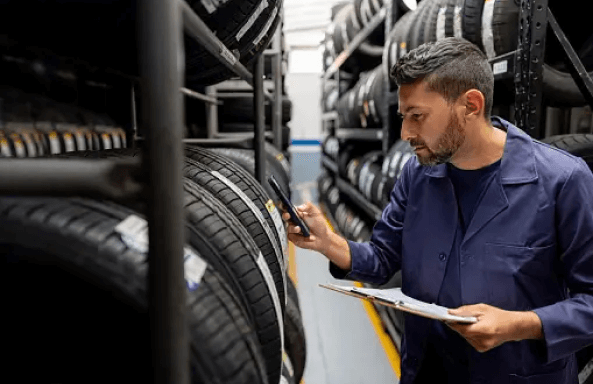
Tire Identification Numbers (TIN and DOT)
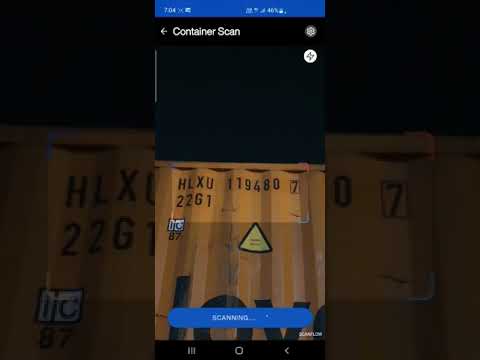
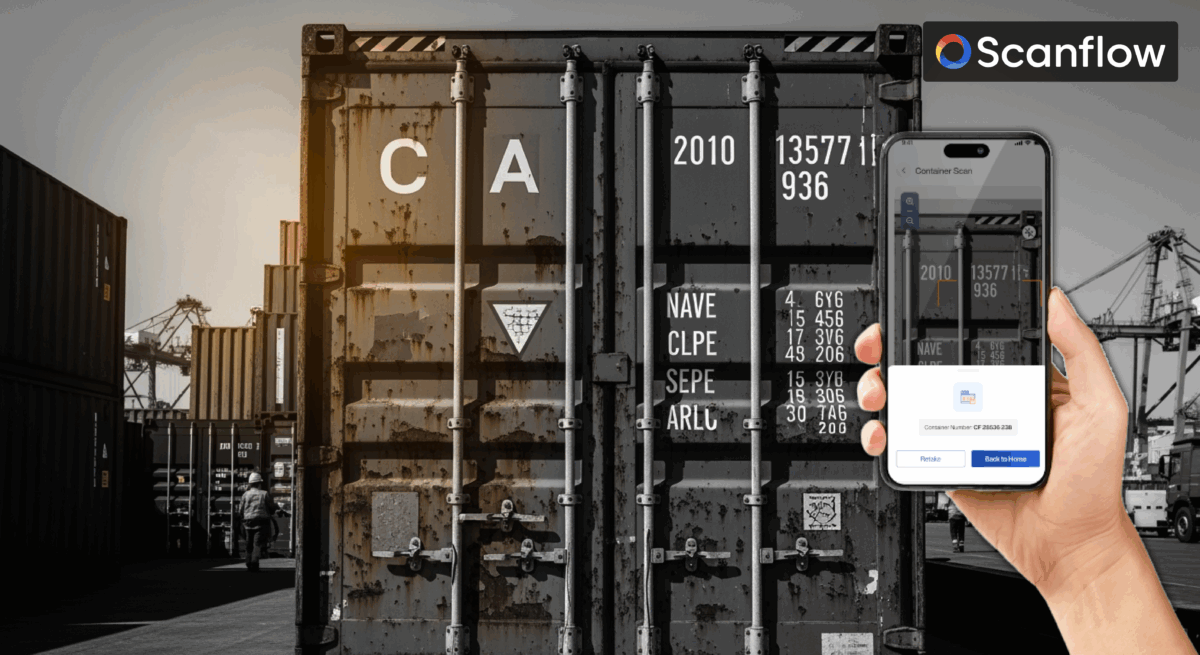
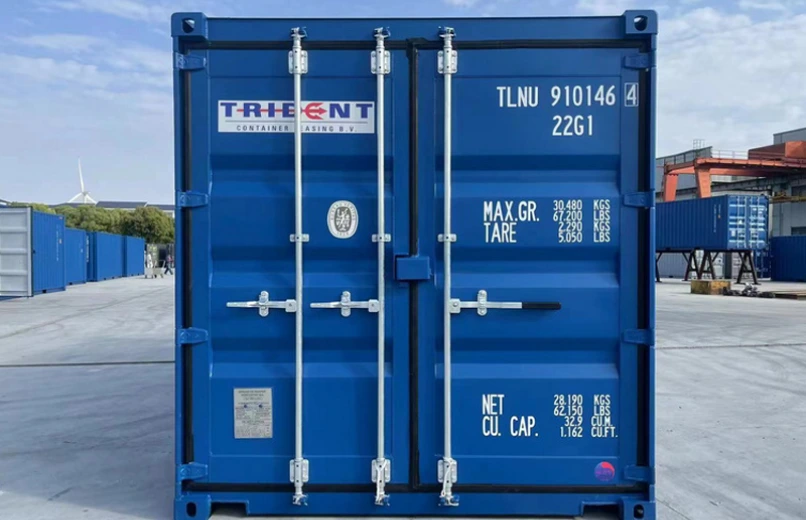
Container identification numbers
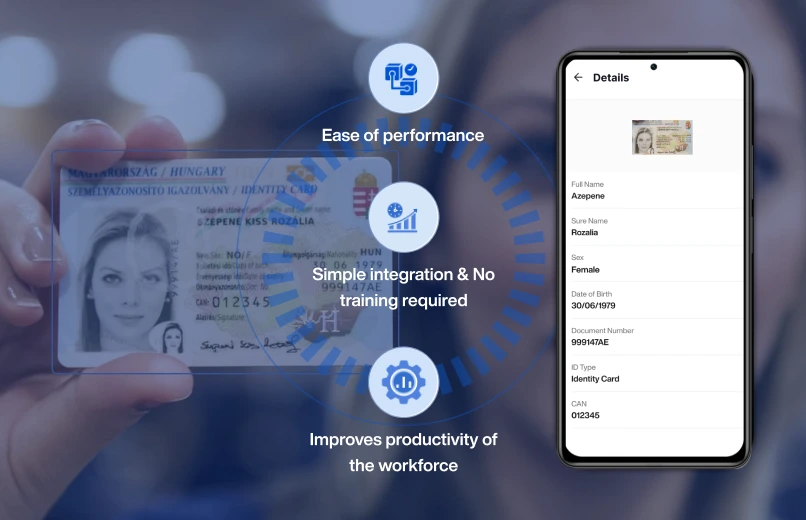
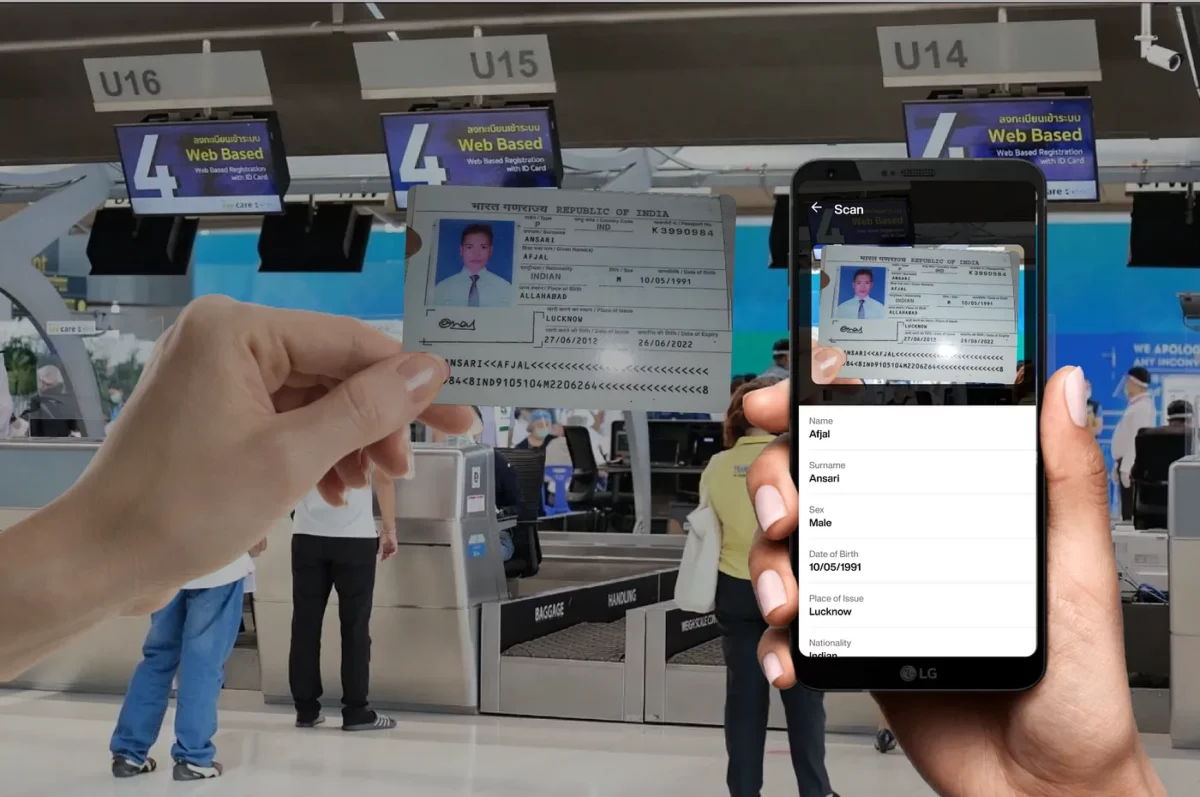
Identity cards
Driver‘s licenses
Digital meter readings
Passports
Serial numbers
To see Scanflow technology in action, please take a look at our website https://www.scanflow.ai/ and learn how to get started with Scanflow SDK.
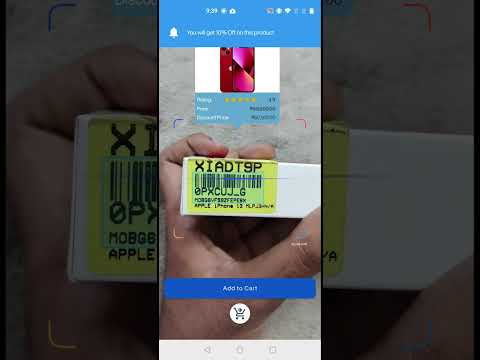
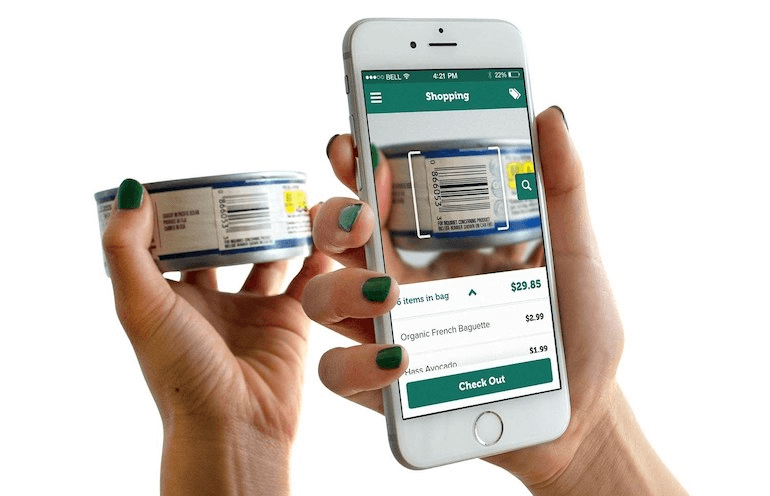
Scanflow data capture software includes various features of barcode scanning, text, ID & object recognition, and other data capture tasks. It leverages the power of smart devices to capture data quickly and reliably for a seamless workflow process.
Scanflow data capture software is highly flexible and supports popular mobile platforms such as iOS and Android, allowing seamless integration with backend systems & business process applications.
Scanflow SDK offers a powerful and flexible solution for developers seeking advanced data capture capabilities in their applications. Its cross-platform compatibility, ease of integration, enhanced user experience, scalability, and ongoing support make it a valuable choice for integrating data capture functionalities into various applications.
Scanflow is an AI scanner on smart devices for data capture and workflow automation
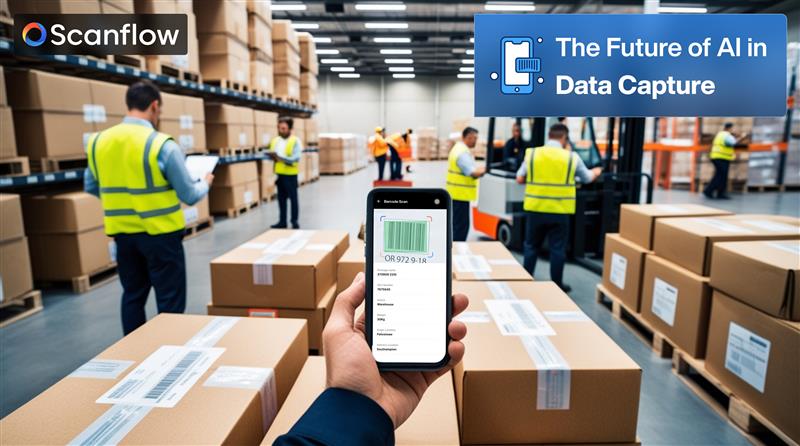
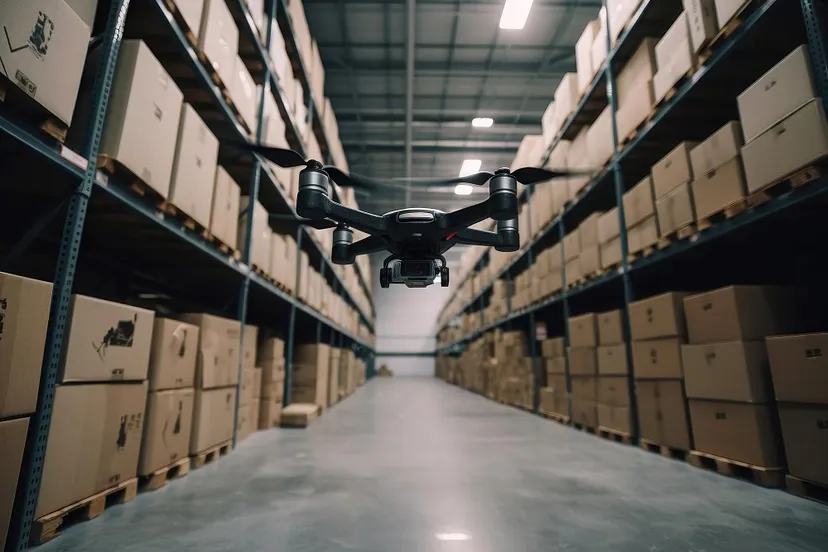
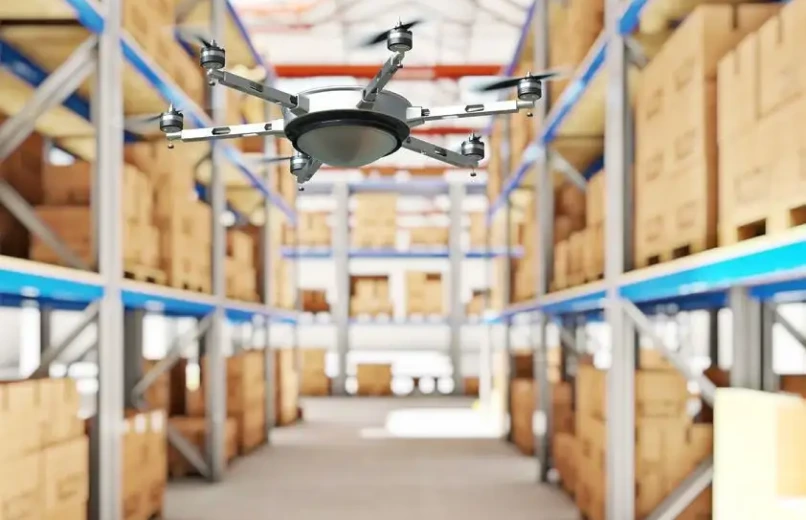
The Scanflow SDK combines the power of computer vision, machine learning, and augmented reality to enable fast and accurate data capture on smart devices such as smart phones, tablets, Drones,& wearables. It simplifies the integration process for developers and provides a comprehensive set of tools and functionalities to enhance the scanning capabilities of their applications.
Scanflow offers different licensing types based on the specific needs and requirements of your web application. These may include trial licenses, development licenses, and production licenses.
Trial License: Scanflow often provides a trial license that allows developers to access the Web SDK's functionalities before making a purchase decision. This trial period enables you to test and integrate the SDK into your web application.
Development/ Production License: Once you decide to move forward with the Scanflow Web SDK, you may acquire a development license. This license is typically used during the development phase and enables you to integrate and test the SDK within your web application.
The production license allows you to use the Web SDK and its data capture capabilities in your live application to support your end-users. The developers can use our console app to create Development & Production licenses.
Licensing Model: The licensing model, including pricing and terms, can vary based on usage volume, number of users and specific requirements of your web application.
Scanflow SDK does not store images captured on end-user machines by default. The SDK is designed to process the images in real-time and provide the decoded data to the application for further processing or display. The captured images are typically not stored locally on the end-user device unless explicitly implemented by the application developer. Scanflow does not leave or store Personal information on the device and it is highly encrypted.
For customer support, Sign up at https://www.scanflow.ai/get-in-touch/
Yes, you need trail license to develop Scanflow sample application and the development and production required subscribed license keys.
Yes, you can extend your trial by regenerating your license against platforms in your https://console.scanflow.ai/login Subsequent extension requests can be requested via the dashboard.
Scanflow doesn’t leave / store any PII data within the user’s device.
Scanflow will not transfer or store any data in Scanflow’s infrastructure. The scanned data and any processing required would remain on the device and not be sent to external servers. Since the SDK works completely offline. Integrating Scanflow Document SDK - Your documents are only stored on your device by default unless you explicitly choose to have them exported or saved elsewhere. All the documents have been encrypted and archived in app’s location and is not explicitly visible to the user.
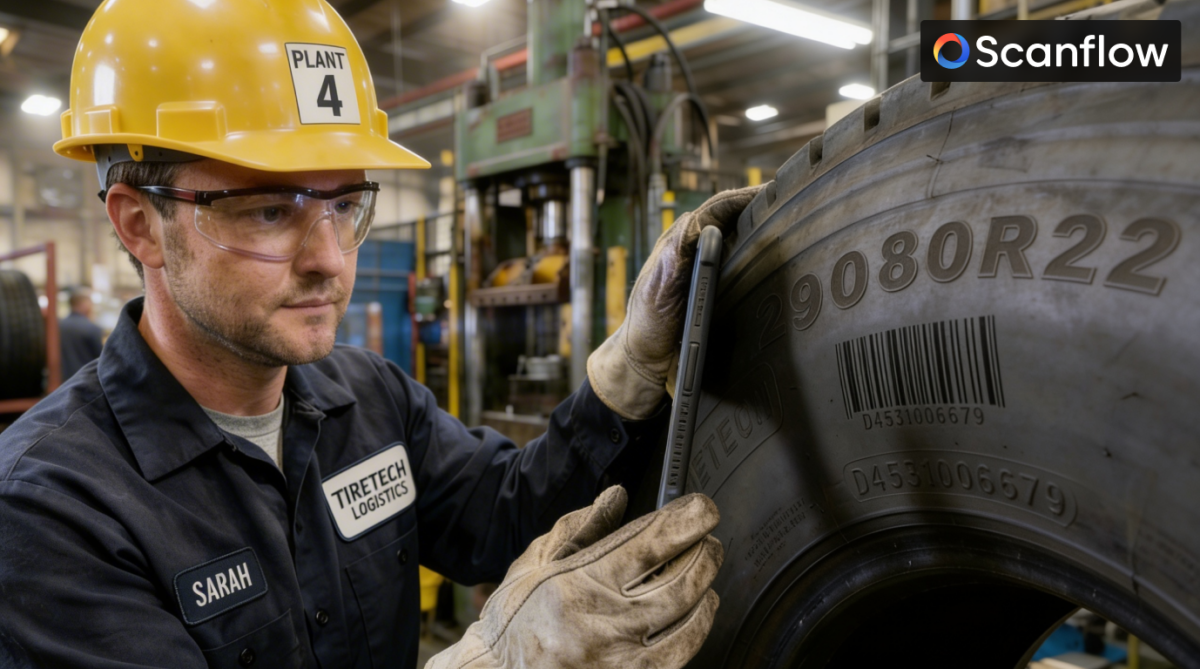
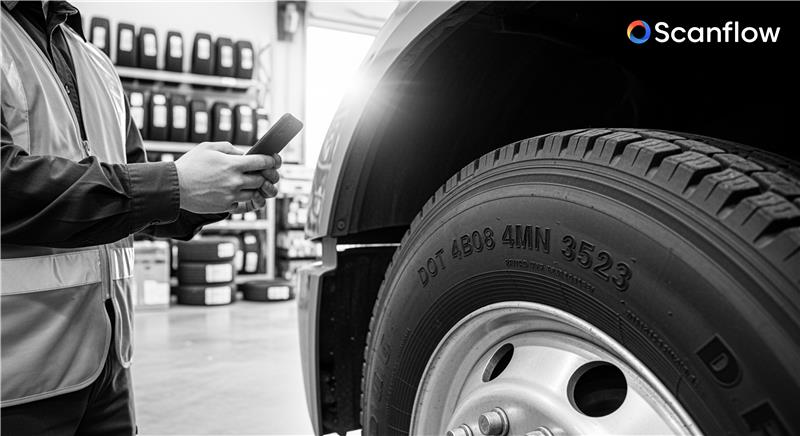
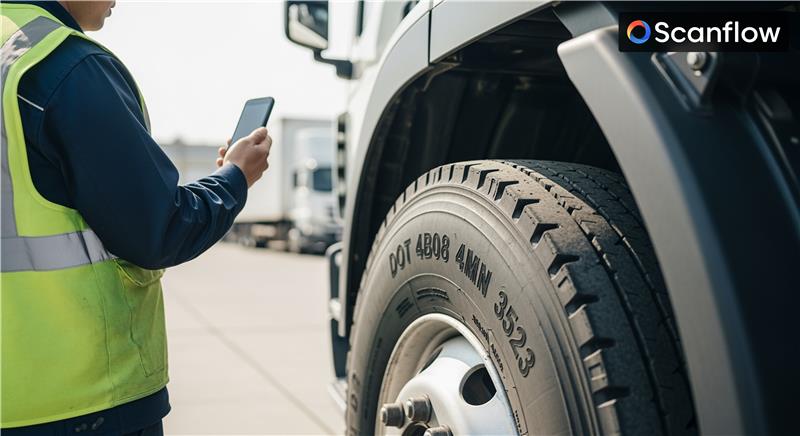
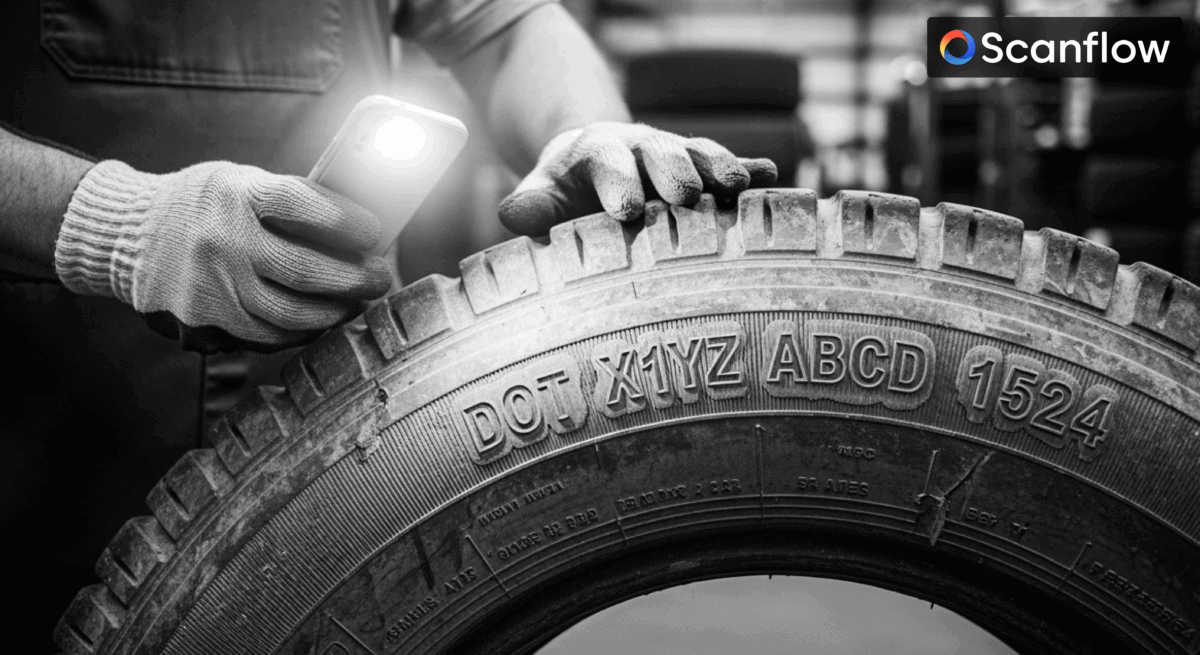
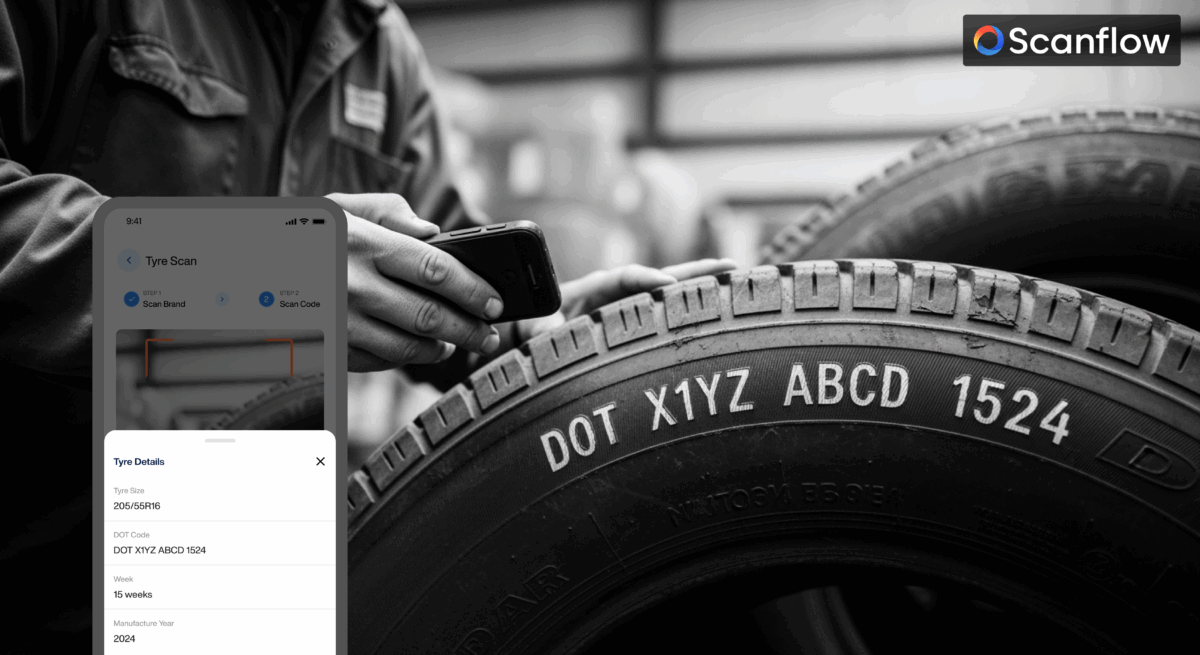
TIN (Tire Identification Number) and DOT (Department of Transportation) number often refer to the same thing. Both terms are used to describe the unique code or number that is required to be present on the sidewall of every tire sold in the United States. This code provides important information about the tire's manufacturing, specifications, and compliance with safety regulations.
TIN (Tire Identification Number) is a broader term that encompasses the unique identification code assigned to each tire. This code includes the DOT number, which is a specific part of the TIN. The DOT number is a code issued by the U.S. Department of Transportation that includes information about the tire's manufacturing location, tire size, and other relevant details.
So, while TIN is the general term for the entire identification number on a tire, DOT is a specific component of that number that relates to compliance with U.S. safety regulations.
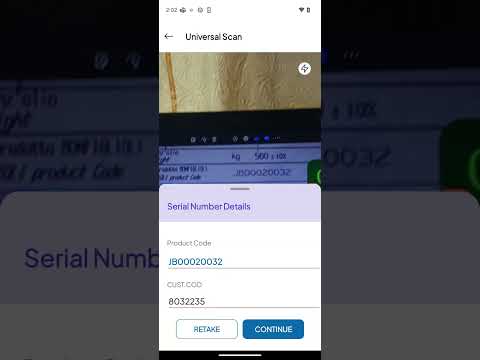
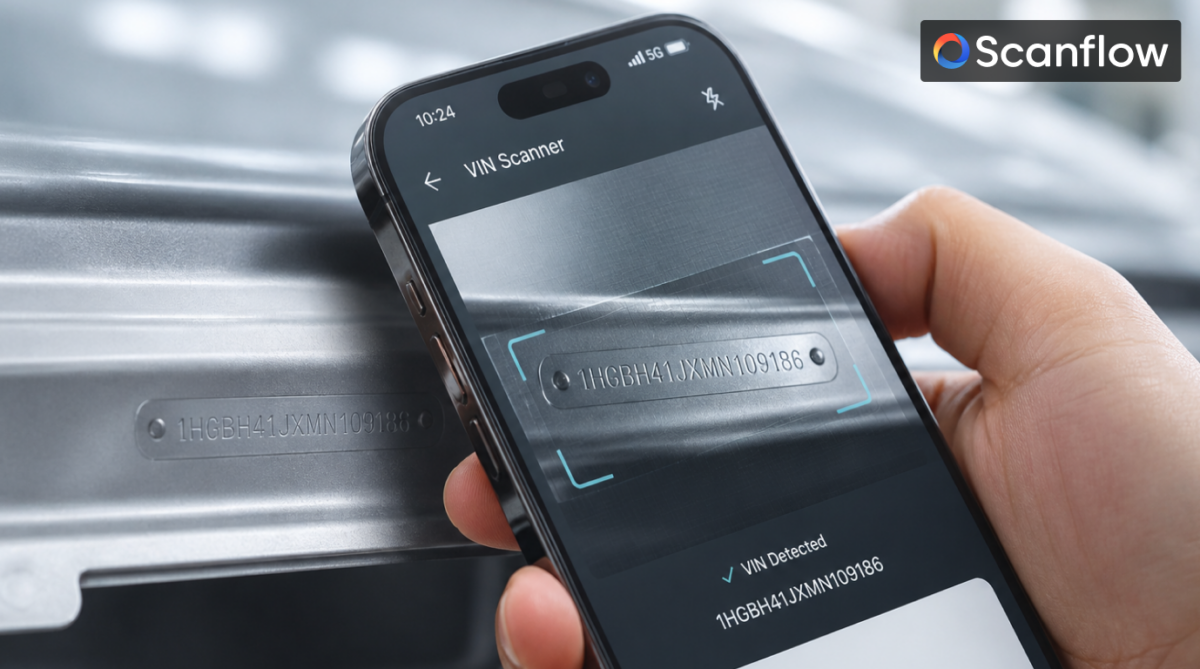
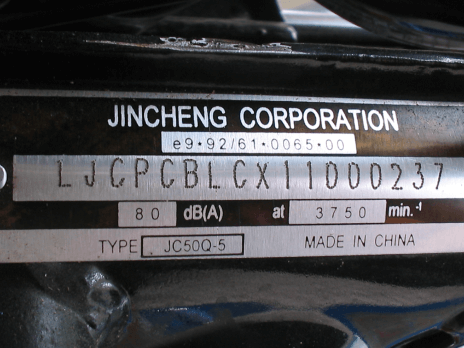
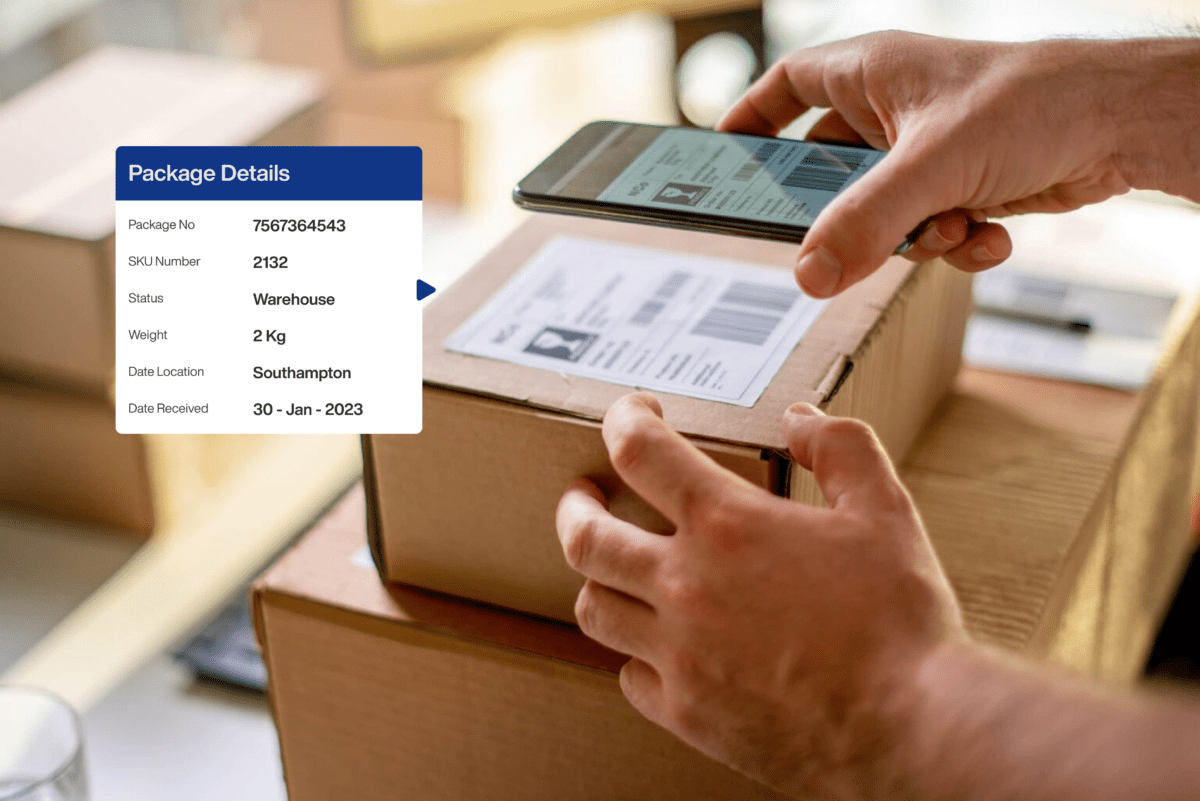
Serial number scanning helps ensure that the right components or vehicles are used in production, preventing errors and defects, enhancing traceability, and ultimately improving the quality of the product.
Benefits include increased accuracy, reduced errors, enhanced traceability, improved quality control, and faster identification of defective parts or vehicles.
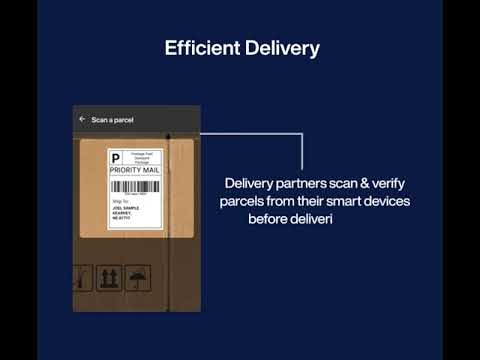
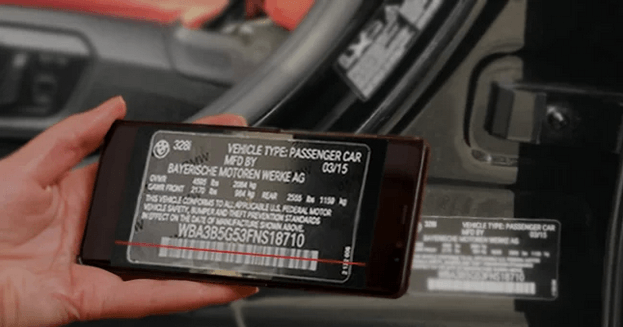
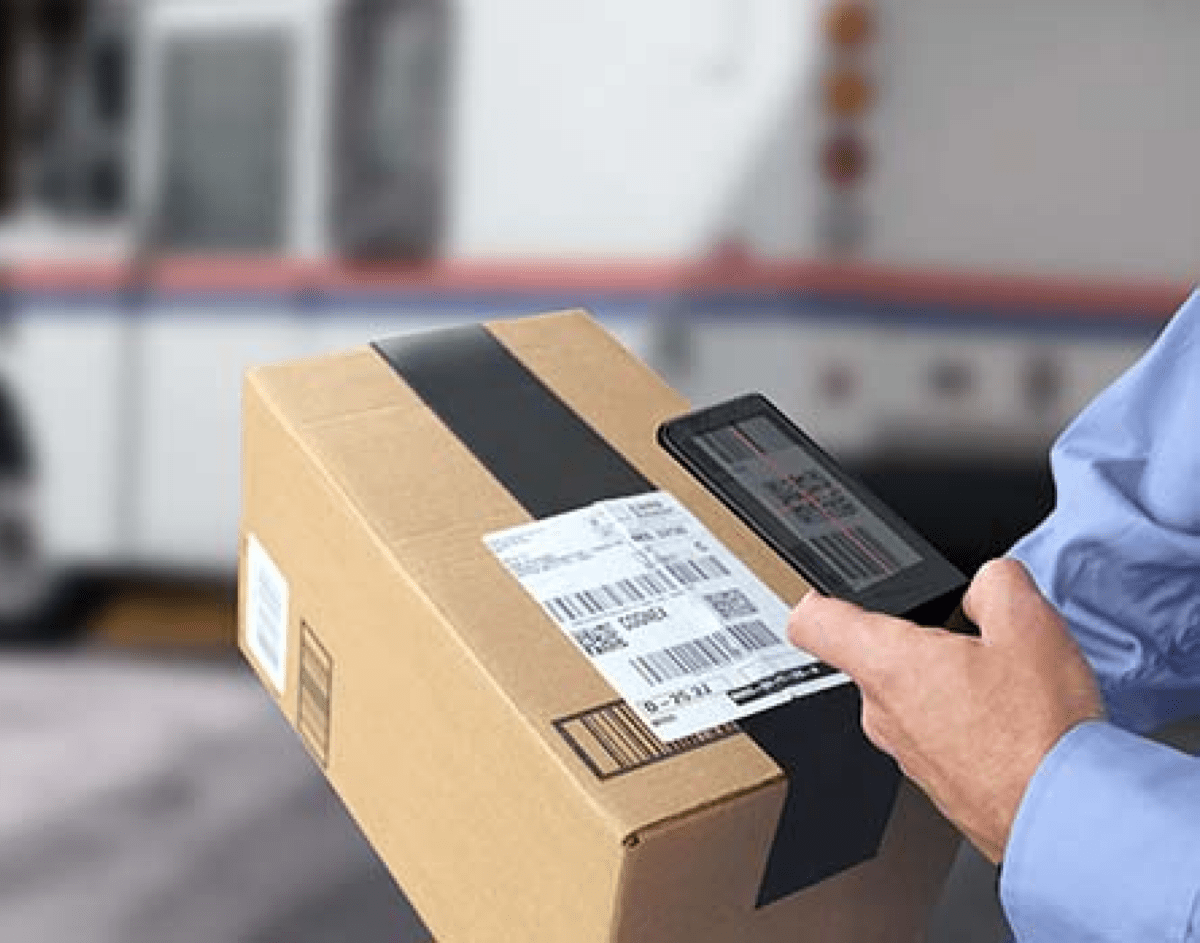
Serial number scanning typically involves using computer vision systems to read and decode the unique number on a vehicle or part. This information is then used to validate the item against a database or predefined criteria.
Lorem ipsum dolor sit amet, consectetur adipiscing elit, sed do eiusmod tempor incididunt ut labore et dolore magna aliqua. Ut enim ad minim veniam, quis nostrud exercitation
Lorem ipsum dolor sit amet, consectetur adipiscing elit, sed do eiusmod tempor incididunt ut labore et dolore magna aliqua. Ut enim ad minim veniam, quis nostrud exercitation
Lorem ipsum dolor sit amet, consectetur adipiscing elit, sed do eiusmod tempor incididunt ut labore et dolore magna aliqua. Ut enim ad minim veniam, quis nostrud exercitation
Lorem ipsum dolor sit amet, consectetur adipiscing elit, sed do eiusmod tempor incididunt ut labore et dolore magna aliqua. Ut enim ad minim veniam, quis nostrud exercitation