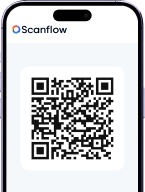
Fast, Accurate
Barcode & QR Scanning
Built for Real‑World Operations
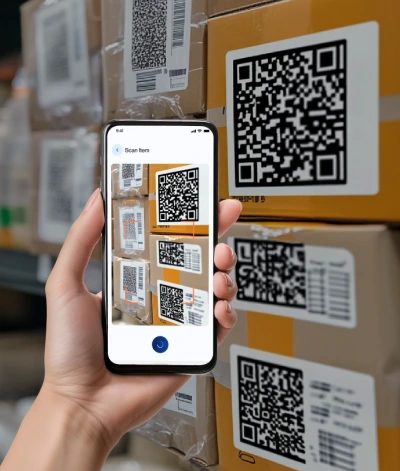
Turn any smart device into a powerful scanner. Reduce errors, speed operations, and track assets in real time.
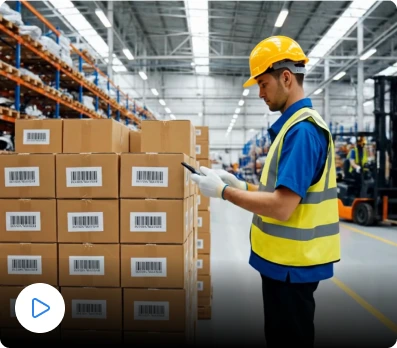








Real Metrics & Expectations
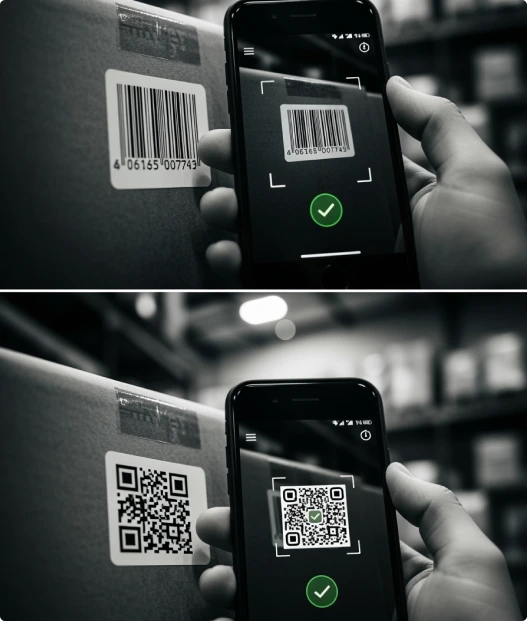
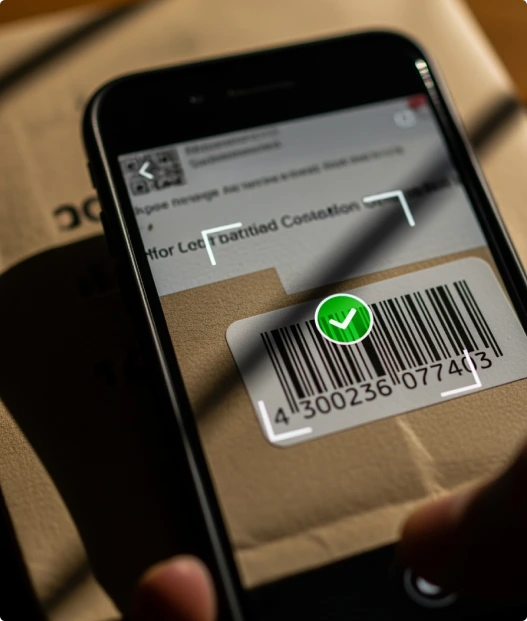
What Makes Scanflow Barcode/QR SDK Special?
Integration & Deployment
Integration
-
Plug into existing backend workflows.

Deployment
-
Mobile SDK: Integrate within 2-3 days.

-
Edge GPU Serve

-
Offline connectivity

Trusted Performance

Proven in the field
Scanning success with 99%+ accuracy and <1-second single-code speed.

Operational Uplift
Batch scanning up to 25 codes delivers up to 7× faster data capture, reducing delays and re‑scans.

Enterprise-ready
> Handles damaged, angled, or low-light codes with ease delivering reliable results where other scanners fail.
Frequently Asked Questions
Barcode/QR SDK
What is Scanflow’s Barcode and QR Scanning SDK?
Scanflow’s Barcode and QR Scanning SDK is a computer vision solution that enables fast and accurate scanning in both controlled and real-world environments. It can decode complex barcodes and QR codes using industrial cameras and rugged mobile device cameras.
Which barcode and QR formats does the SDK support?
The SDK supports all standard 1D and 2D formats, including QR Code, Data Matrix, Code 128, Code 39, EAN, UPC, and other widely used industrial and retail barcode types, demonstrating its broad compatibility.
What business use cases is this solution designed for?
The solution is designed for diverse business use cases like inventory tracking, asset identification, manufacturing traceability, logistics, warehousing, retail operations, and supply-chain automation, helping developers see its wide industry relevance.
Can the SDK scan damaged, blurred, or low-quality barcodes?
Yes. The SDK handles real-world conditions effectively. It can reliably scan partially damaged, low-contrast, rotated, or poorly printed barcodes and QR codes, providing confidence in performance during demanding industrial or retail environments, which addresses concerns about robustness.
Does the SDK work on mobile, web, and industrial devices?
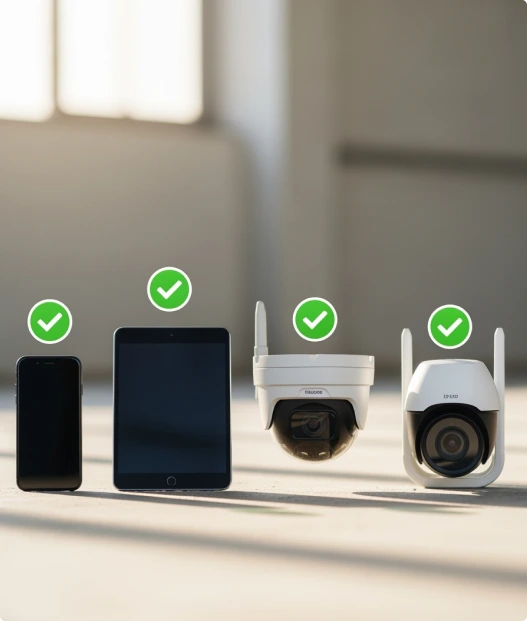
Yes. The SDK works across smartphones, tablets, industrial handheld devices, fixed cameras, and custom hardware, making it suitable for both shop-floor and field deployments.
How Does the Barcode and QR Scanning SDK support online/offline scanning?
The Barcode and QR Scanning SDK performs on-device extraction and works in both online and offline environments. It does not store or sync any data; it simply extracts the barcode or QR code and returns the result instantly, regardless of network availability.
What output does the SDK provide after scanning?
After scanning, the SDK provides structured outputs, including decoded values, barcode types, confidence scores, timestamps, and metadata, which help users understand the SDK's comprehensive data delivery and facilitate easy integration with ERP, WMS, MES, Or other ERP backend systems.
How quickly can developers install and integrate the Scanflow SDK?
Developers can typically install and integrate the SDK in a few hours, depending on the platform and use case. Scanflow provides lightweight SDKs, clear APIs, and sample implementations to accelerate integration.
Can this solution integrate with existing enterprise systems?
Yes. The SDK integrates seamlessly with existing enterprise systems such as ERP, WMS, MES, CRM, and custom backend platforms via APIs, allowing tailored integration and customization to meet specific operational needs, which supports informed decision-making about adoption.
How can I get started or request a demo?
You can easily request a demo or contact the Scanflow team directly from the website to evaluate the Barcode and QR Scanning SDK, access detailed documentation, and discuss deployment or licensing options.
Book a Meeting with Scanflow